Playbox
Your retro games, on Apple TV
Coming Soon on the App Store
Leave your email and we'll tell you when it's ready. One note, nothing else.
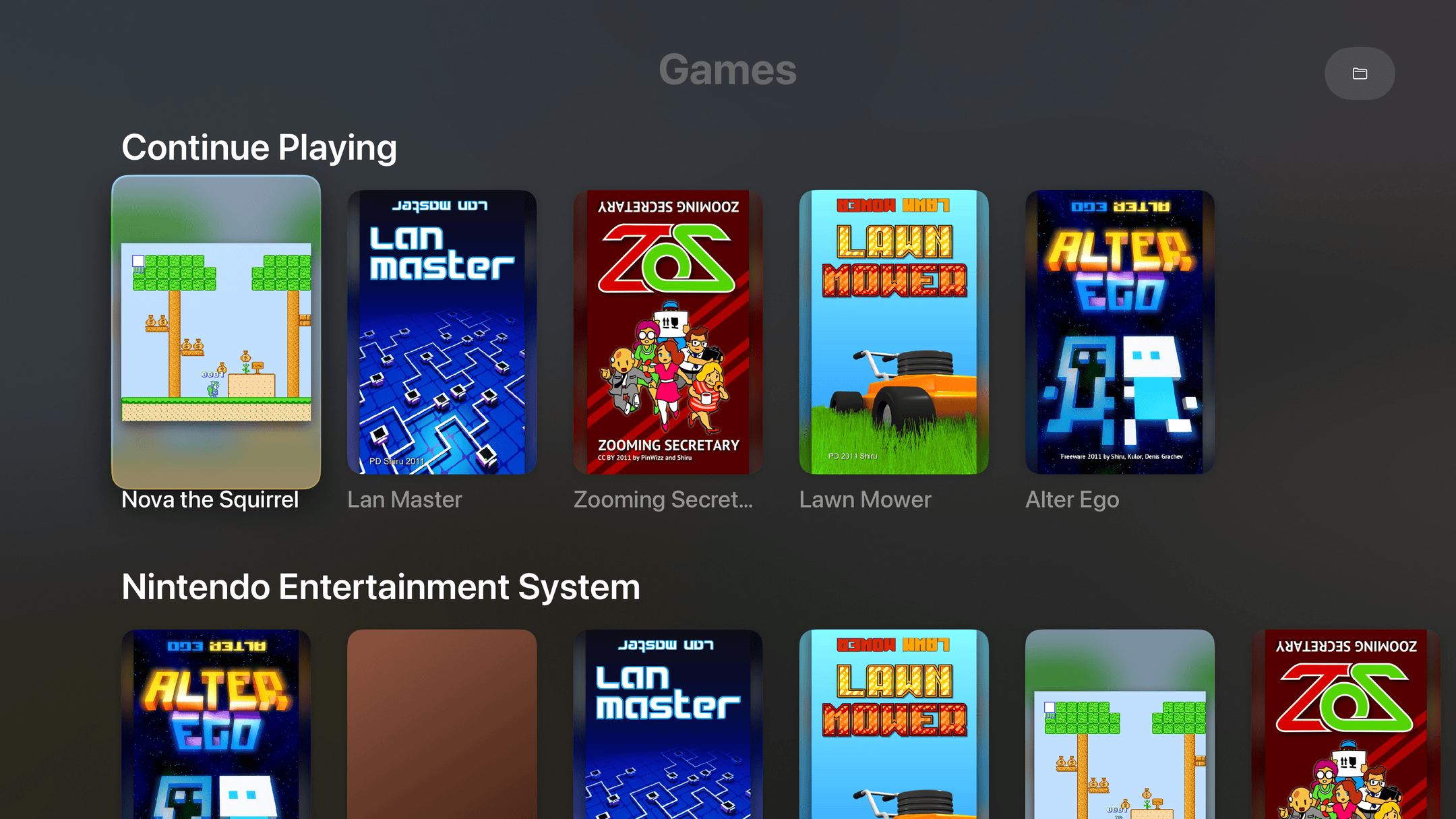
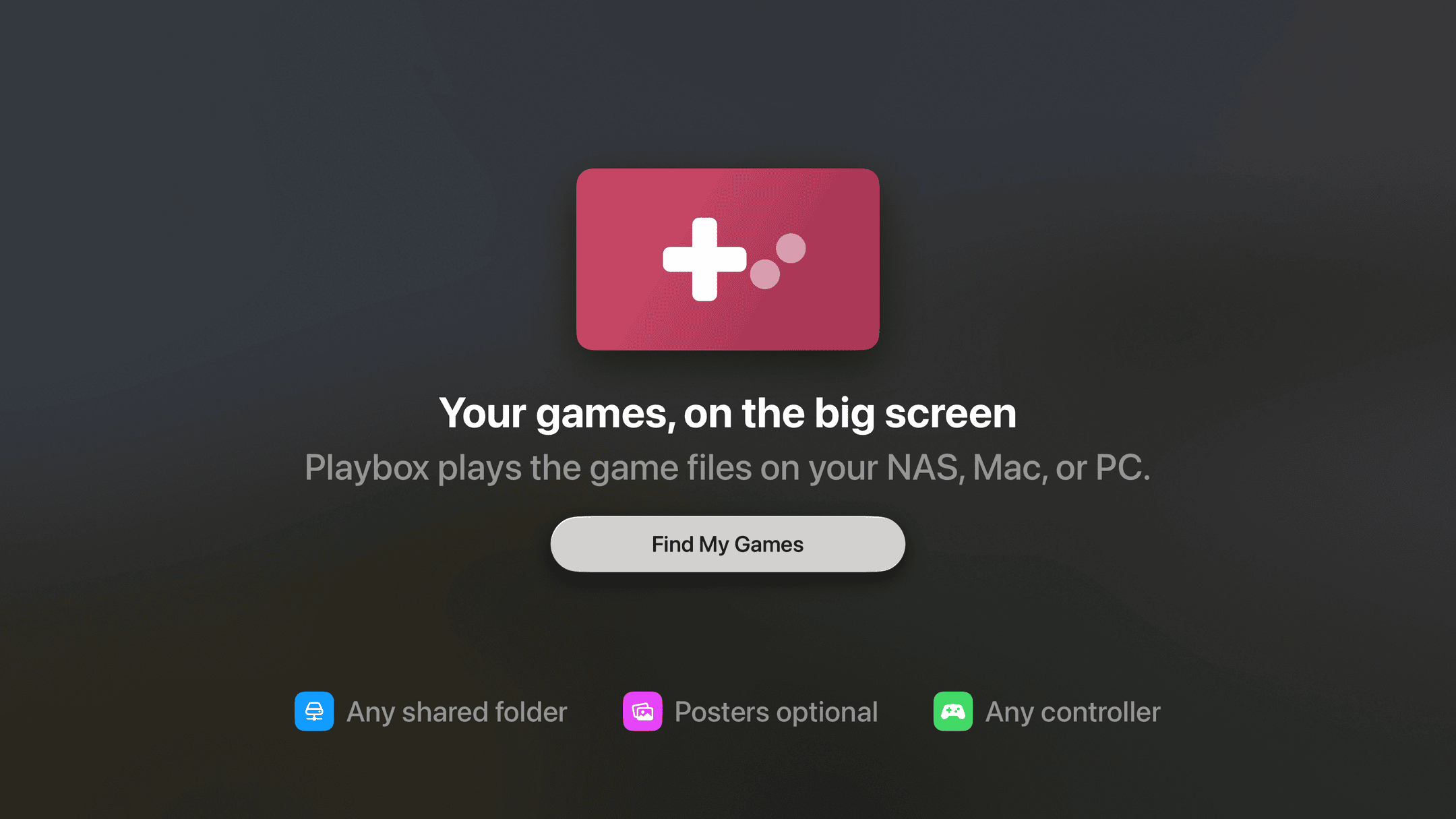
Playbox plays the game files you already have on your NAS, Mac, or PC, right on your Apple TV. Point it at the folder once; after that it's posters on a shelf, click one, play.
Every game on one shelf
Posters, not filenames. Continue Playing sits on top, like the shows you're partway through.
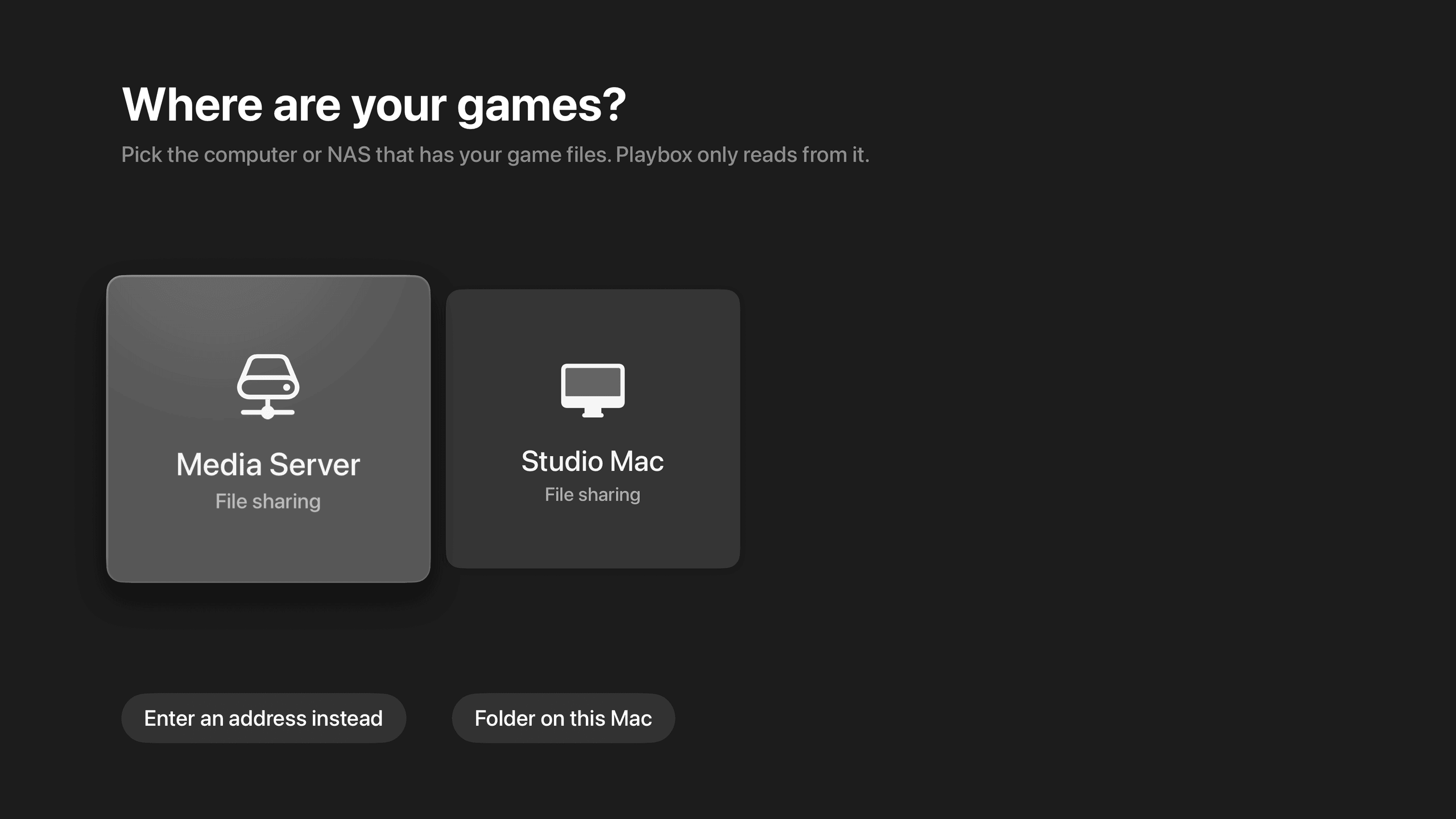
Finds your NAS by itself
It lists the computers and NAS boxes on your network. Pick one instead of typing an address on a TV.
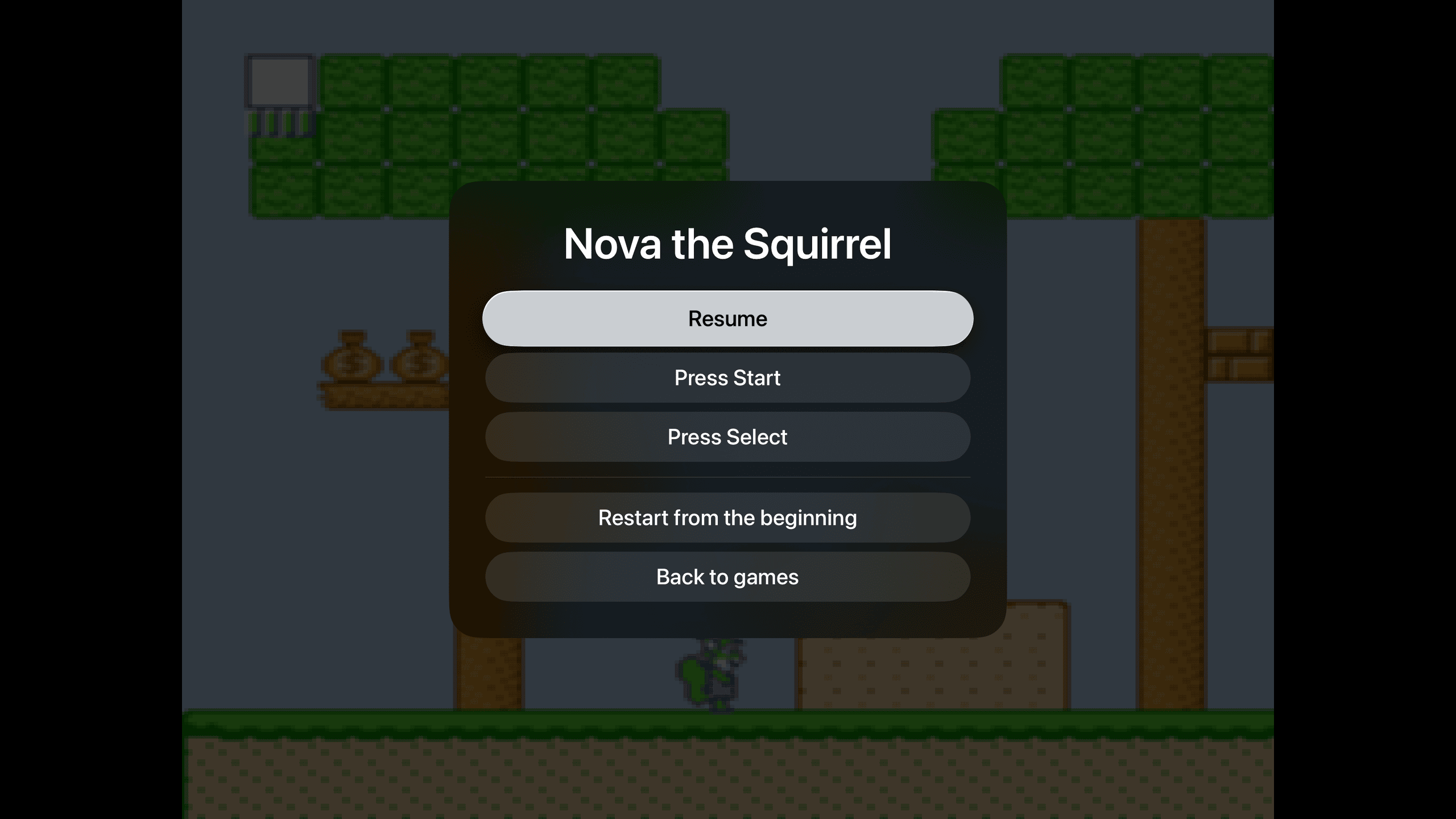
Pick up where you left off
No save slots, no state menus. Pause, leave, come back tomorrow. The game is where you left it.
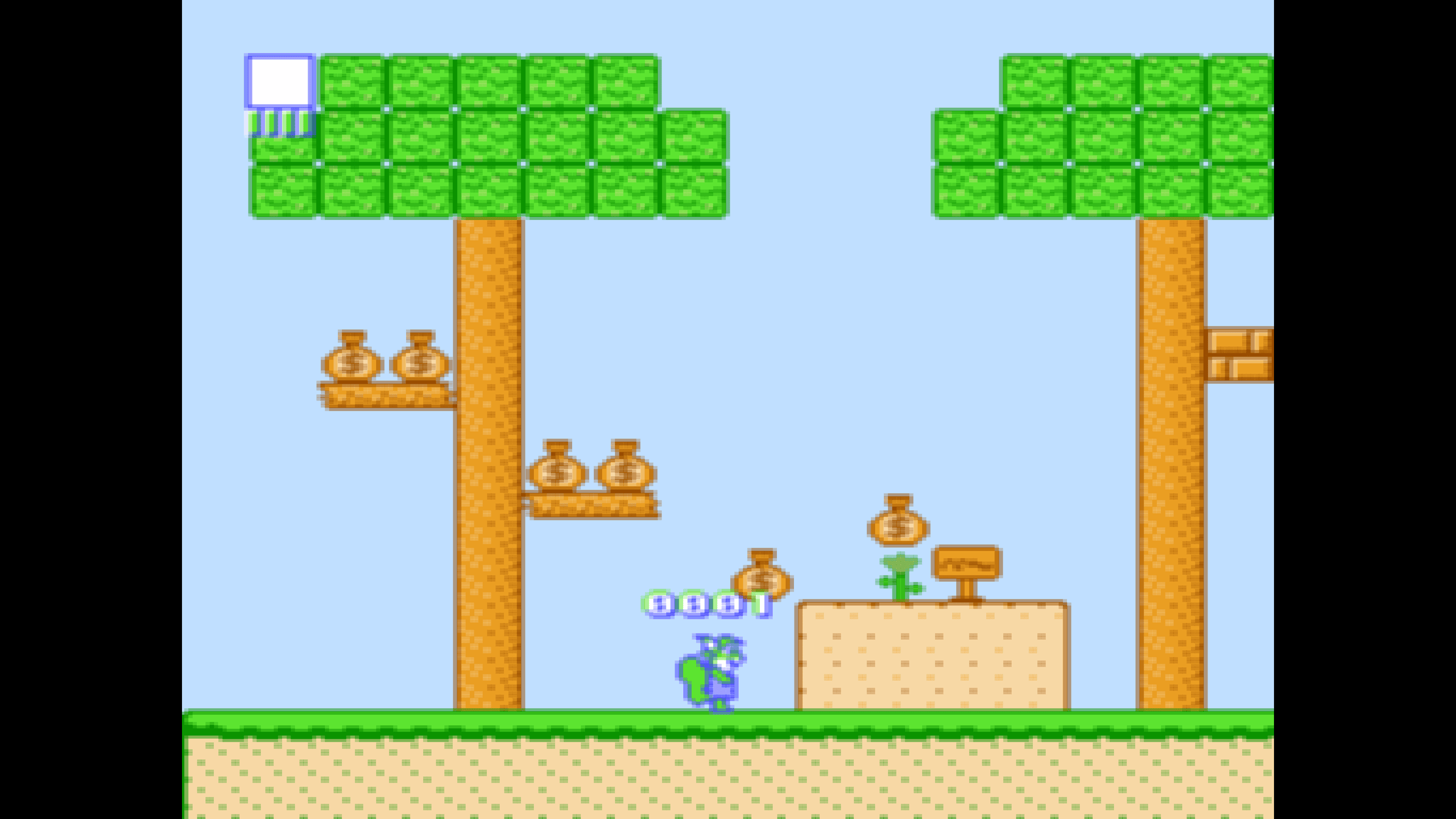
Sharp on a 4K TV
Pixel art drawn crisp at the right shape, with none of the shimmer that comes from scaling it wrong.
Point it at a folder
Games in a shared folder. A picture with the same name becomes the poster. That's the whole setup.
Your files, your shelf
Keep your games in any shared folder. Playbox finds the server on your network, you pick the folder with the remote, and the games appear as posters: box art if you've put a picture next to the file, otherwise the screen you last saw. Nothing is ever downloaded from the internet, and nothing is uploaded anywhere.
No fiddling
There are no save slots, no settings to tune, no menus between you and the game. Press Menu to pause; that's the whole interface. Playbox starts with the NES; Game Boy, Game Boy Color, and Game Boy Advance are next.
Bring your own games
Playbox doesn't include games and doesn't link to any. It plays files you already own, from storage you already have.
Want it the day it ships?
One email, on the day it's on the App Store. No newsletter, no drip, and you can unsubscribe from the link in that email.
Coming Soon on the App Store
Leave your email and we'll tell you when it's ready. One note, nothing else.