Mirror
Screen-share your iPad or iPhone from your Mac
One-time purchase. No subscription.

Mirror puts your iPhone or iPad in a window on your Mac over USB, so you can screen-share it on any call, stream, or recording. Show an app, sketch with Apple Pencil, or walk through something on your device, in full resolution with no AirPlay lag. Plug in, click Connect, and share the window in Zoom, Meet, OBS, or QuickTime.
Plug in over USB
Your iPad or iPhone becomes a clean window on your Mac, ready to share or record.
Sketch and demo live
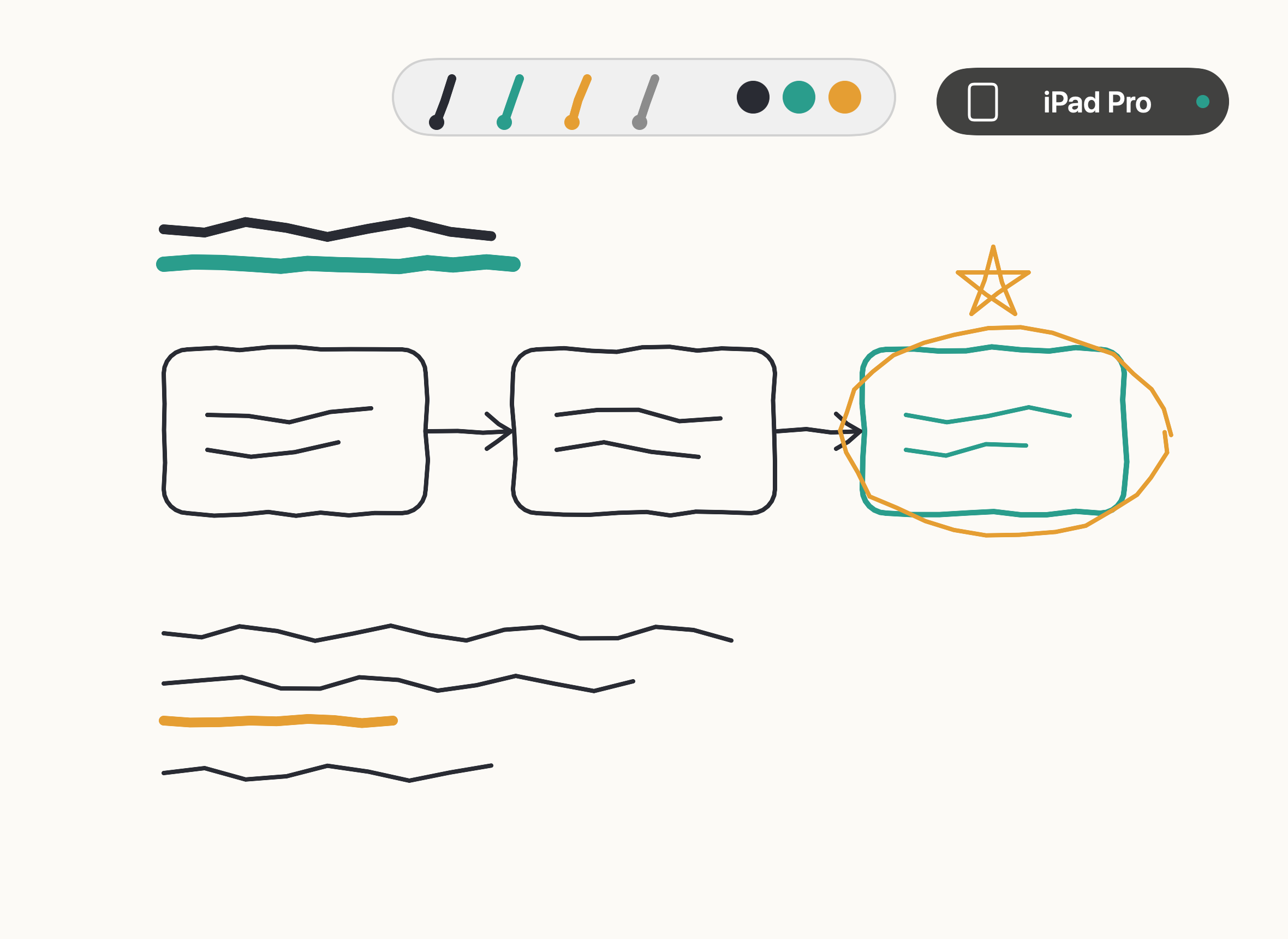
Full resolution, no AirPlay lag. Draw with Apple Pencil while you present.
Built for screen sharing
Your device becomes a clean window you can share or record anywhere: Zoom, Google Meet, OBS, ScreenFlow, QuickTime. USB keeps the picture stable and low-latency, so it never stutters mid-call when the network gets busy. Double-click to go full screen, edge to edge.
Sketch and demo live
Draw on your iPad with Apple Pencil while you present, show a build running on a real device, or walk through handwritten notes. Whatever's on your iPhone or iPad is on screen, crisp and full-resolution.
Plug in. It just appears.
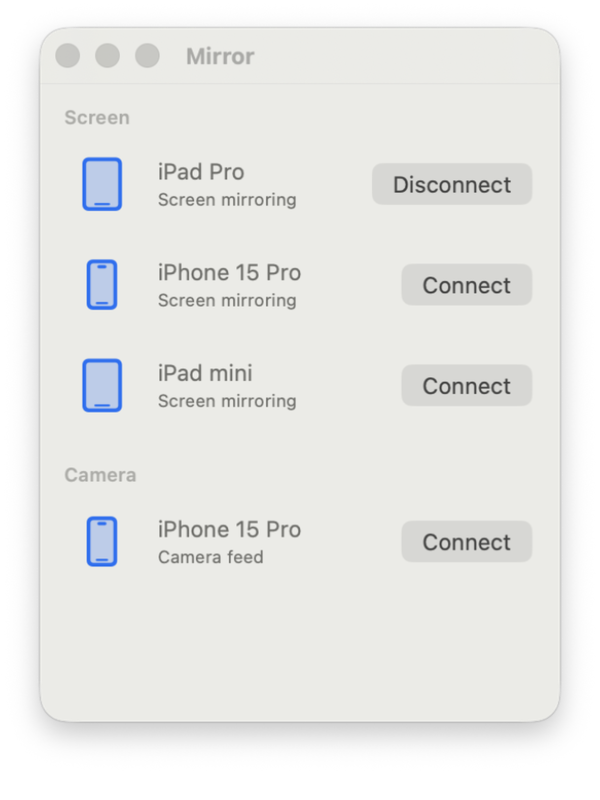
Connect your device with a USB cable and Mirror detects it automatically. No drivers, no AirPlay, no account. Click Connect and a streaming window opens. That's the whole setup.
Several devices at once
Connect a handful of iPhones and iPads together. Each device gets its own window, and you can switch between them from the Devices menu or the dock.
How it works
- Connect your iPhone or iPad via USB
- Tap Trust on your device if iOS asks
- Launch Mirror and click Connect
- Share or record the window in any app
Great for
- Demos and product walkthroughs on calls
- Live streams and screencasts
- Teaching and office hours
- Sketching live with Apple Pencil
Buy it once. It's yours.
No subscription, no account, and we don't collect anything about you. Runs on your Mac. Updates are included.