Uploads
Upload files to your S3 bucket and get a link back
Coming Soon on the App Store
Leave your email and we'll tell you when it's ready. One note, nothing else.
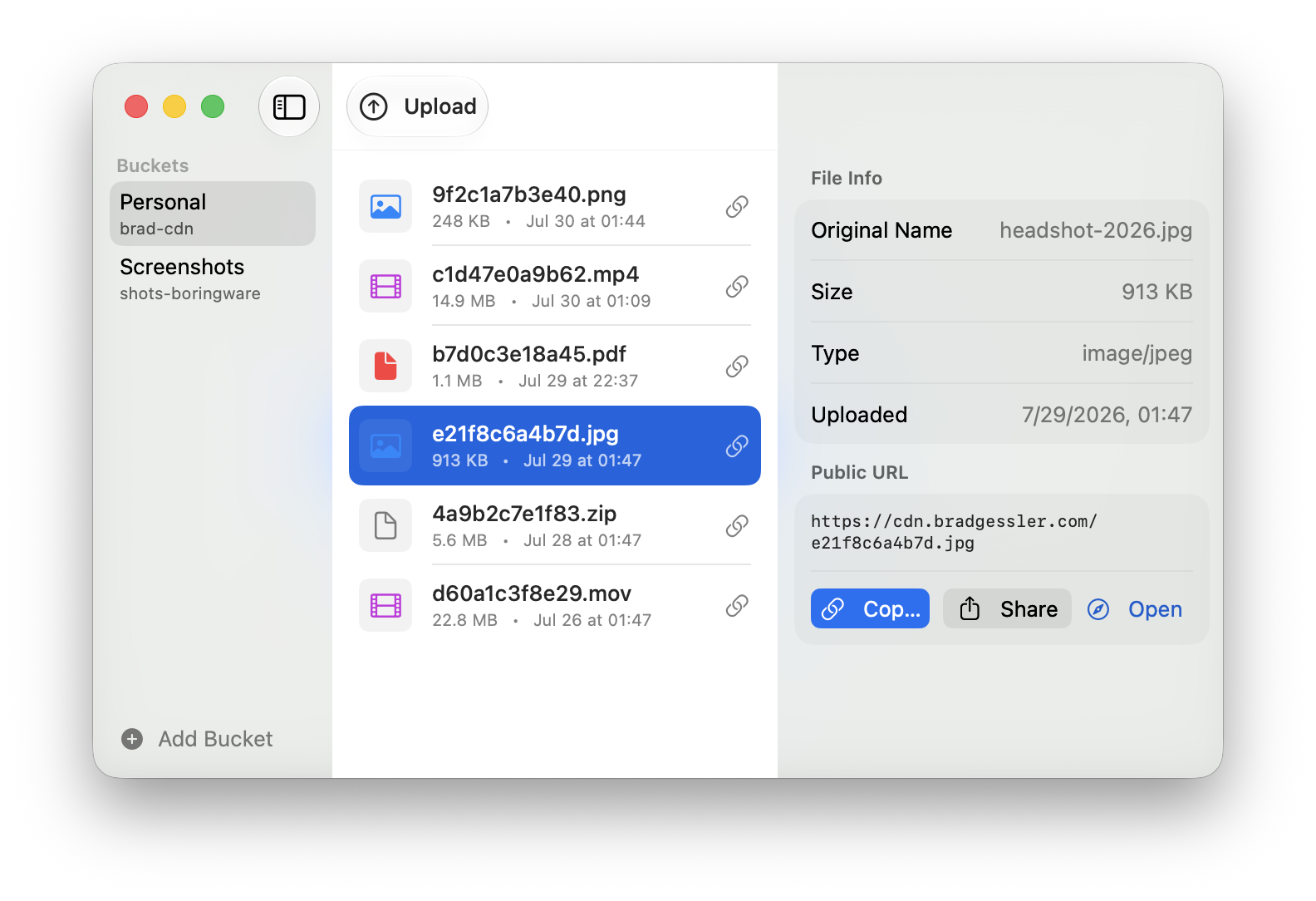
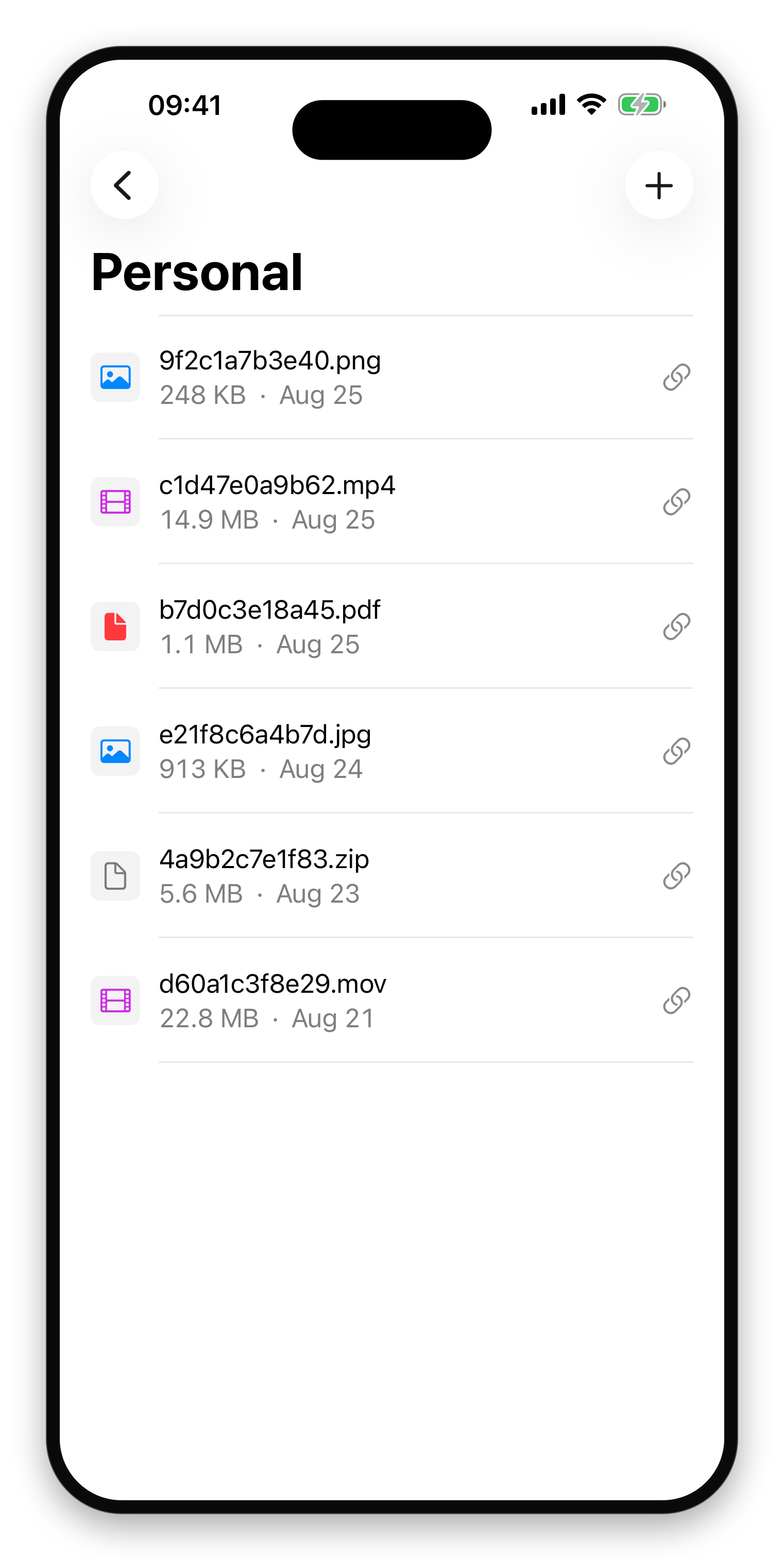

Drop a file on Uploads and it goes to your own S3 bucket. The public link lands on your clipboard, ready to paste. Your files stay in storage you own, with no third-party service in between.
Upload in one drag
Drop a file and its public link lands on your clipboard, ready to paste.
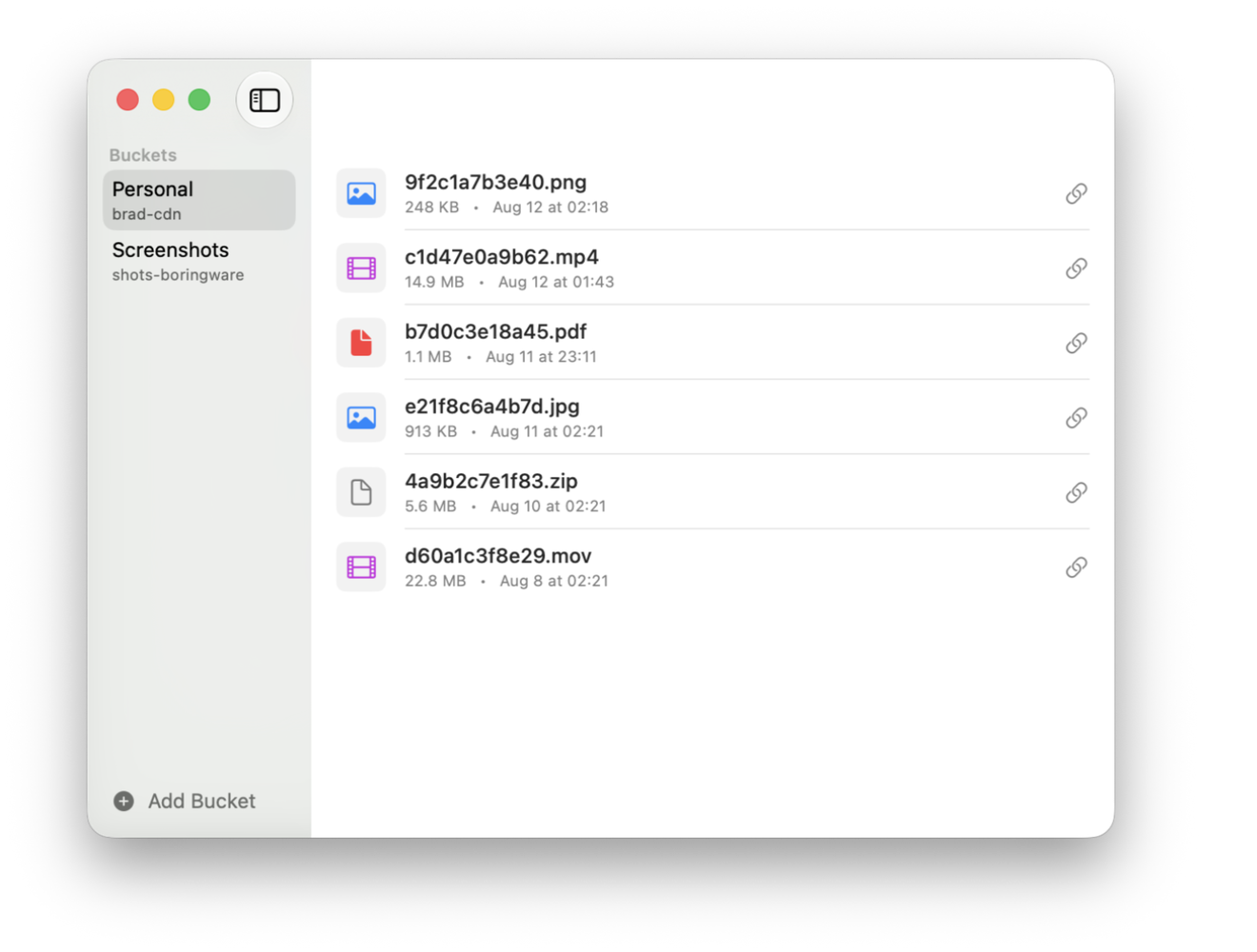
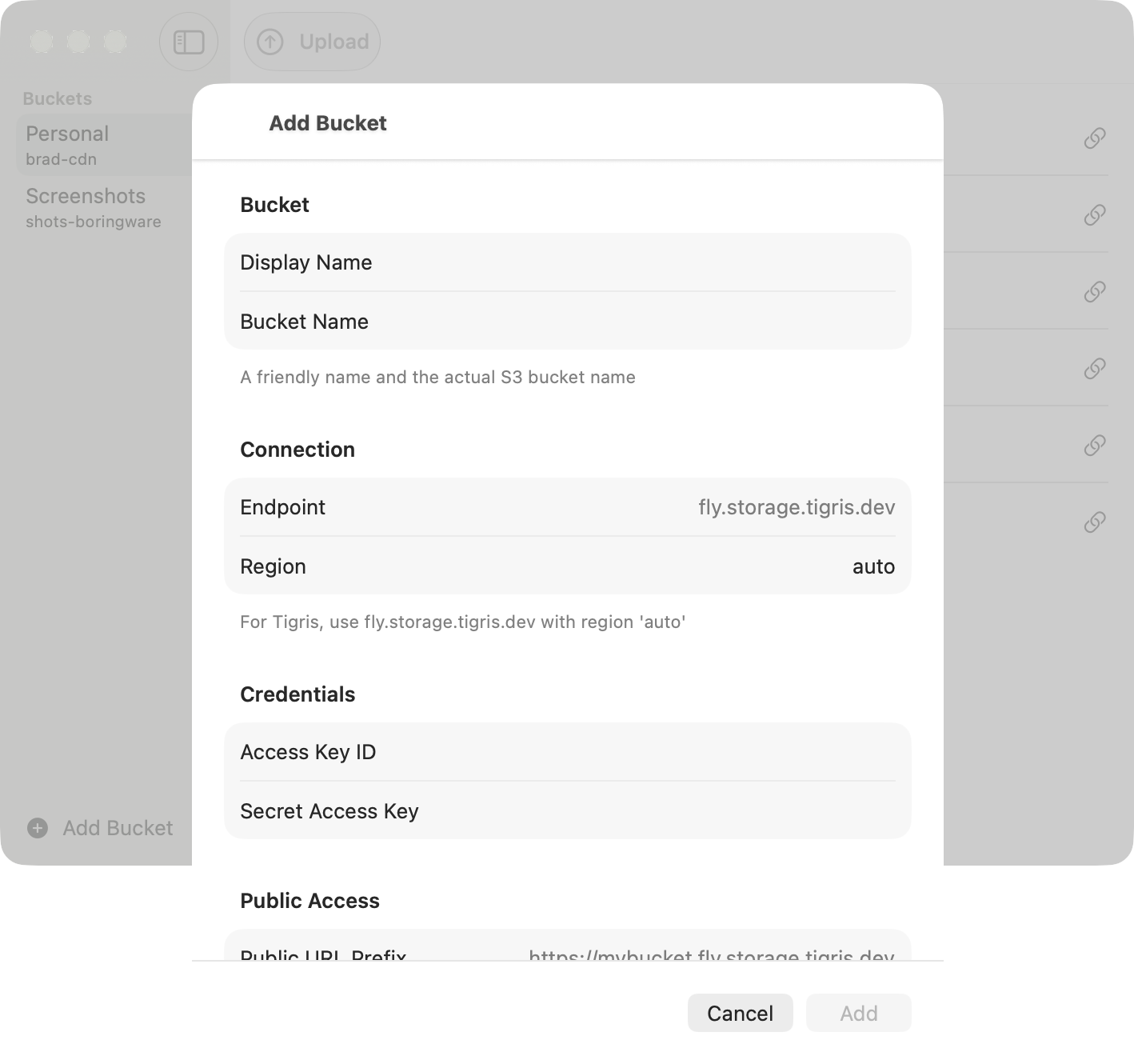
Bring your own bucket
Tigris, AWS S3, Cloudflare R2, MinIO, or any S3-compatible storage you control.
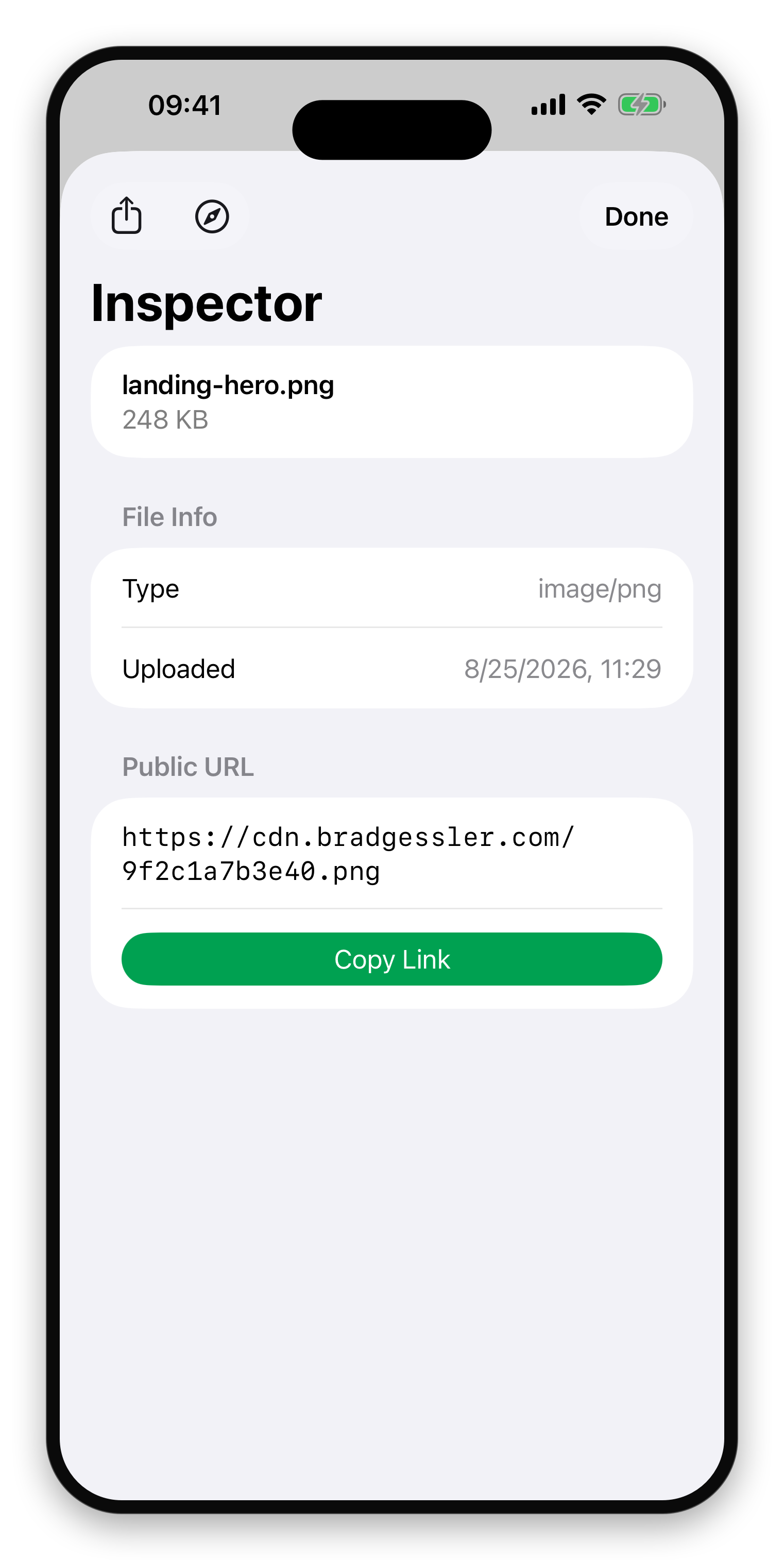
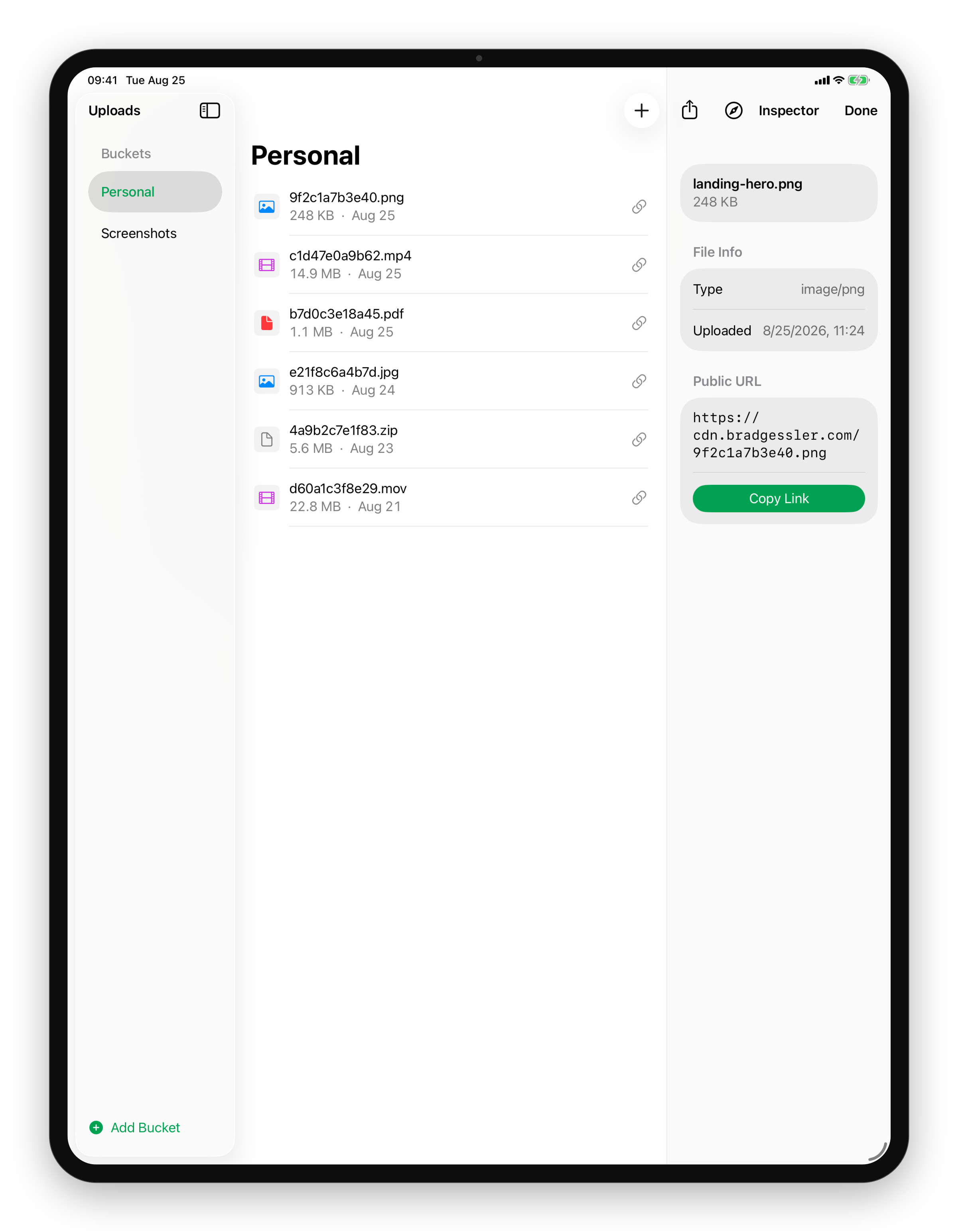
Every upload, a link to share
Copy, open, or share the public URL in a click.
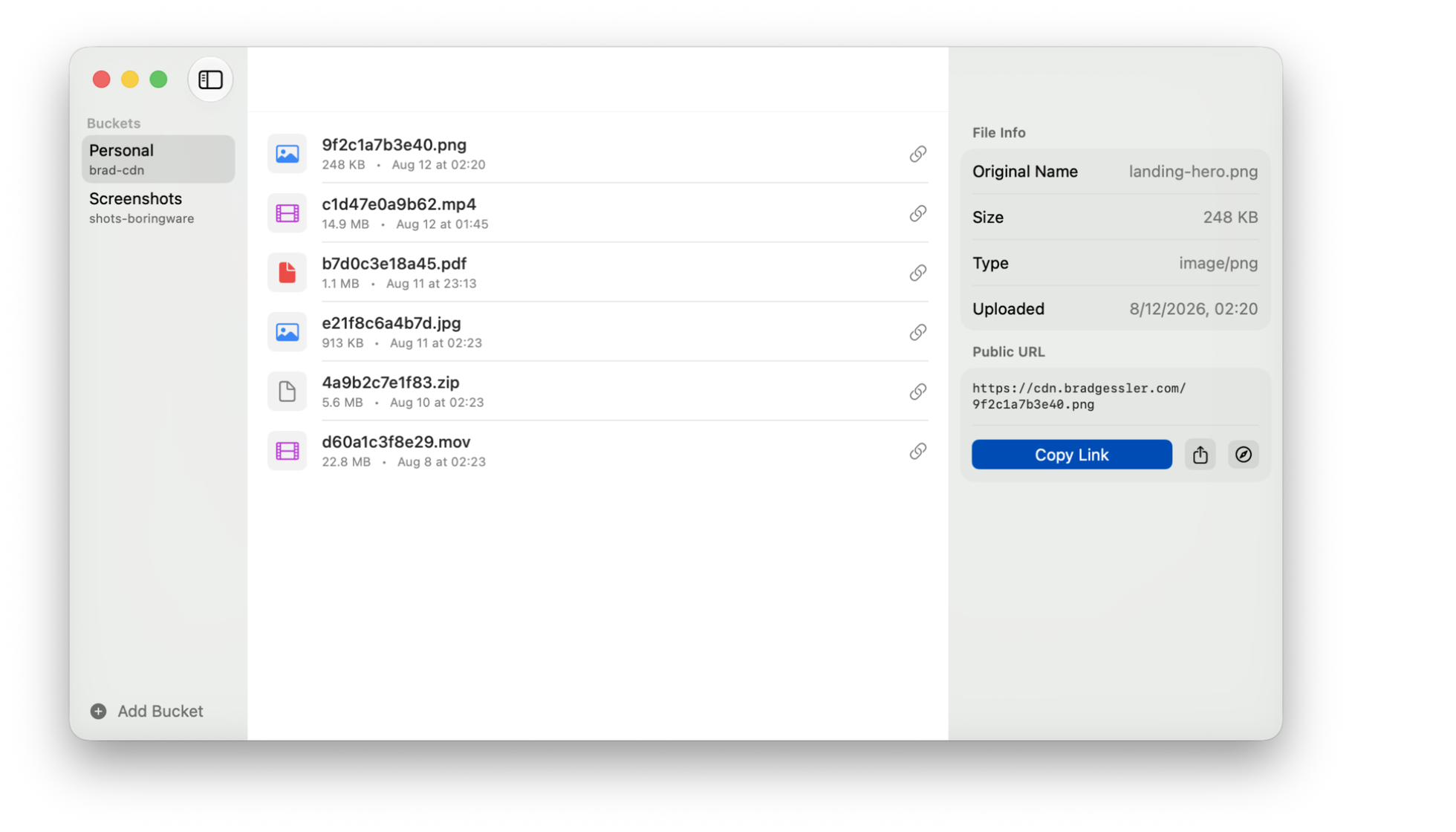
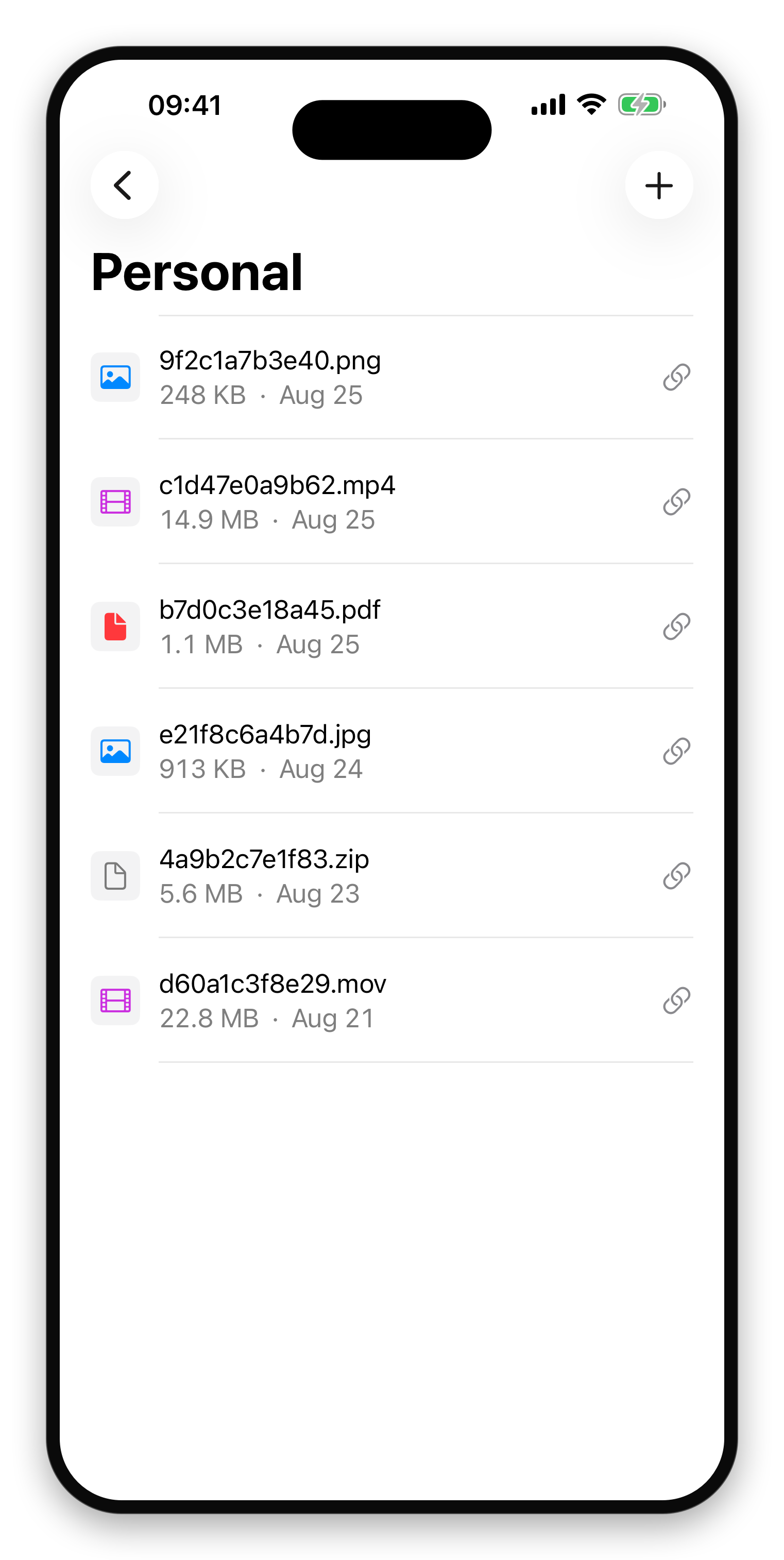
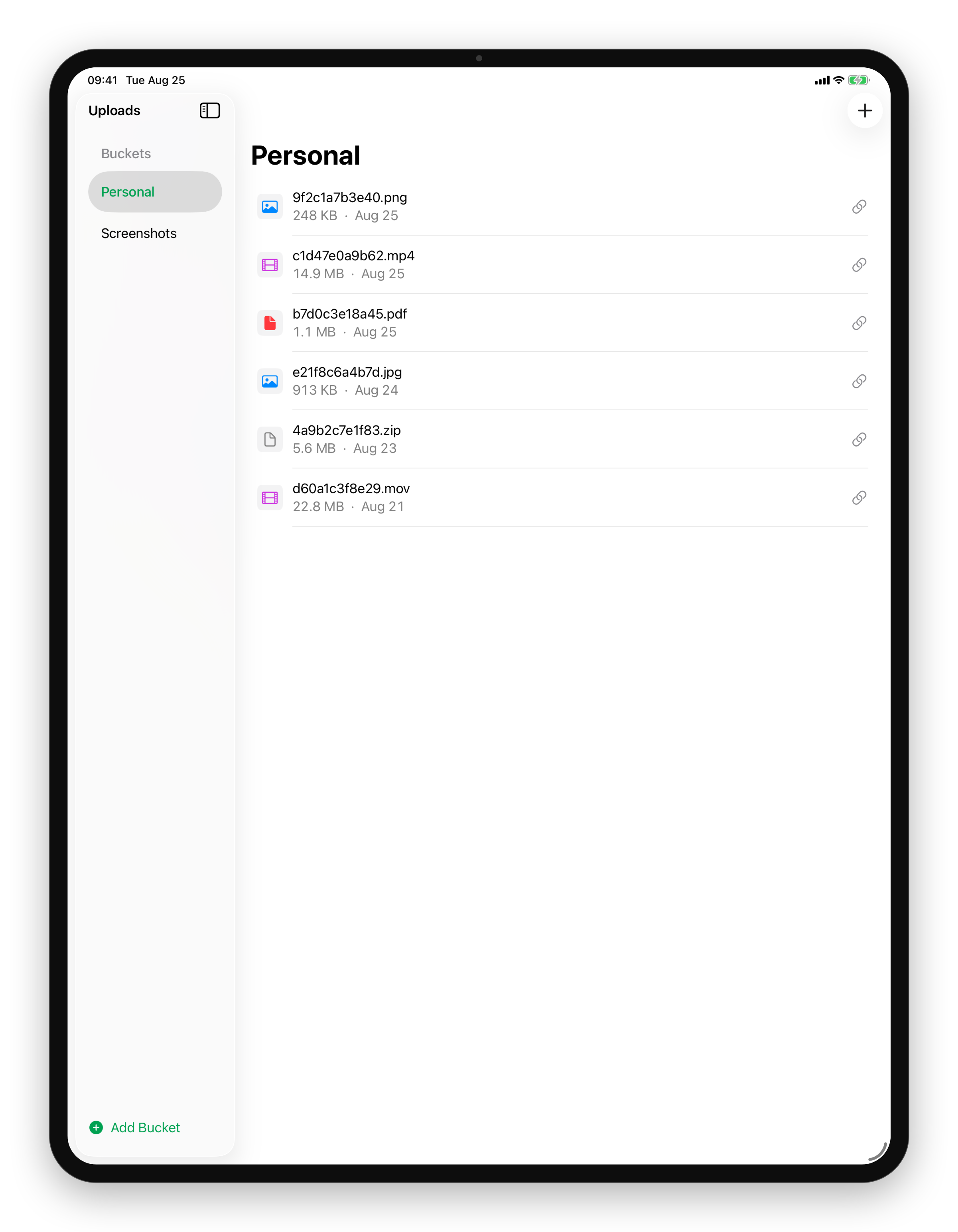
Your S3 buckets, in your pocket
Every bucket you own, one tap away.
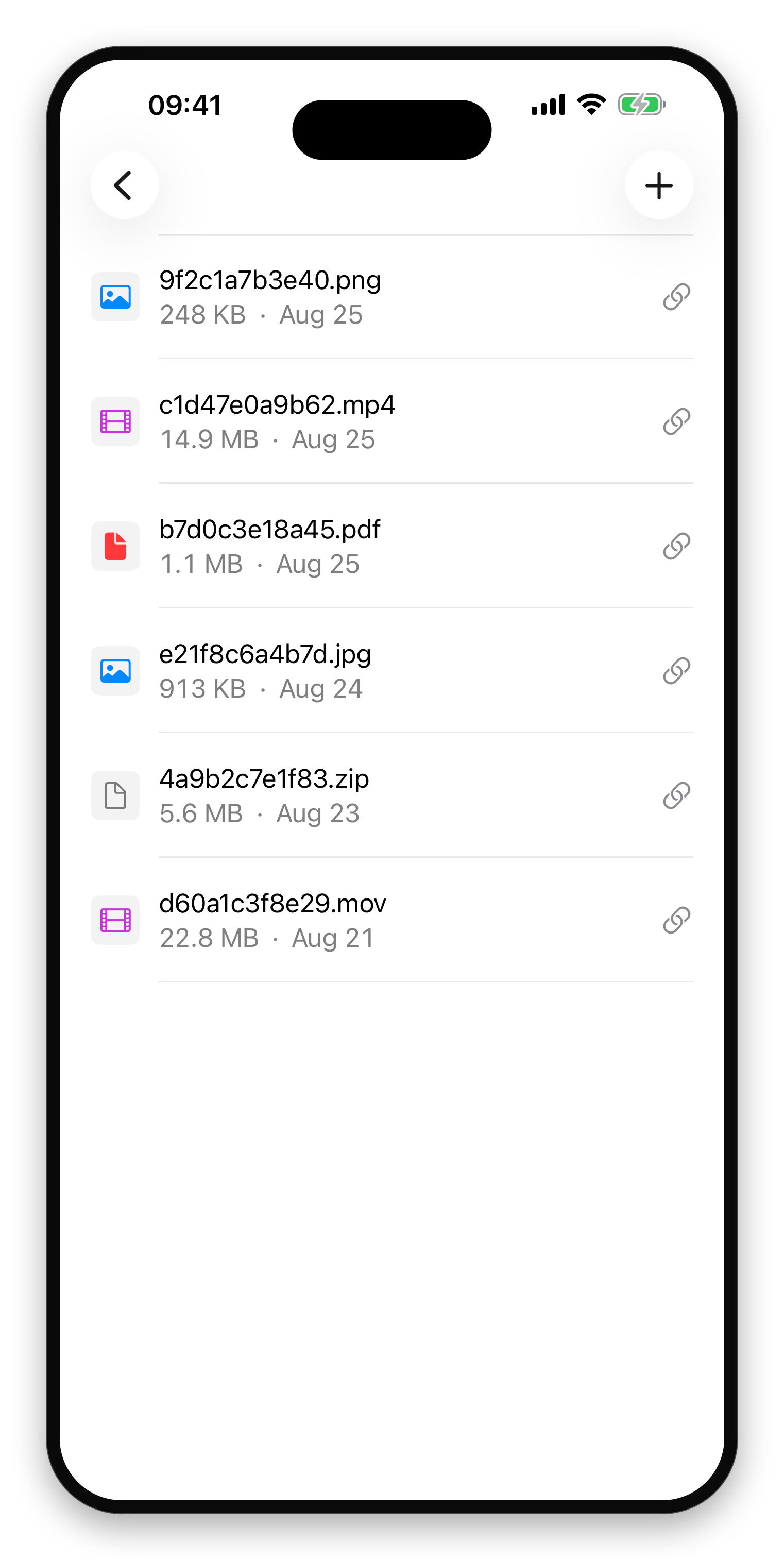
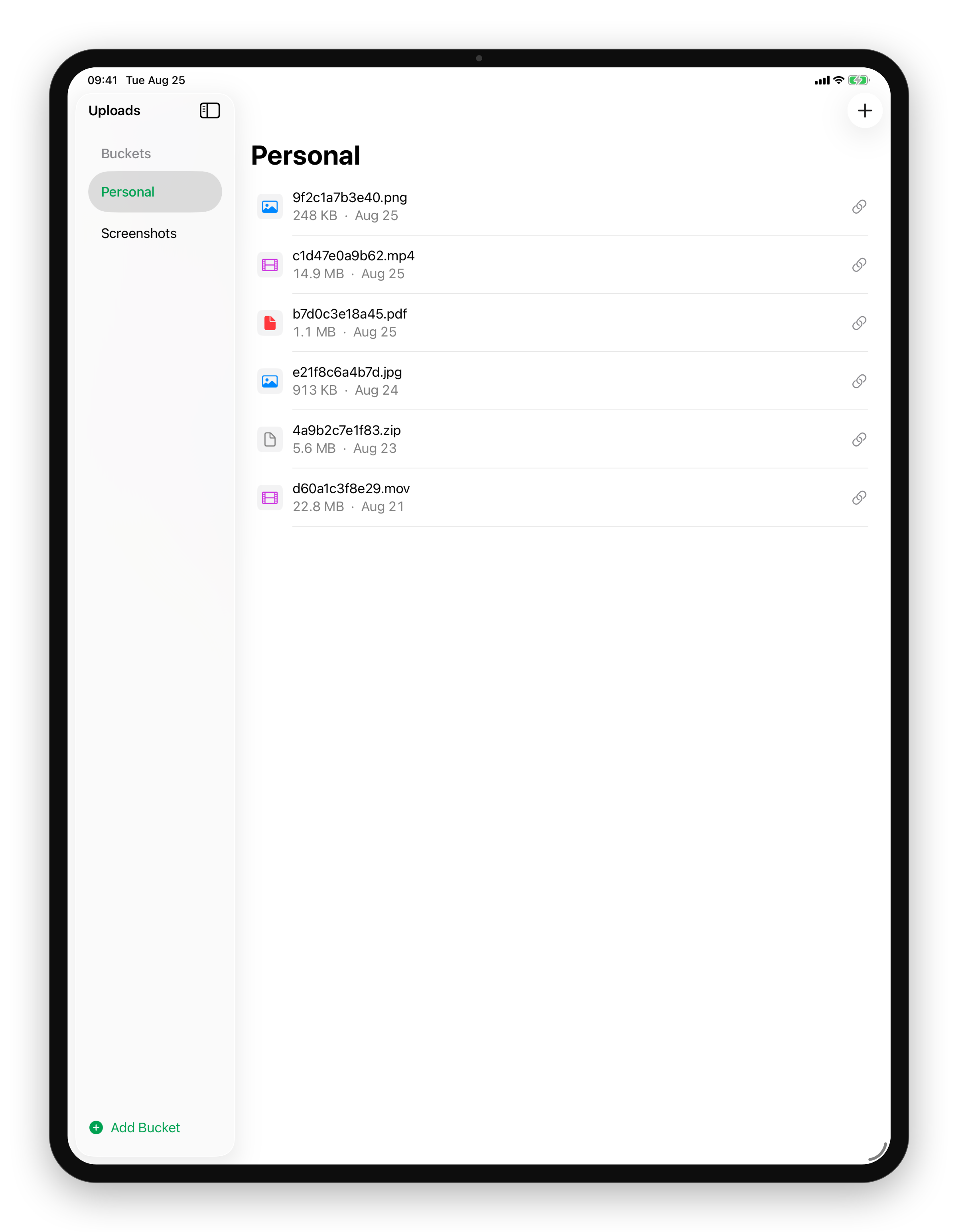
Your buckets, side by side
Pick a bucket and see its files, all on one screen.
Copy, open, or share
The public URL, ready to paste anywhere.
Bring your own bucket
Uploads works with any S3-compatible storage: Tigris, AWS S3, Cloudflare R2, MinIO, and more. Add a bucket once with your endpoint and keys, and your files and links live in storage you control. Set up several buckets and switch between them from the sidebar.
Upload in one drag
Drop a file on the window or the dock icon and it uploads right away. The public link is copied to your clipboard the moment it finishes. Files are named by their content, so links stay stable and never collide.
Everywhere you work
A native app for Mac and iPhone with a share extension, so you can upload from any app's share sheet. Your buckets and upload history sync over iCloud, so a bucket you set up on your Mac is there on your phone.
Great for
- Sharing screenshots, screencasts, and design files
- Dropping build artifacts or logs into a quick link
- Publishing assets to a CDN bucket
- Anyone who'd rather own their files than rent a file-sharing service
Details
- Native macOS and iPhone app, one universal purchase
- Works with any S3-compatible provider
- Drag & drop to the window or dock
- Public URL copied to the clipboard automatically
- Share extension for uploading from any app
- iCloud sync for buckets and upload history
- Content-hash file naming for stable links
Requirements
- macOS 14 or later, iOS 17 or later
- An S3-compatible bucket (Tigris, AWS S3, Cloudflare R2, MinIO, …)
Want it the day it ships?
One email, on the day it's on the App Store. No newsletter, no drip, and you can unsubscribe from the link in that email.
Coming Soon on the App Store
Leave your email and we'll tell you when it's ready. One note, nothing else.