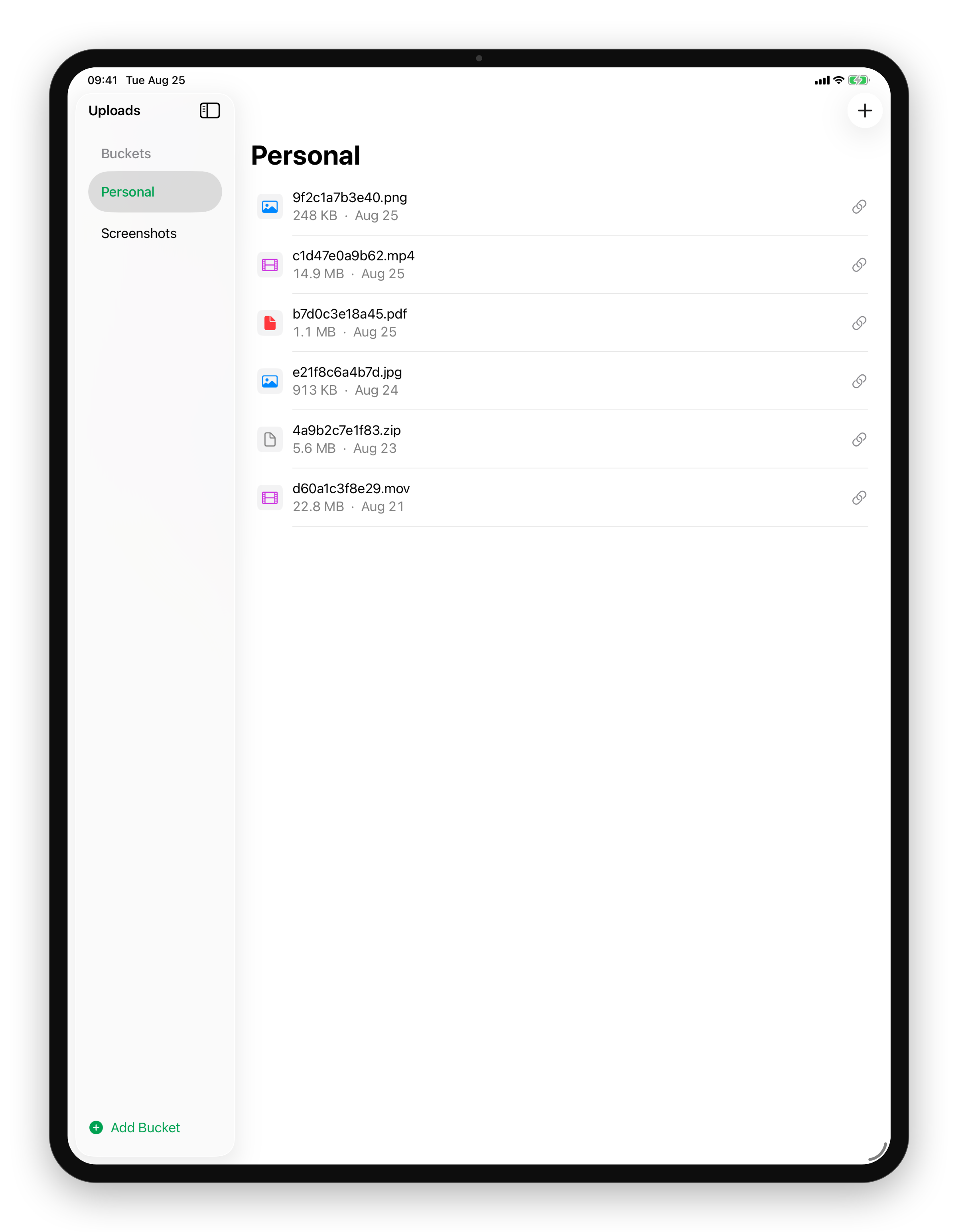
Every upload, a link to share on iPad
Tap the link icon and it's on your clipboard.
Coming Soon on the App Store
Leave your email and we'll tell you when it's ready. One note, nothing else.

The problem
An upload nobody can open is just a slow copy. The usual flow puts the file in one place and the URL somewhere you have to go and look for.
What Uploads does
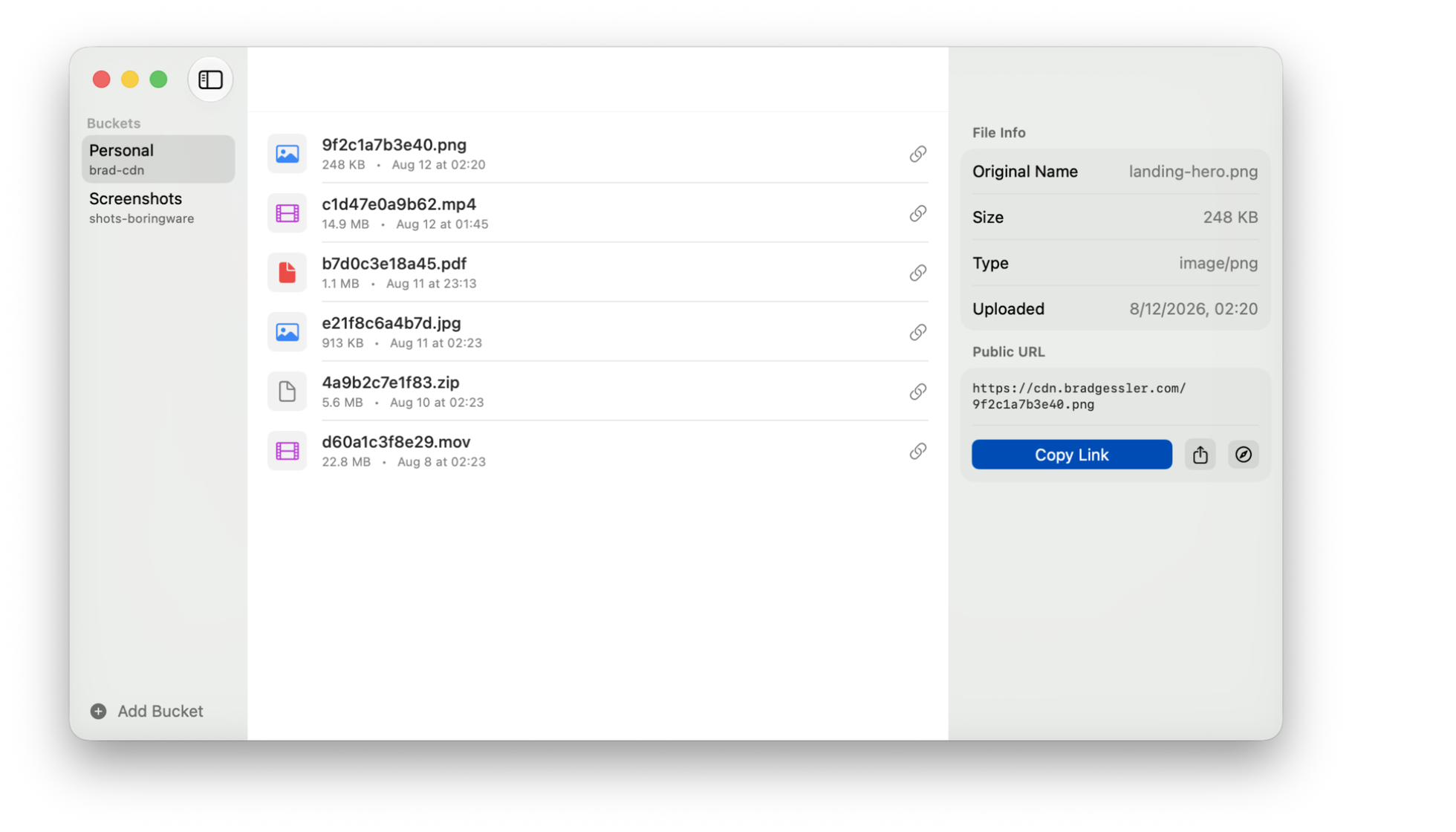
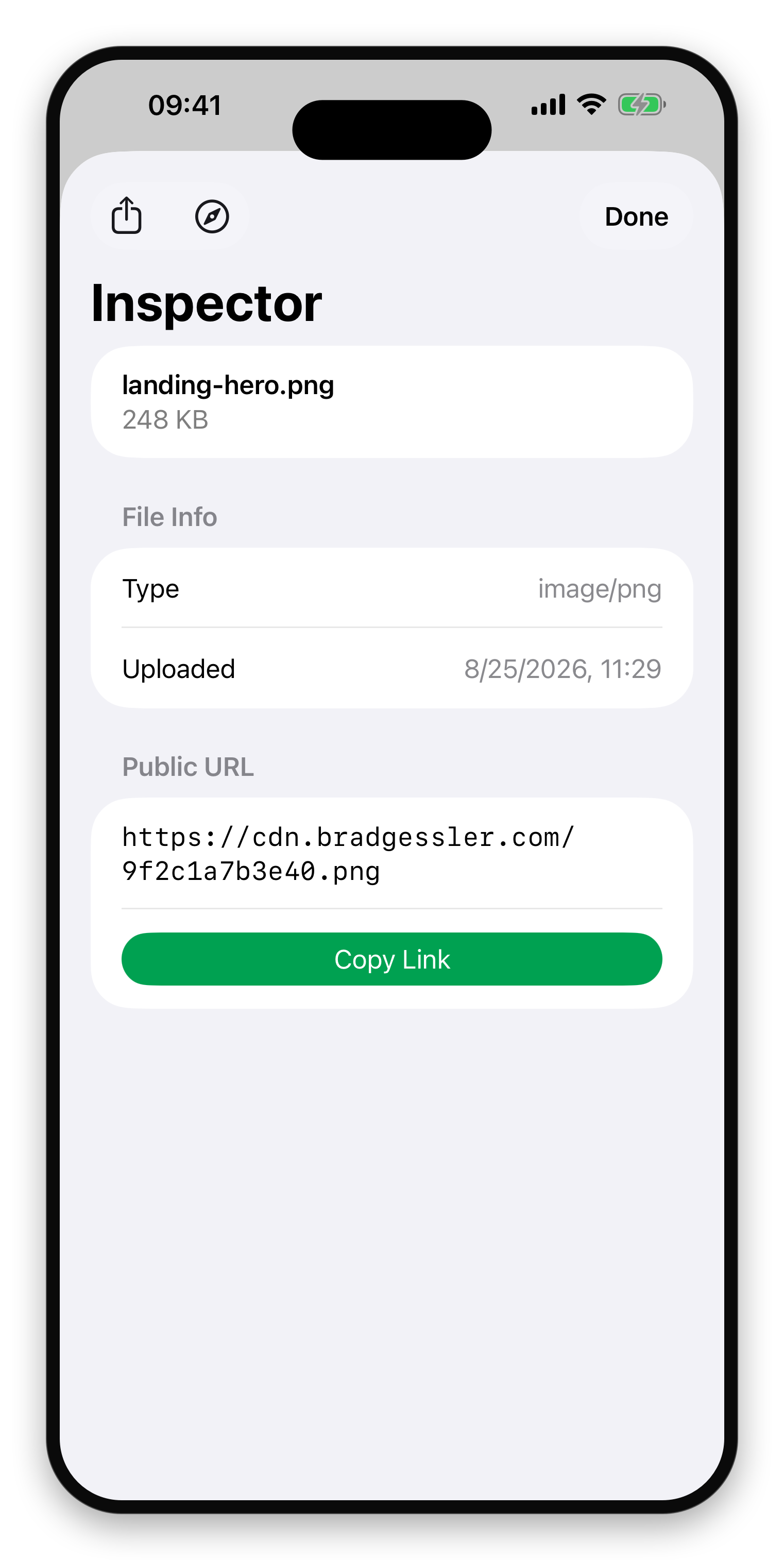
Every file carries its public URL, one click from the list. Copy puts it on the clipboard. Open shows you what a stranger sees, which is the check people skip and then regret. Share hands it to Messages or Mail.
The URL is a plain path into your bucket. Nothing expires it, nothing redirects it through a counter, and the person you send it to needs no account to read it.
What else Uploads does
- Upload in one dragDrop a file and its public link lands on your clipboard, ready to paste.Mac
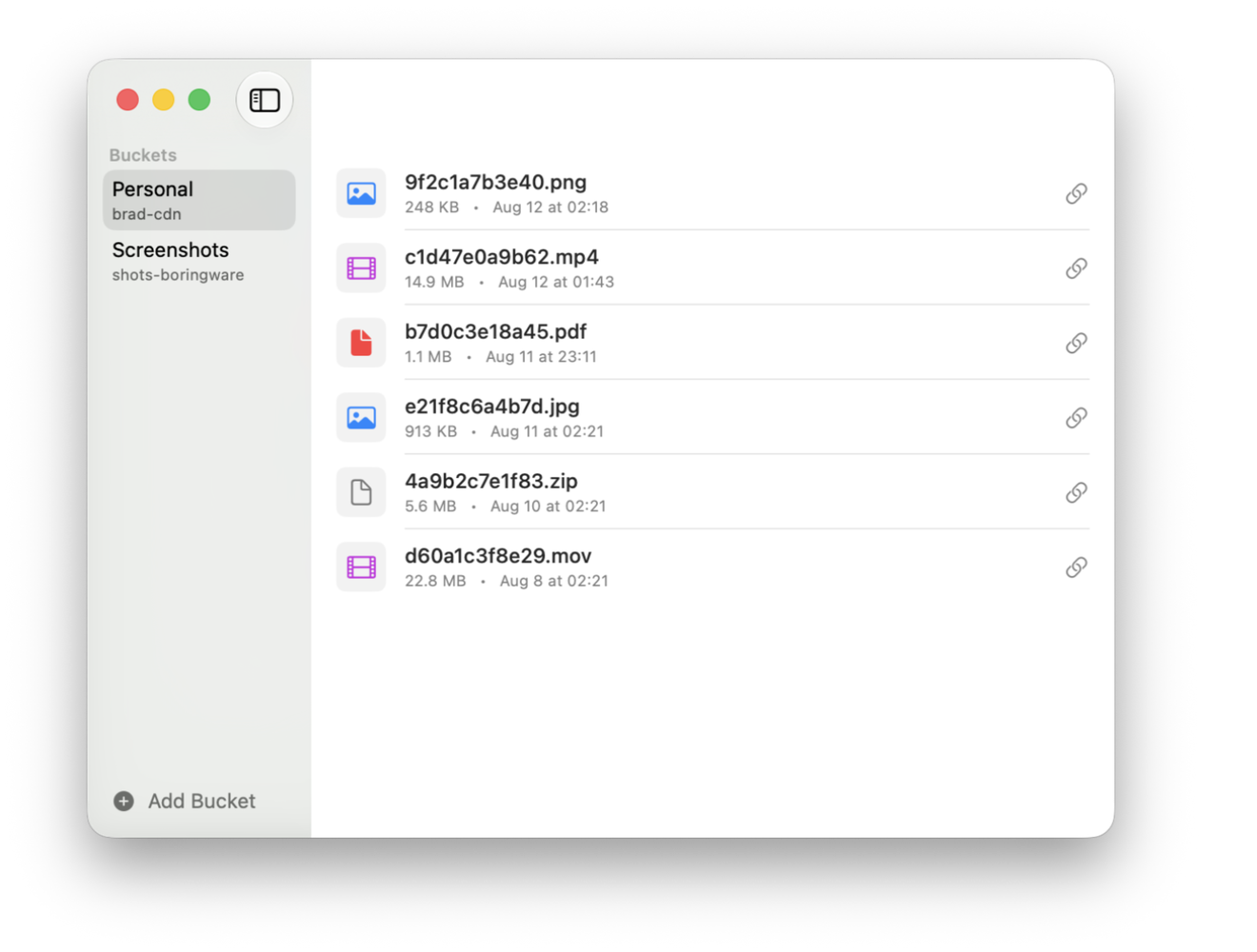
- Bring your own bucketTigris, AWS S3, Cloudflare R2, MinIO, or any S3-compatible storage you control.Mac
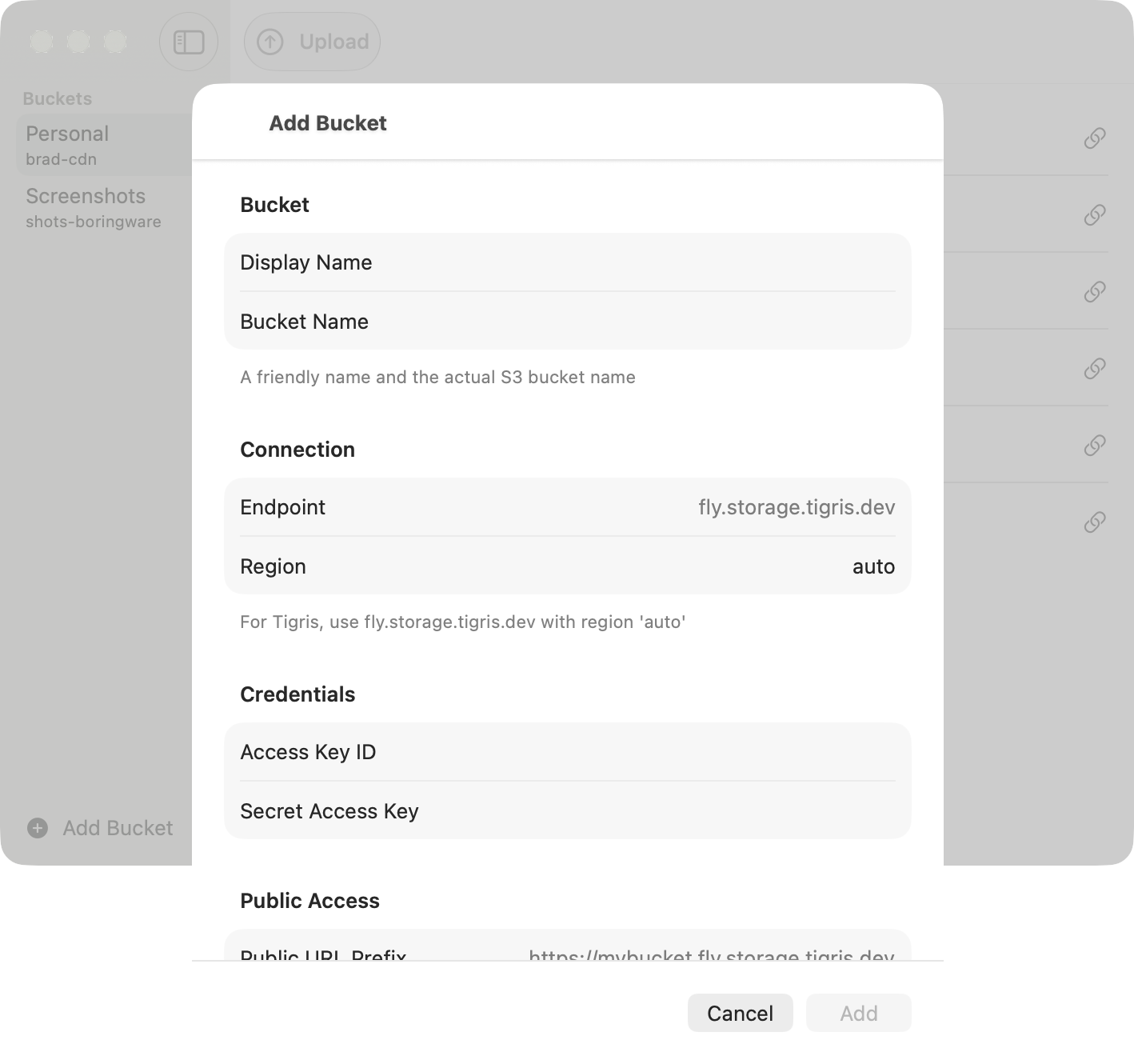
- Every upload, a link to shareCopy, open, or share the public URL in a click.Mac
- Your S3 buckets, in your pocketEvery bucket you own, one tap away.iPhone
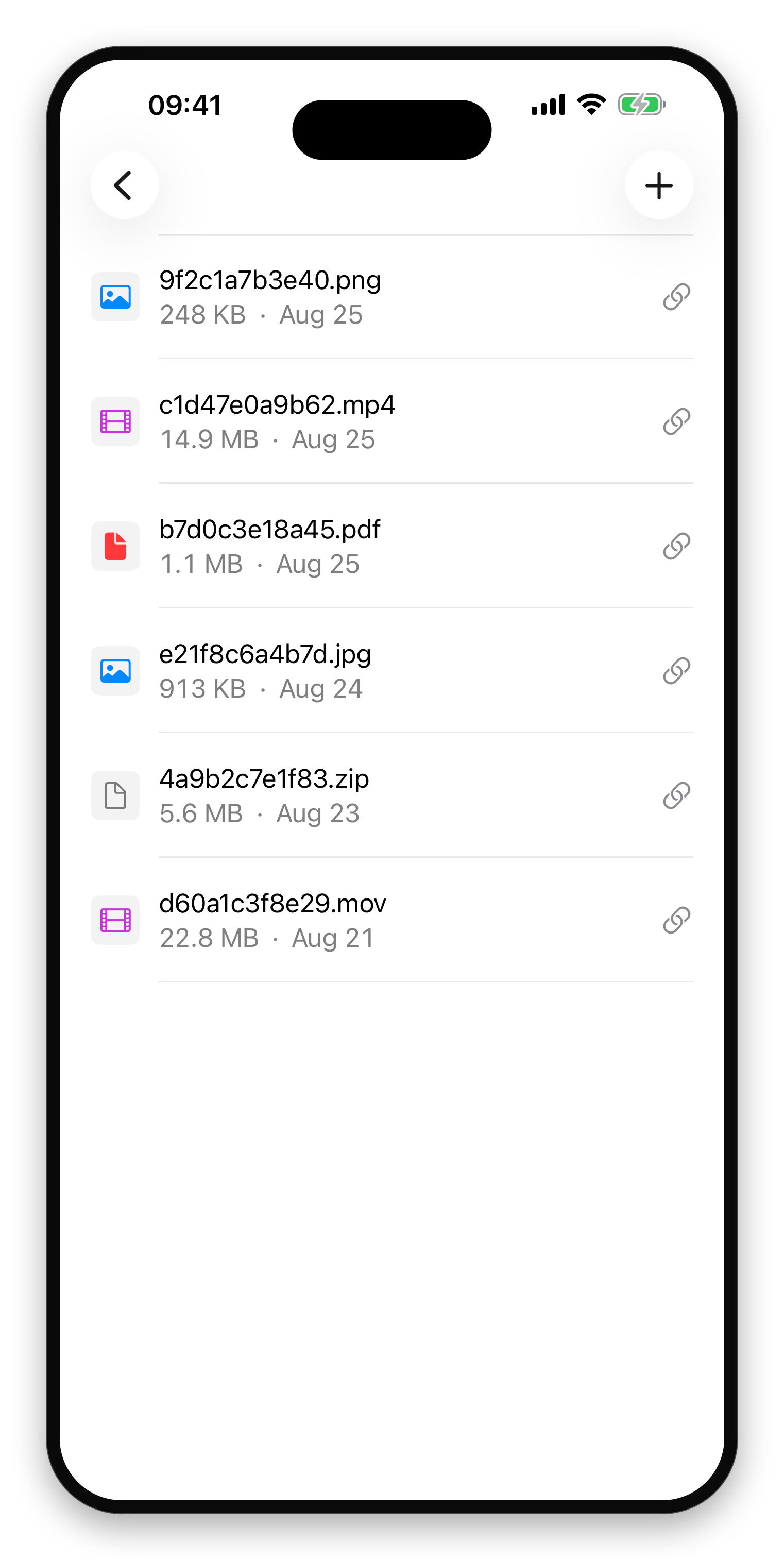
- Copy, open, or shareThe public URL, ready to paste anywhere.iPhone
- Your buckets, side by sidePick a bucket and see its files, all on one screen.iPad