Upload in one drag on Mac
Drop a file and its public link lands on your clipboard, ready to paste.
Coming Soon on the App Store
Leave your email and we'll tell you when it's ready. One note, nothing else.

The problem
You have a screenshot and someone needs to see it. Your options: attach it to an email and hope, put it in a service that turns it into a preview card behind a sign-in wall, or open a console, find the bucket, upload, set permissions, copy the URL.
What Uploads does
Drag the file onto it. By the time you switch back to the conversation, the public link is on your clipboard. Paste.
That is the whole loop, whether it is a screenshot, a 200MB video, or a zip email would have refused. The link points at your own storage, so it still works after the chat app forgets it.
What else Uploads does
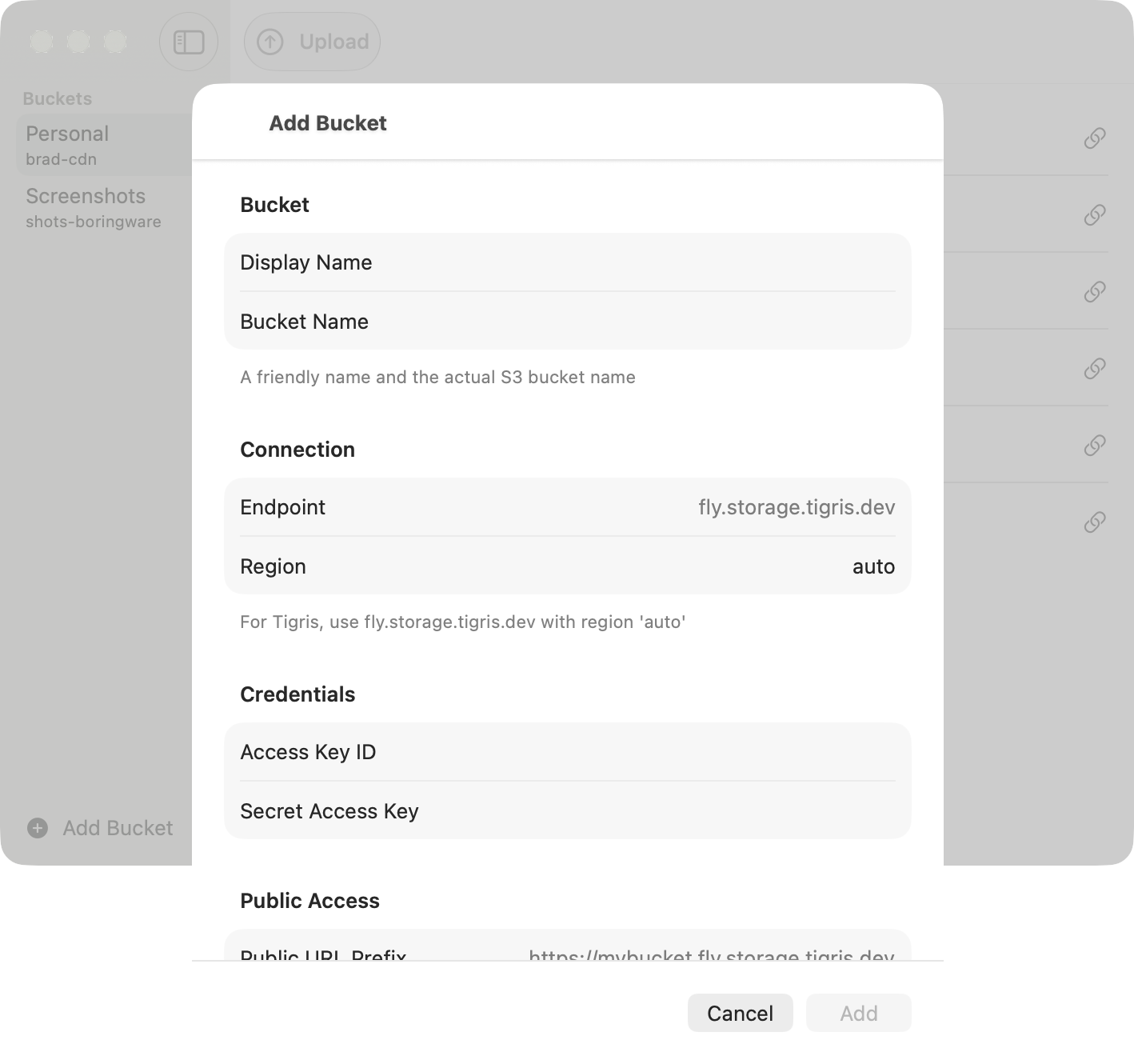
- Bring your own bucketTigris, AWS S3, Cloudflare R2, MinIO, or any S3-compatible storage you control.Mac
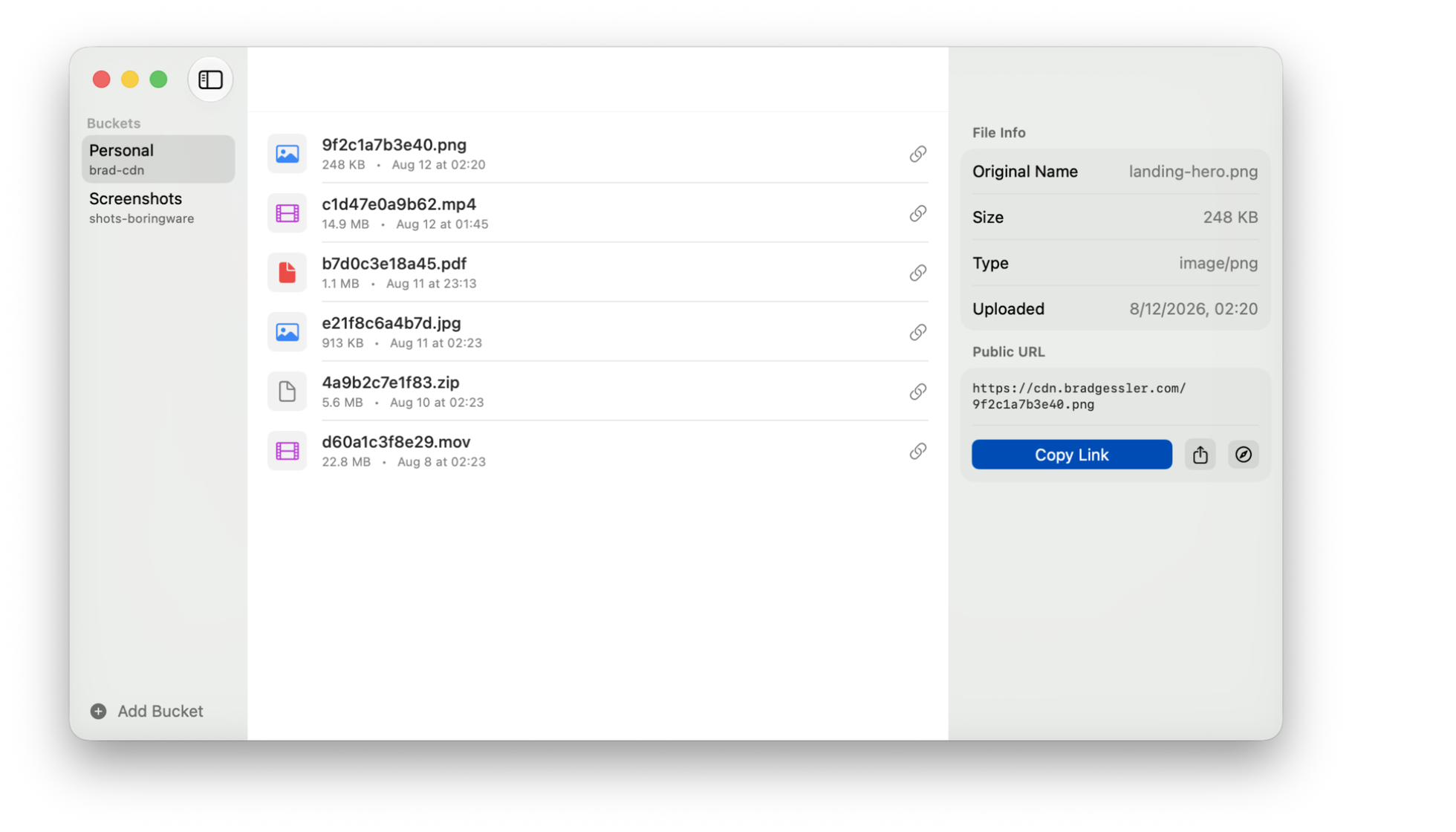
- Every upload, a link to shareCopy, open, or share the public URL in a click.Mac
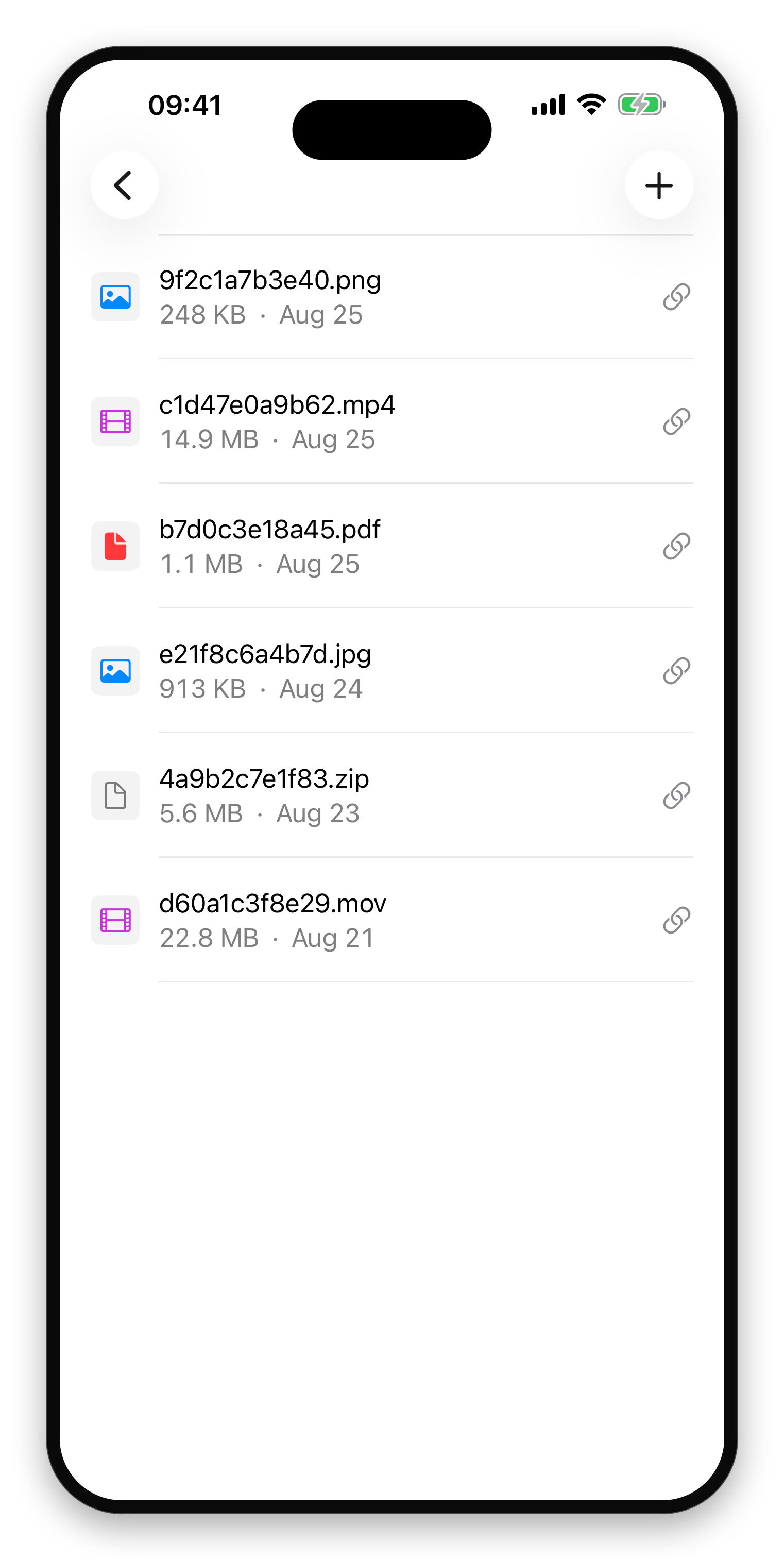
- Your S3 buckets, in your pocketEvery bucket you own, one tap away.iPhone
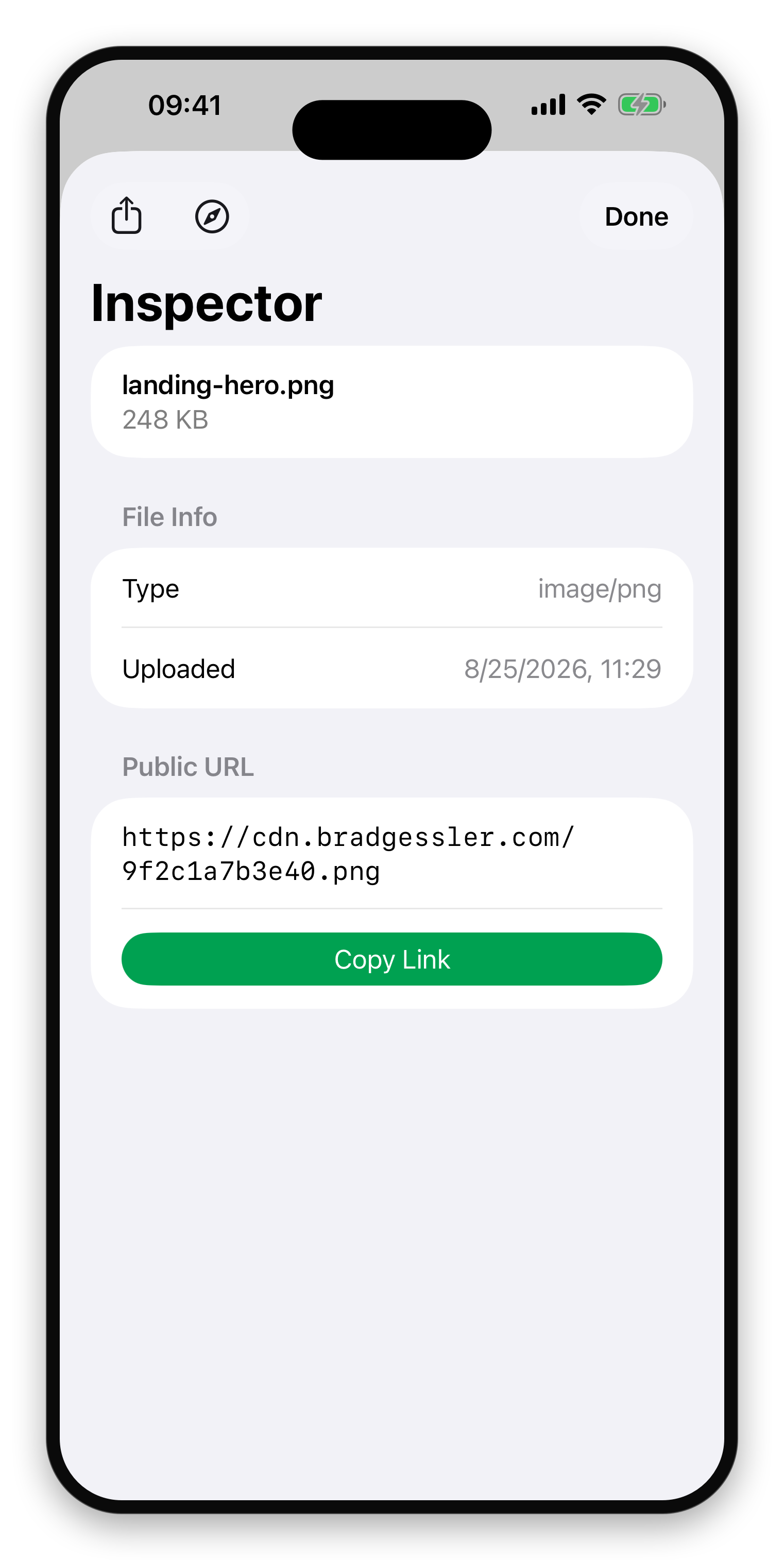
- Copy, open, or shareThe public URL, ready to paste anywhere.iPhone
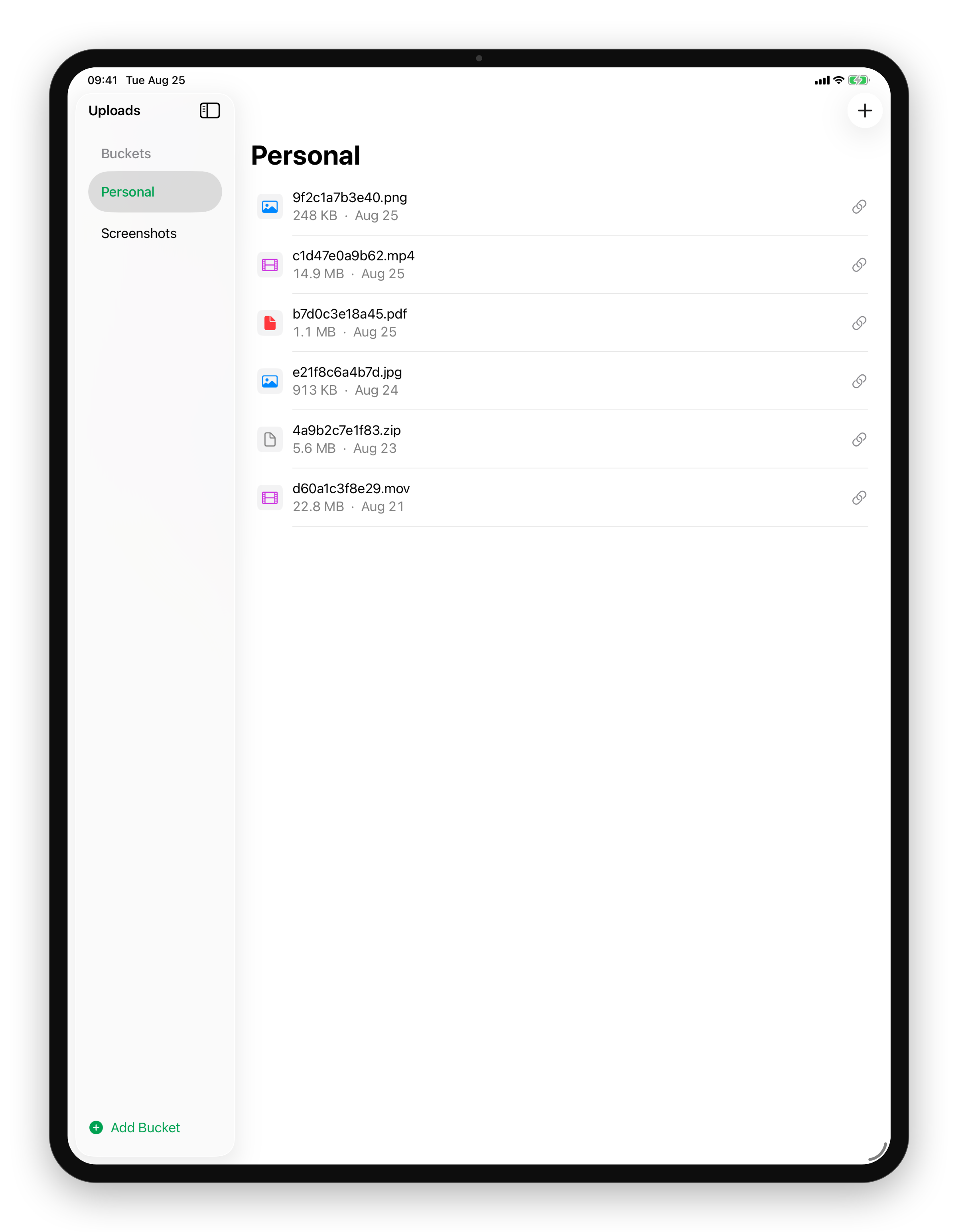
- Your buckets, side by sidePick a bucket and see its files, all on one screen.iPad