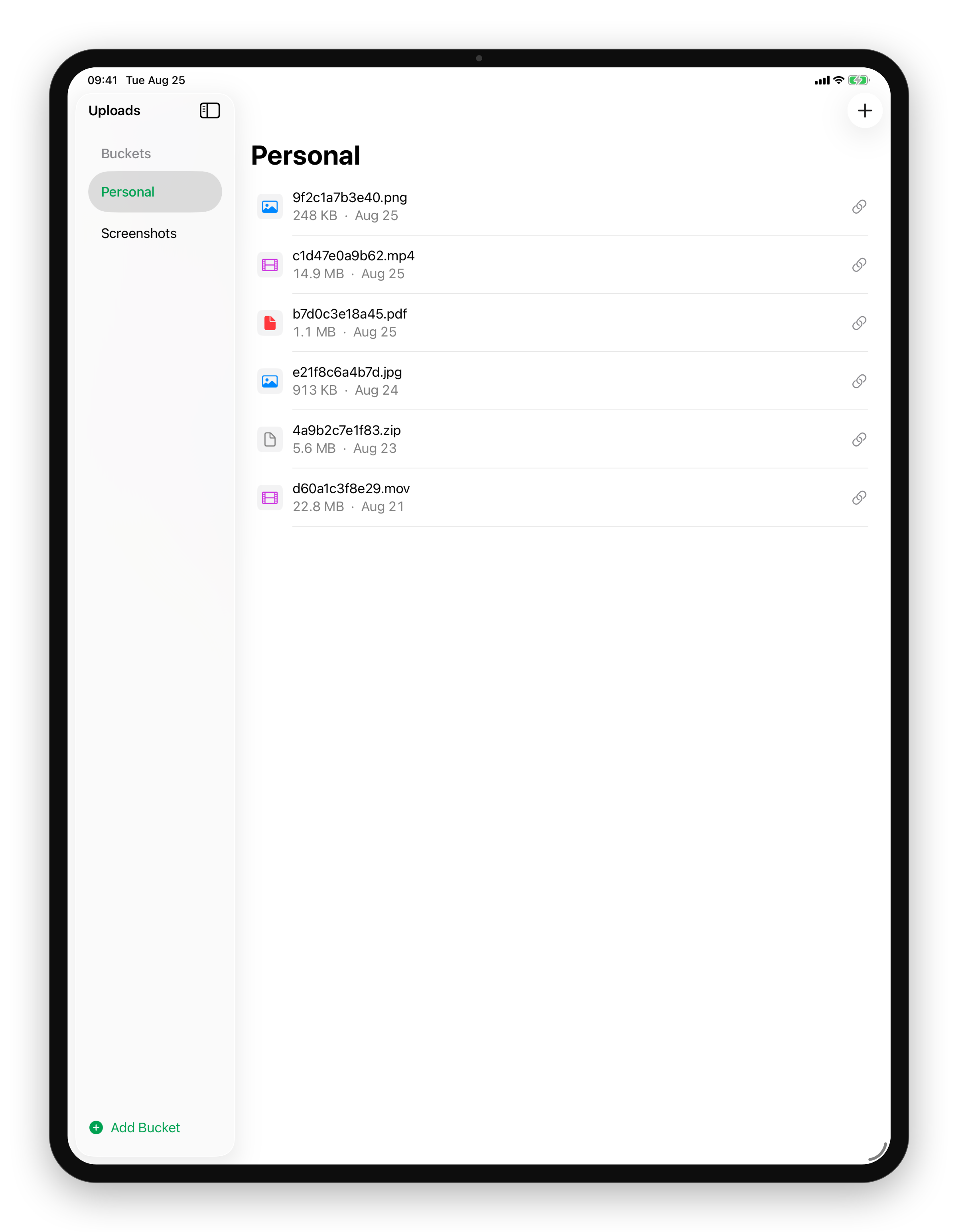
Your S3 buckets, in your pocket on iPhone
Every bucket you own, one tap away.
Coming Soon on the App Store
Leave your email and we'll tell you when it's ready. One note, nothing else.

The problem
Object storage lives behind a web console built for a large monitor. When the file you need is in a bucket and you are on a phone, the honest answer has been "wait until I am back at my desk".
What Uploads does
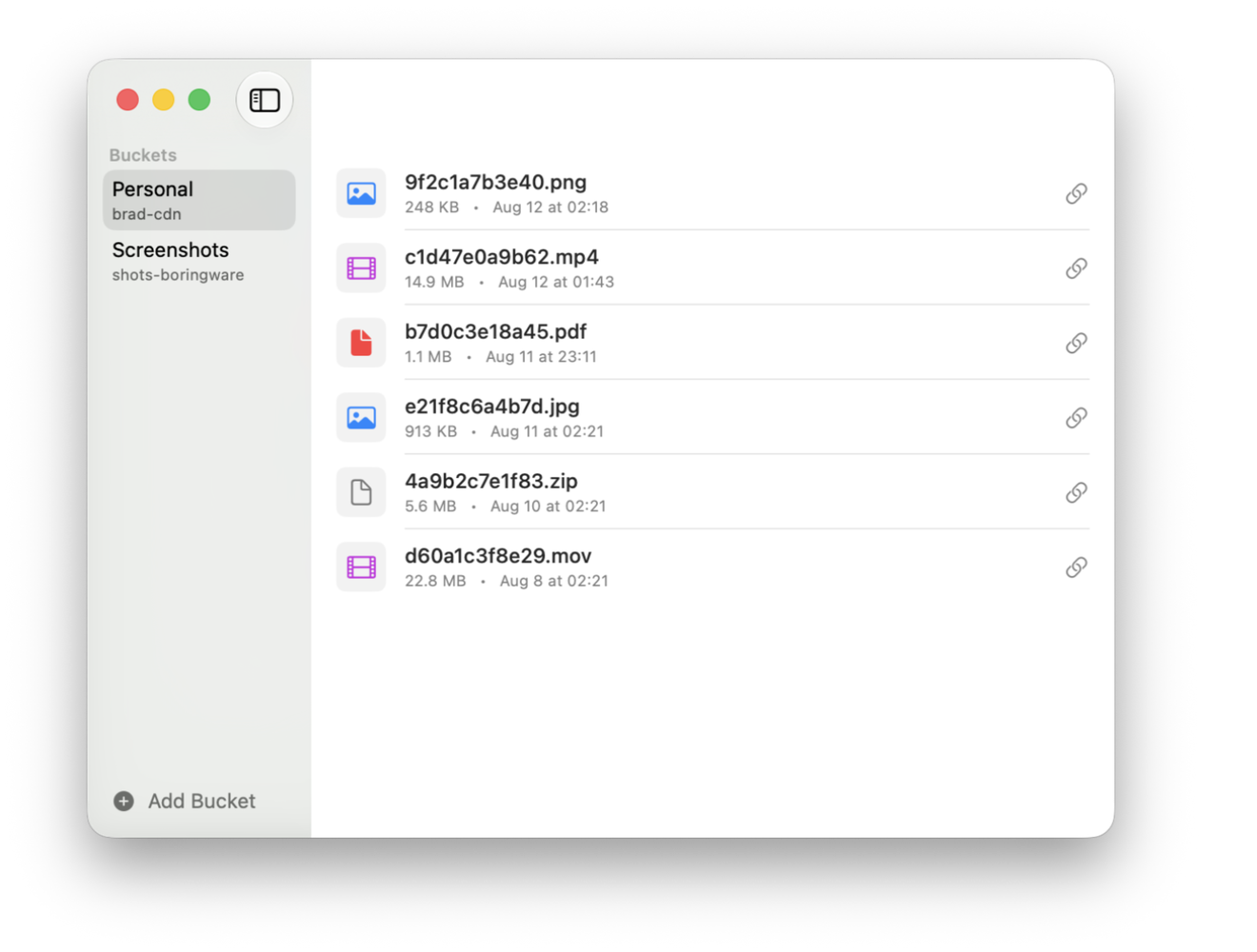
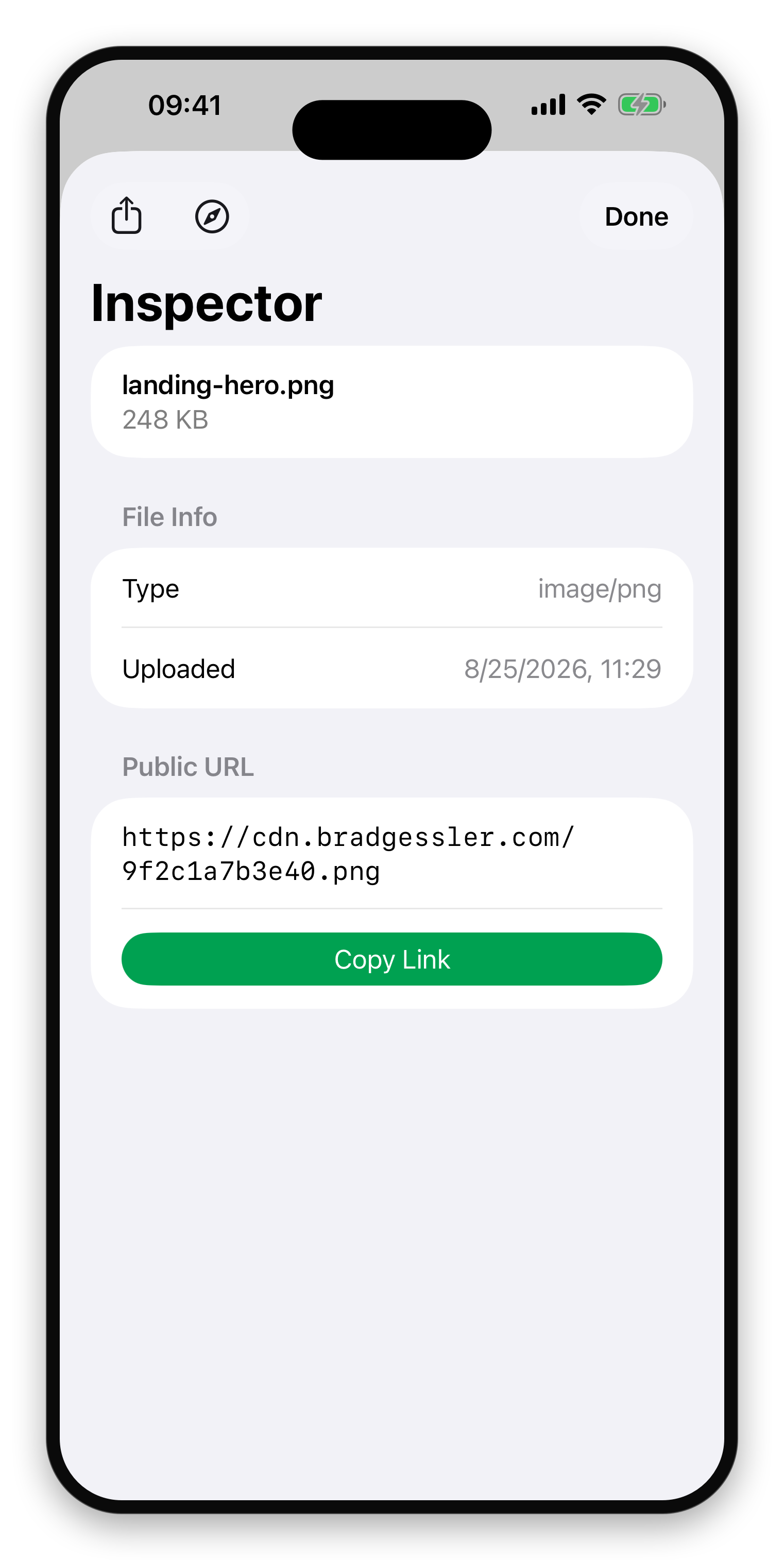
The buckets you set up on the Mac are here, with the same files in them. Find the file, get its link. Upload a photo straight from the camera roll and hand someone the URL from the sofa. Configuration syncs through your own iCloud, so a bucket is set up once rather than once per device.
What else Uploads does
- Upload in one dragDrop a file and its public link lands on your clipboard, ready to paste.Mac
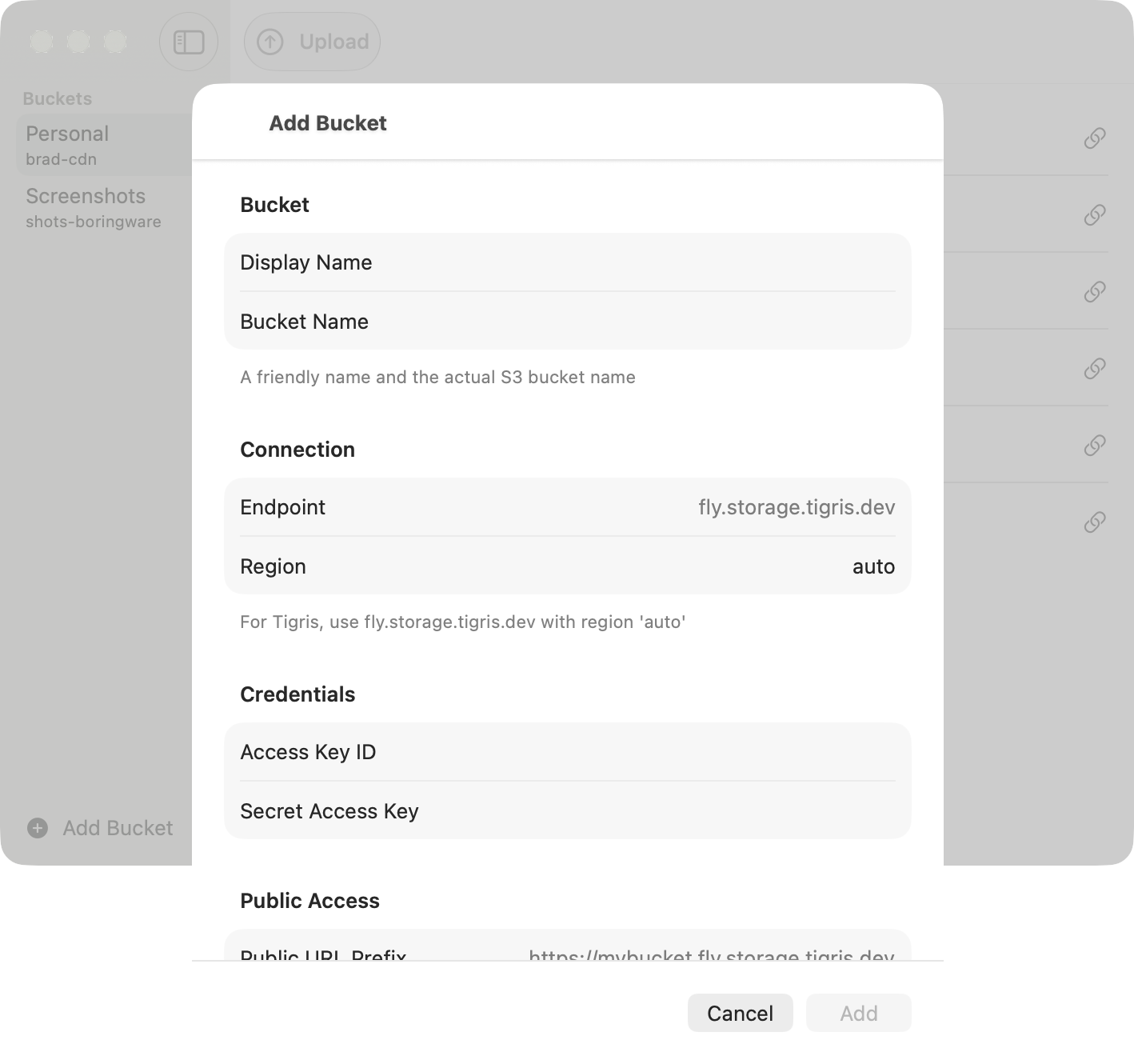
- Bring your own bucketTigris, AWS S3, Cloudflare R2, MinIO, or any S3-compatible storage you control.Mac
- Every upload, a link to shareCopy, open, or share the public URL in a click.Mac
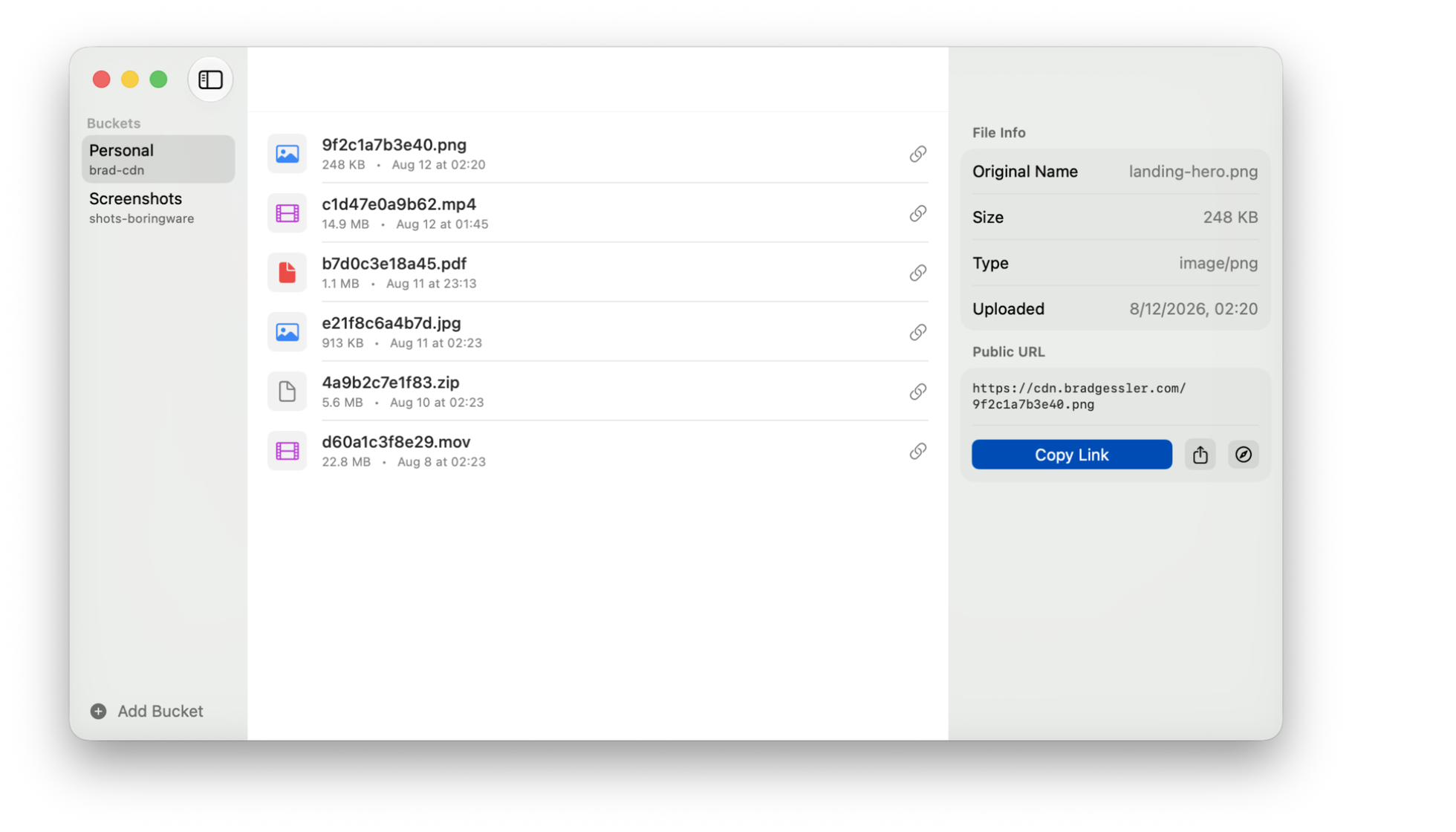
- Copy, open, or shareThe public URL, ready to paste anywhere.iPhone
- Your buckets, side by sidePick a bucket and see its files, all on one screen.iPad