Sharp on a 4K TV on Apple TV
Pixel art drawn crisp at the right shape, with none of the shimmer that comes from scaling it wrong.
Coming Soon on the App Store
Leave your email and we'll tell you when it's ready. One note, nothing else.

The problem
A 256x240 picture on a 3840x2160 panel does not divide evenly. Scale it the lazy way and you get either a soft, blurry mess or a picture that shimmers every time something moves, because some pixels are two screen pixels wide and their neighbours are three.
What Playbox does
It draws each frame with a shader that keeps pixels square and hard-edged but blends only across the boundary between them. The result is crisp at any size, holds still when the screen scrolls, and keeps the 4:3 shape the games were drawn for.
What else Playbox does
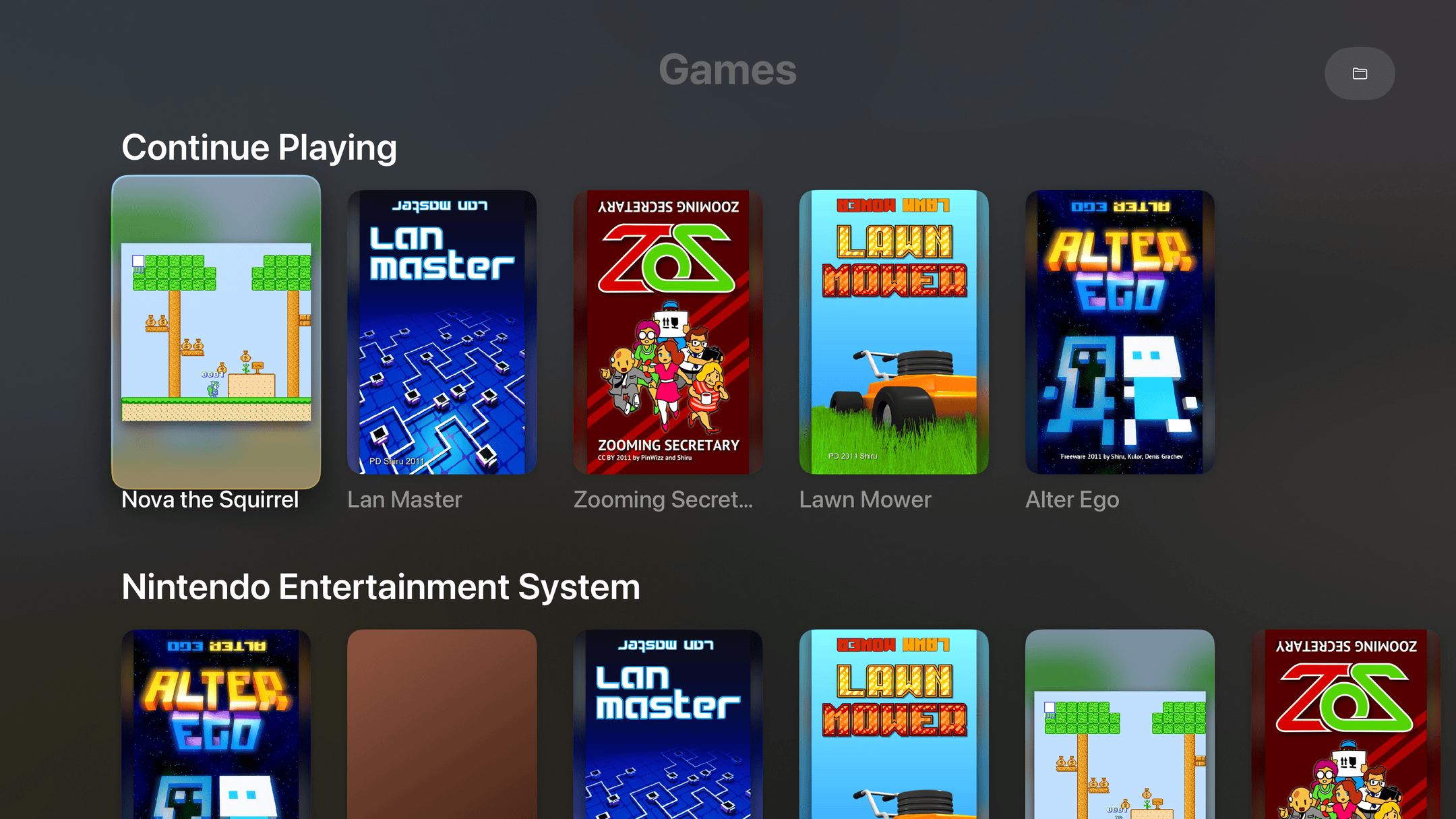
- Every game on one shelfPosters, not filenames. Continue Playing sits on top, like the shows you're partway through.
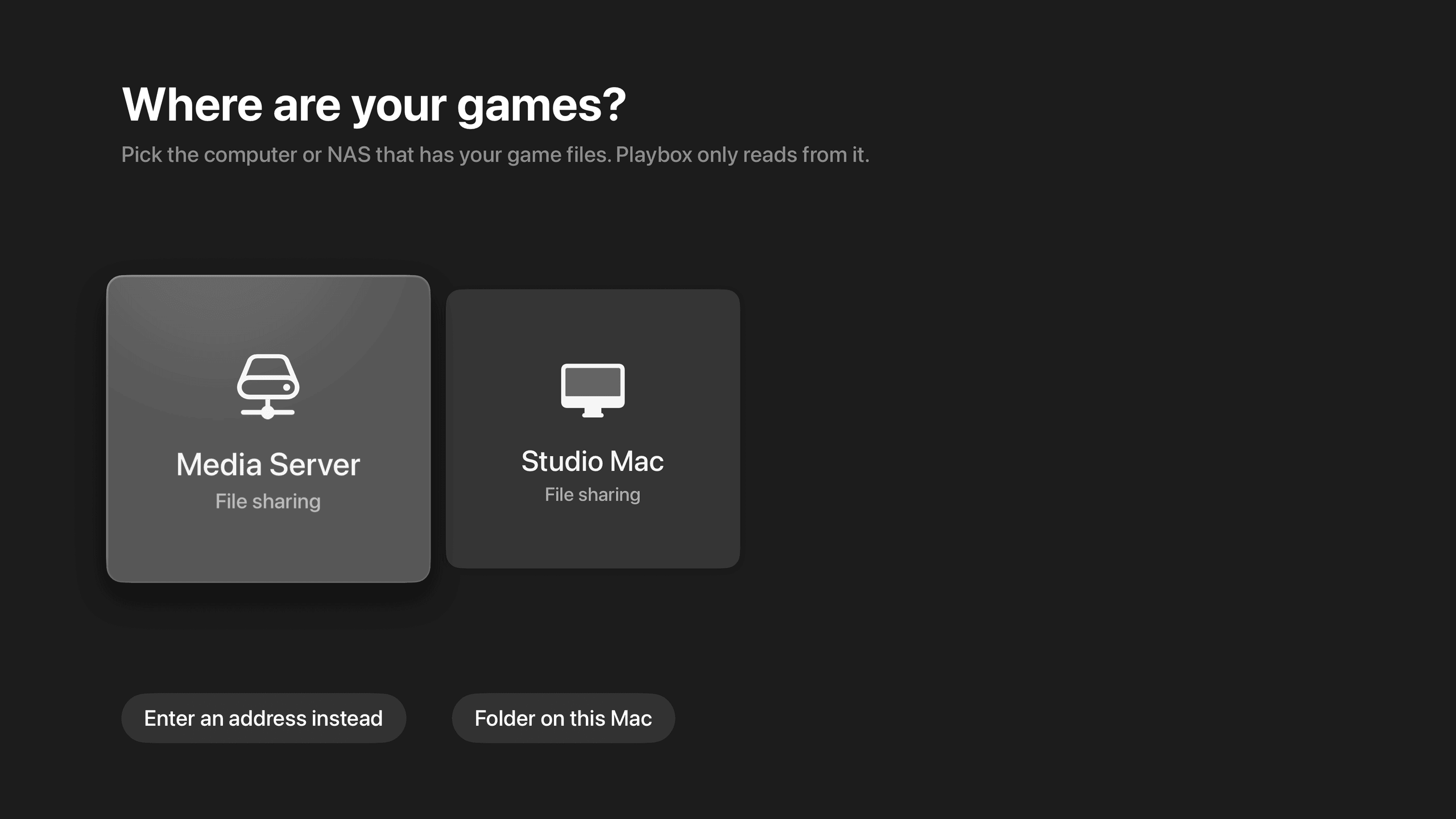
- Finds your NAS by itselfIt lists the computers and NAS boxes on your network. Pick one instead of typing an address on a TV.
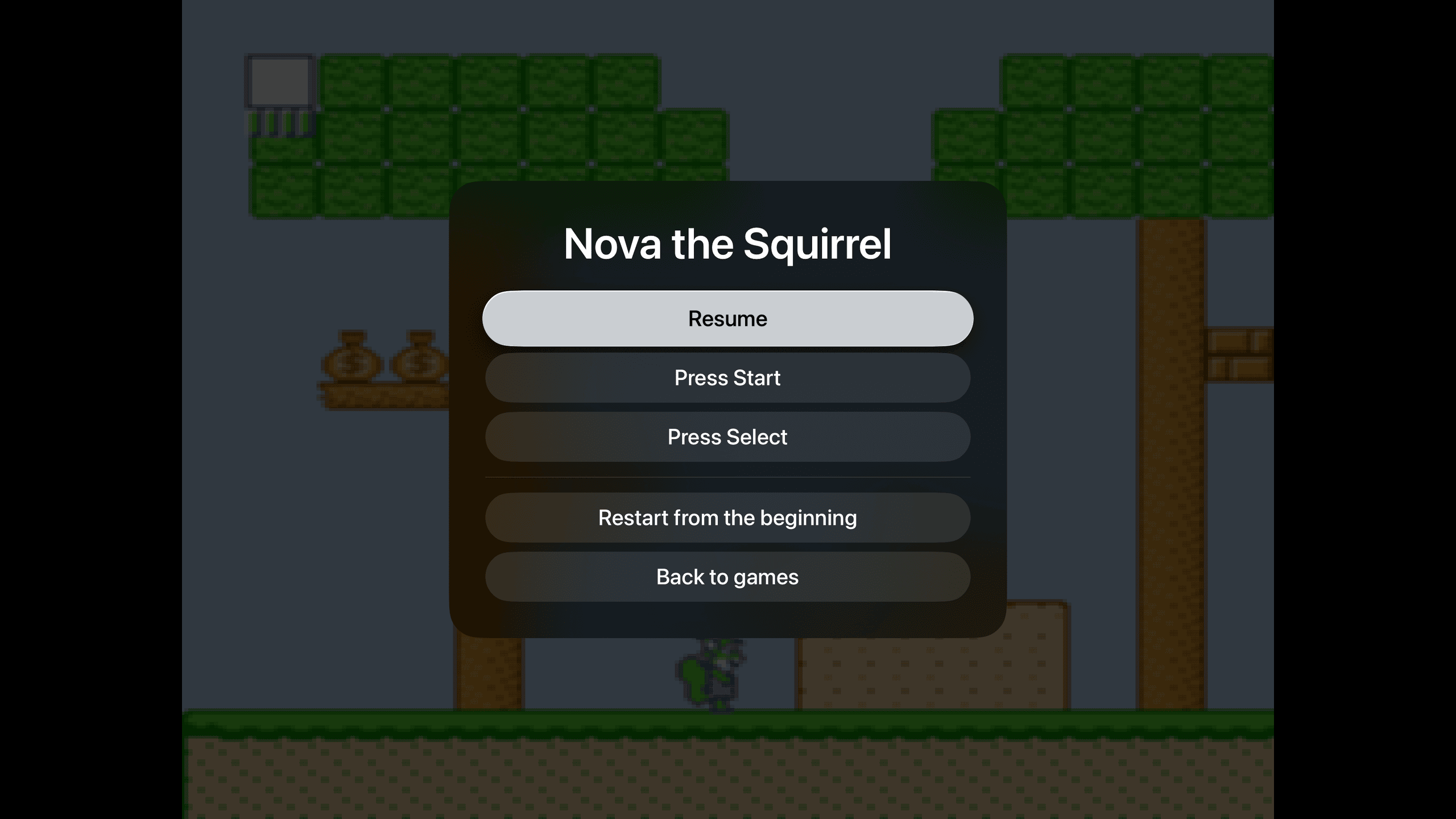
- Pick up where you left offNo save slots, no state menus. Pause, leave, come back tomorrow. The game is where you left it.
- Point it at a folderGames in a shared folder. A picture with the same name becomes the poster. That's the whole setup.