Pick up where you left off on Apple TV
No save slots, no state menus. Pause, leave, come back tomorrow. The game is where you left it.
Coming Soon on the App Store
Leave your email and we'll tell you when it's ready. One note, nothing else.

The problem
Emulators inherited save states from a time when they were a power-user feature: pick a slot, remember which slot, save before the hard part, load the wrong one by accident.
What Playbox does
Nothing to manage. Pausing, going back to the library, or leaving the app snapshots the game. Opening it again resumes exactly there, mid-jump if that is where you stopped. Cartridge saves are kept too, so games that had their own battery still have it.
The pause menu is five things: Resume, Press Start, Press Select, Restart from the beginning, and Back to games. Start and Select are there for remotes that have no such buttons.
What else Playbox does
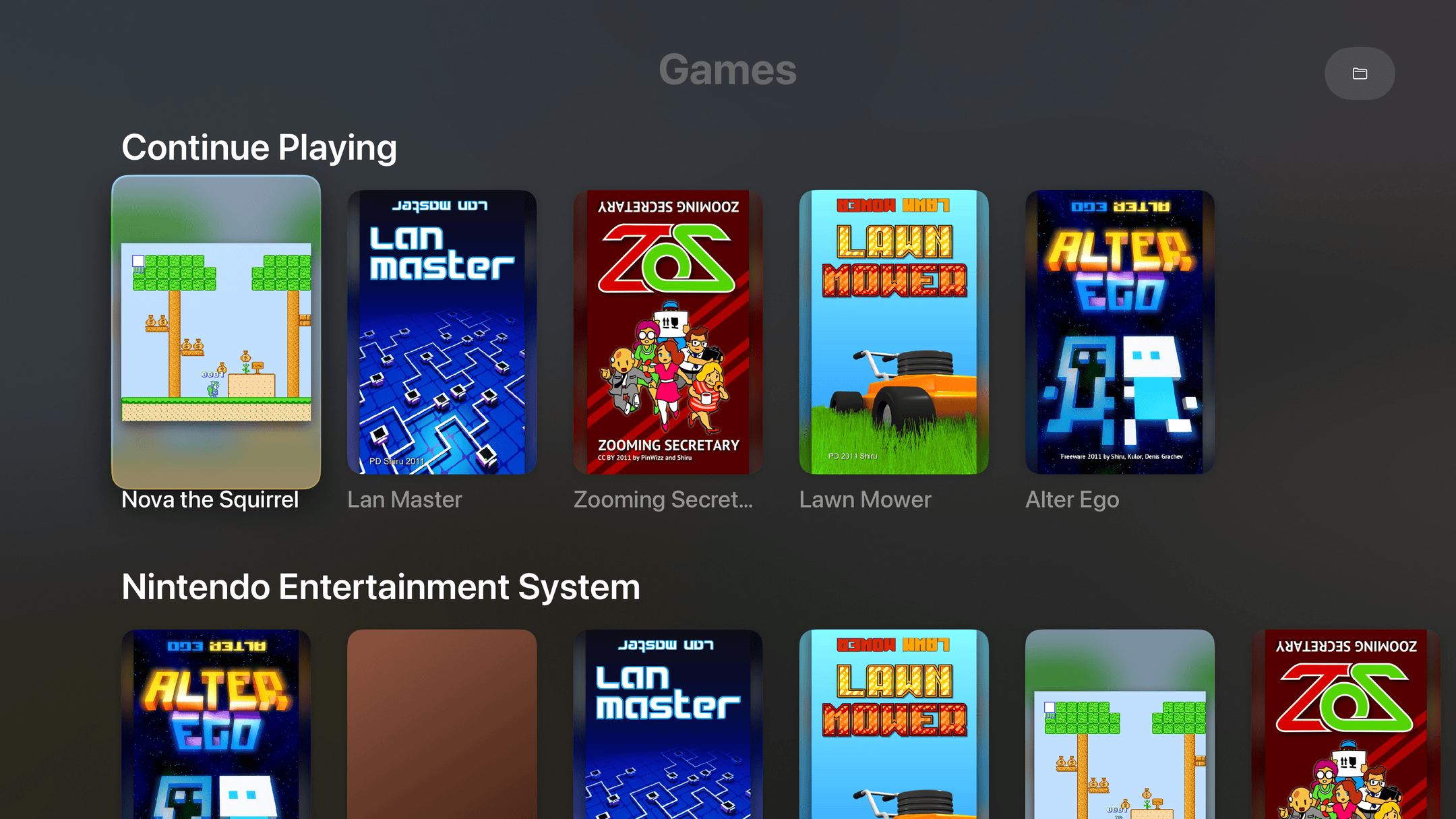
- Every game on one shelfPosters, not filenames. Continue Playing sits on top, like the shows you're partway through.
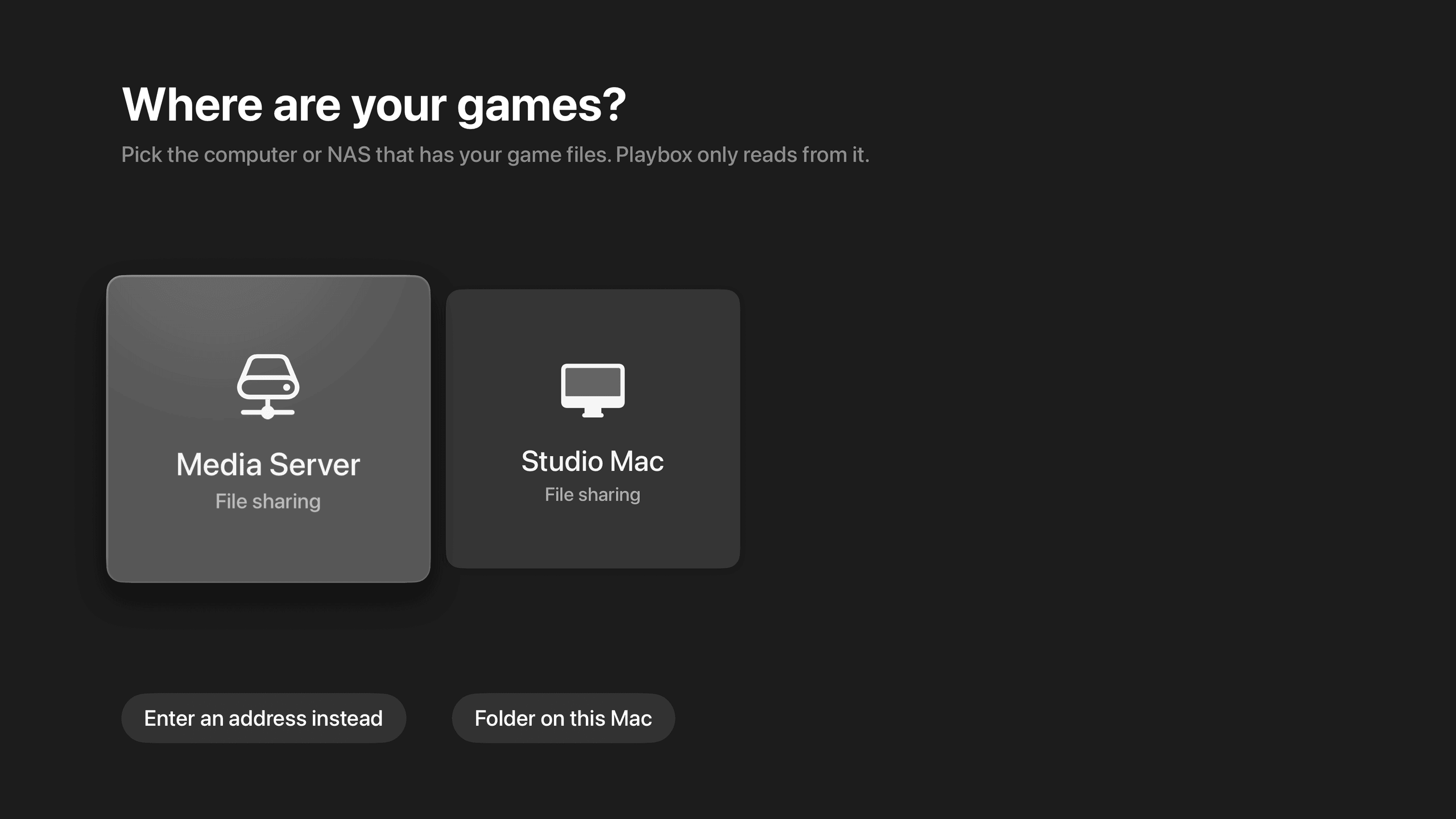
- Finds your NAS by itselfIt lists the computers and NAS boxes on your network. Pick one instead of typing an address on a TV.
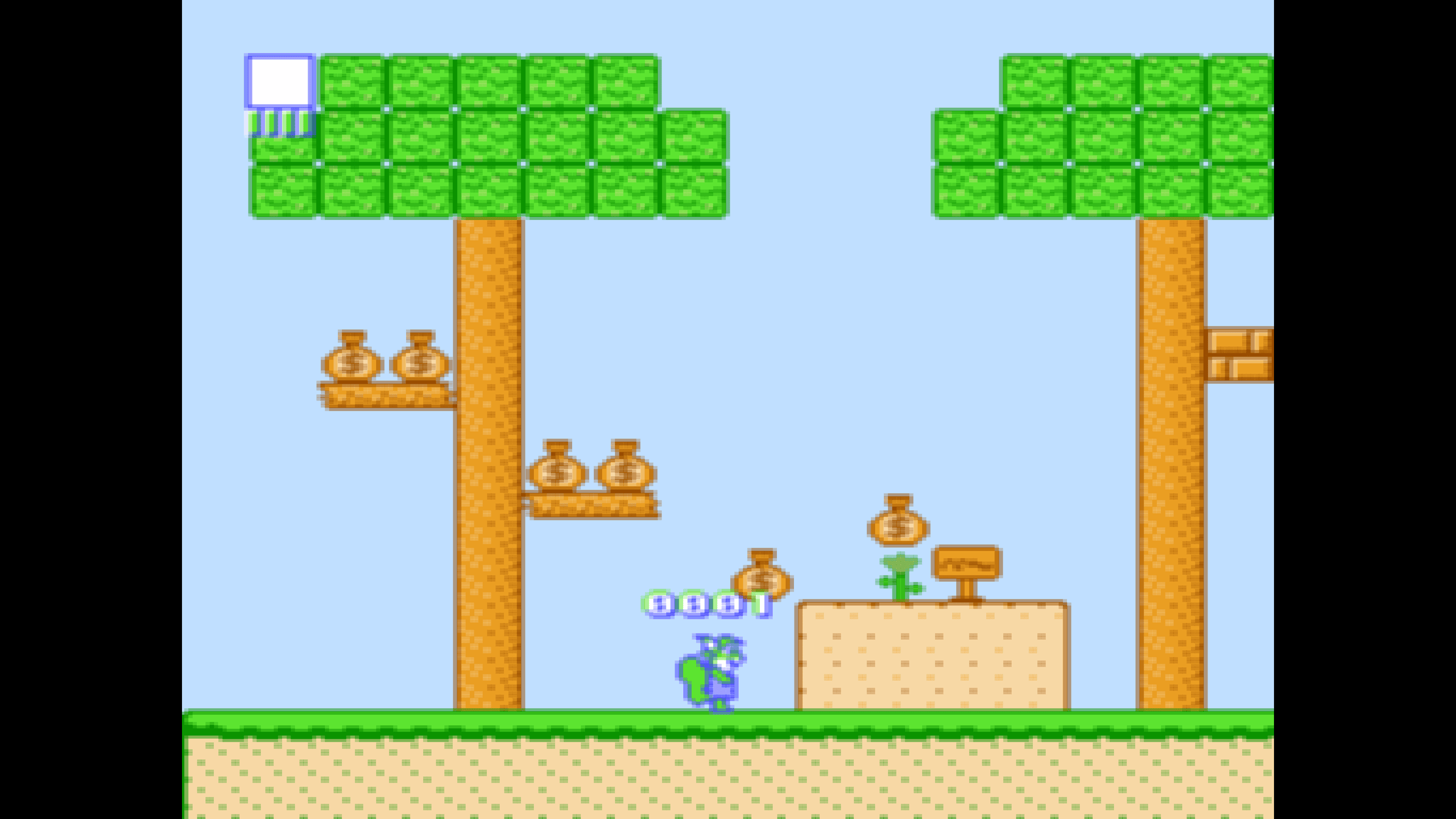
- Sharp on a 4K TVPixel art drawn crisp at the right shape, with none of the shimmer that comes from scaling it wrong.
- Point it at a folderGames in a shared folder. A picture with the same name becomes the poster. That's the whole setup.