Finds your NAS by itself on Apple TV
It lists the computers and NAS boxes on your network. Pick one instead of typing an address on a TV.
Coming Soon on the App Store
Leave your email and we'll tell you when it's ready. One note, nothing else.

The problem
Setting up a network share usually means typing smb://192.168.1.14 with
a remote control, one character at a time, on an on-screen keyboard.
What Playbox does
It asks the network who is sharing files and shows you what answered. Your Synology, your Mac, the old box in the closet: they are cards you click. If the share needs a password it asks then, and your iPhone offers to type it for you.
If a server does not announce itself, you can still enter an address by hand. Most people never need to.
What else Playbox does
- Every game on one shelfPosters, not filenames. Continue Playing sits on top, like the shows you're partway through.
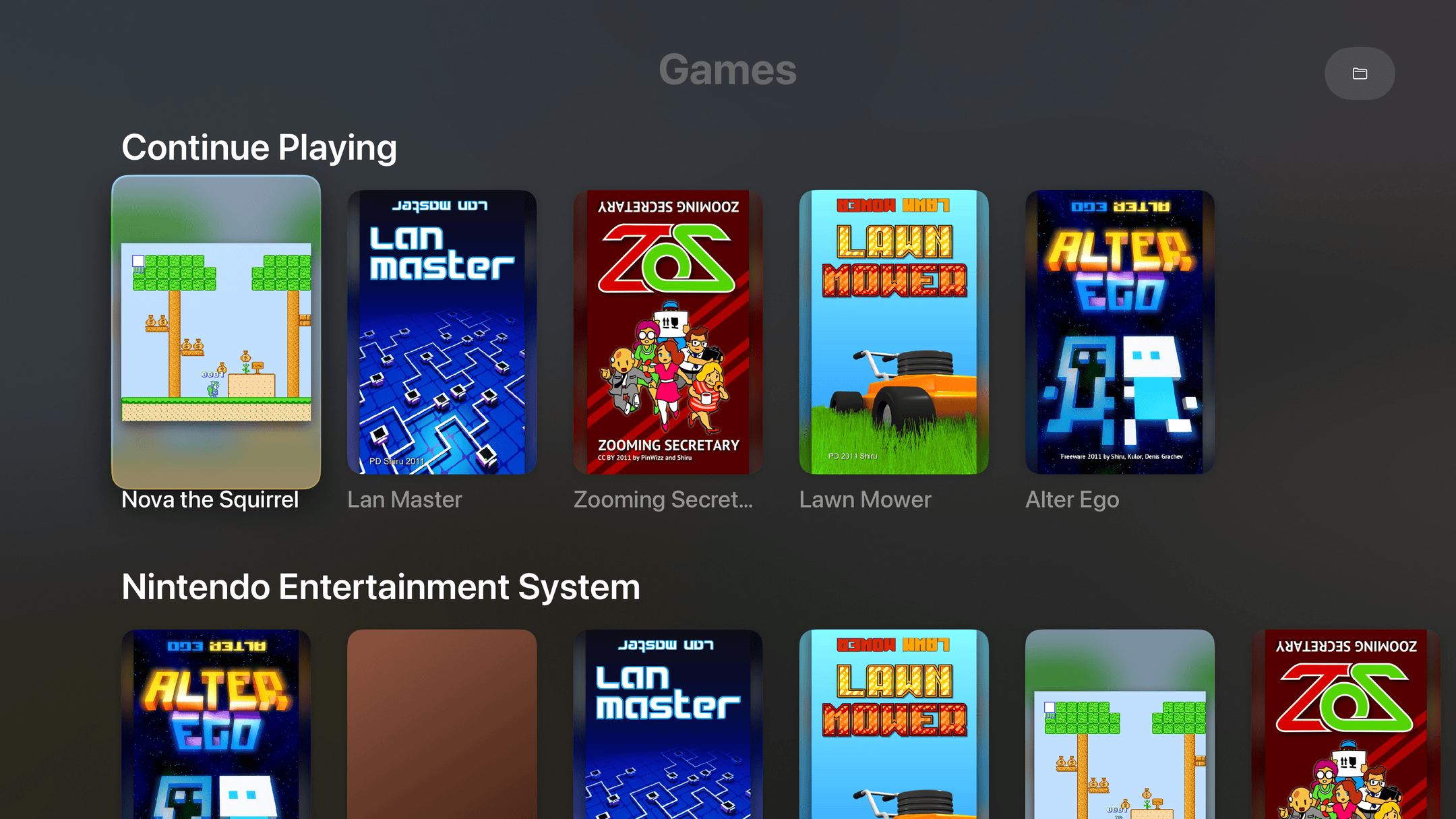
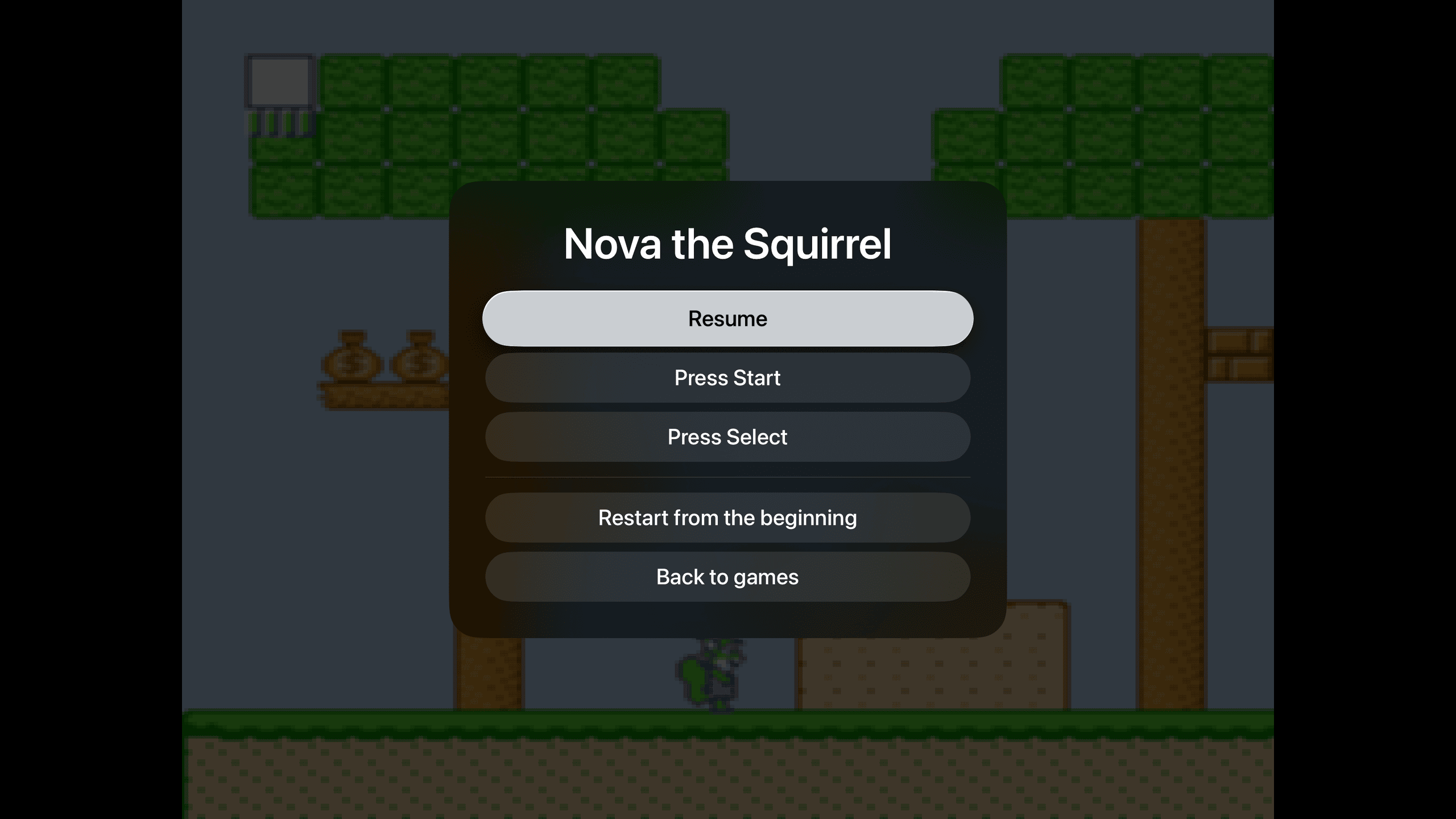
- Pick up where you left offNo save slots, no state menus. Pause, leave, come back tomorrow. The game is where you left it.
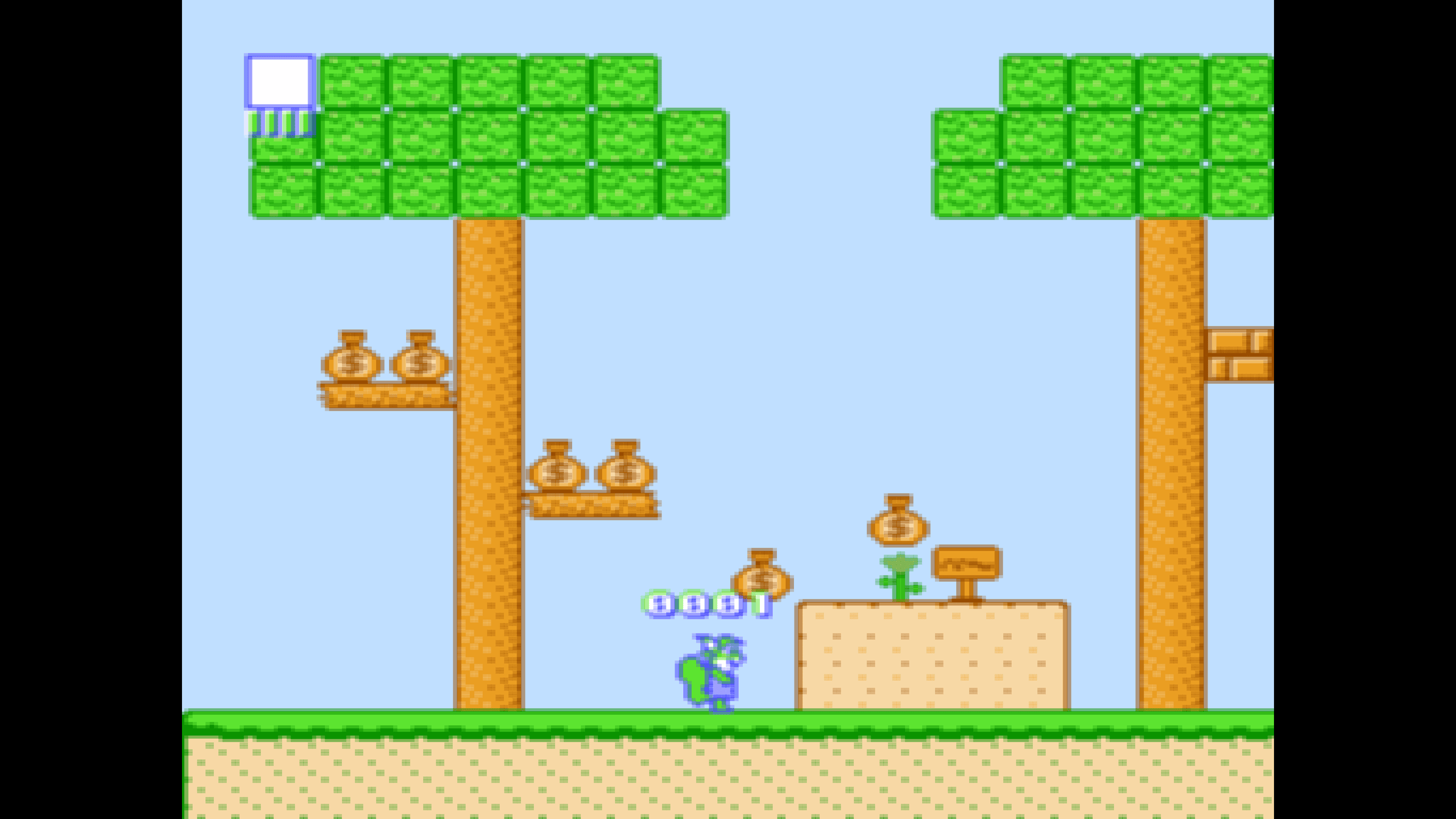
- Sharp on a 4K TVPixel art drawn crisp at the right shape, with none of the shimmer that comes from scaling it wrong.
- Point it at a folderGames in a shared folder. A picture with the same name becomes the poster. That's the whole setup.