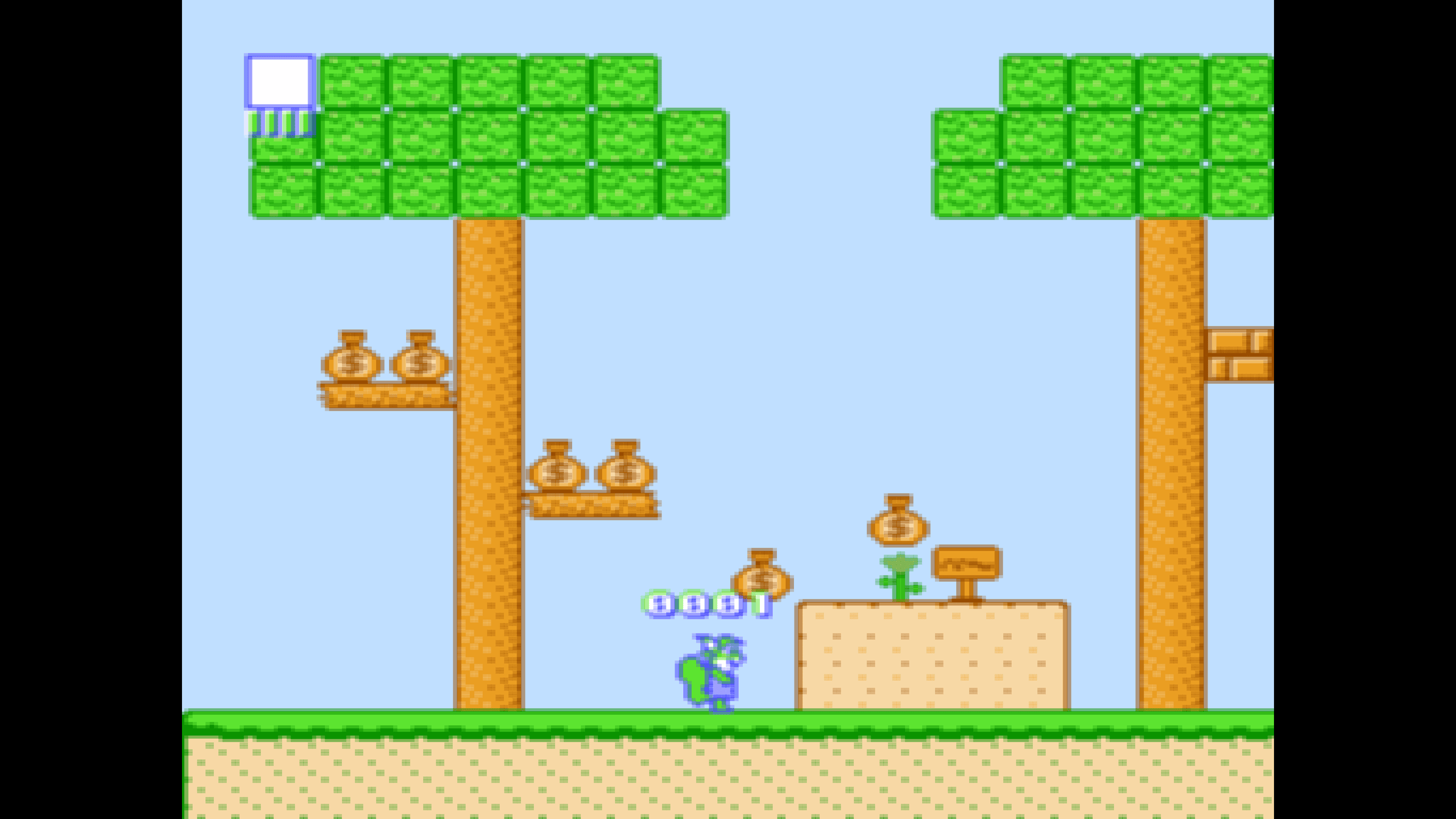
Point it at a folder on Apple TV
Games in a shared folder. A picture with the same name becomes the poster. That's the whole setup.
Coming Soon on the App Store
Leave your email and we'll tell you when it's ready. One note, nothing else.

The problem
Most media apps want you to adopt their library: import your files, let them rename things, keep a database somewhere you cannot see.
What Playbox does
It reads your folder and leaves it alone. Put Alter Ego.nes in a shared
folder and it is a game. Put Alter Ego.png beside it and that is the
poster. Sort your files into subfolders however you like; Playbox looks
through all of them.
Nothing is copied to the internet, no account is involved, and if you stop using Playbox your games are exactly the files they always were.
What else Playbox does
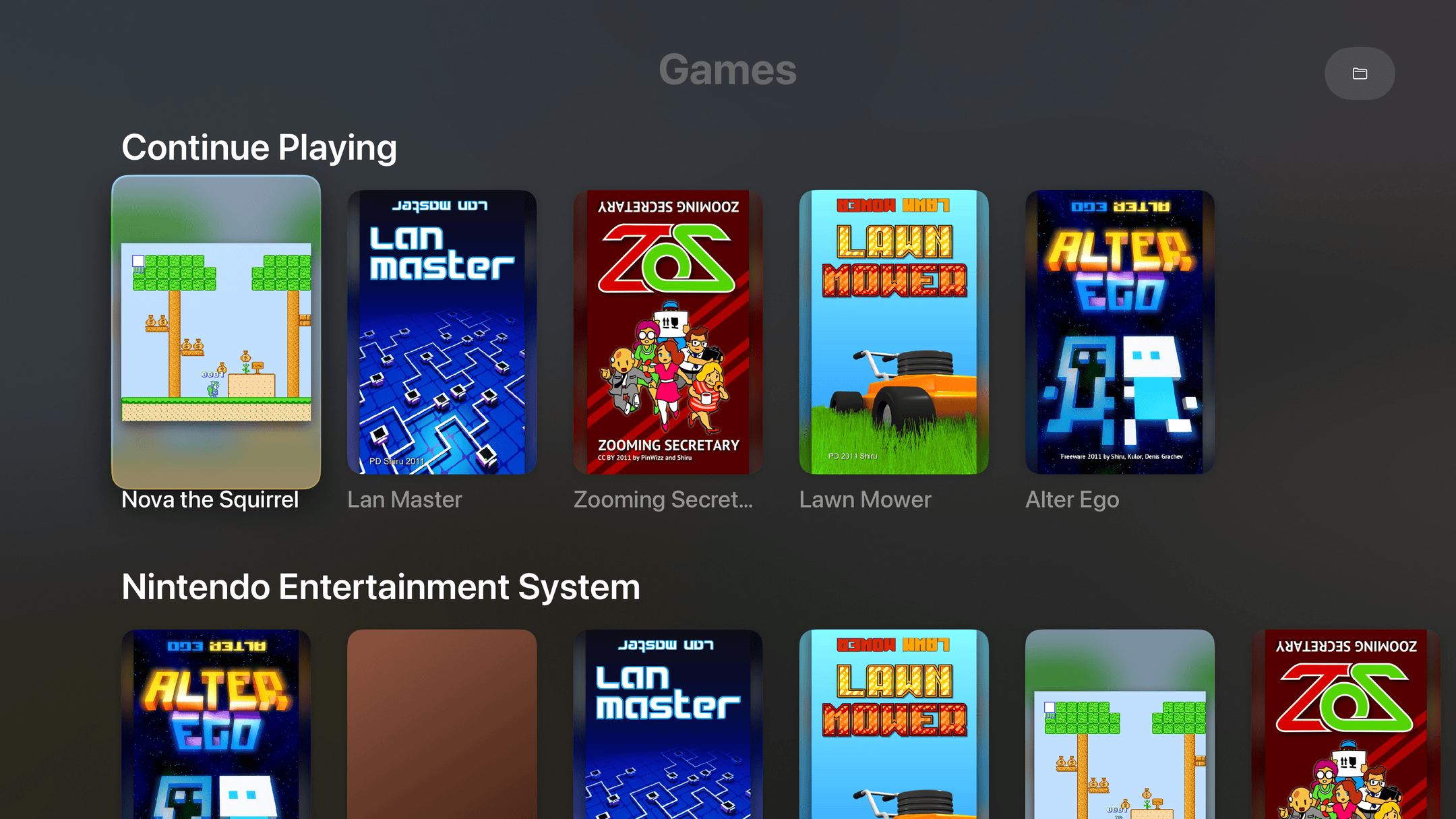
- Every game on one shelfPosters, not filenames. Continue Playing sits on top, like the shows you're partway through.
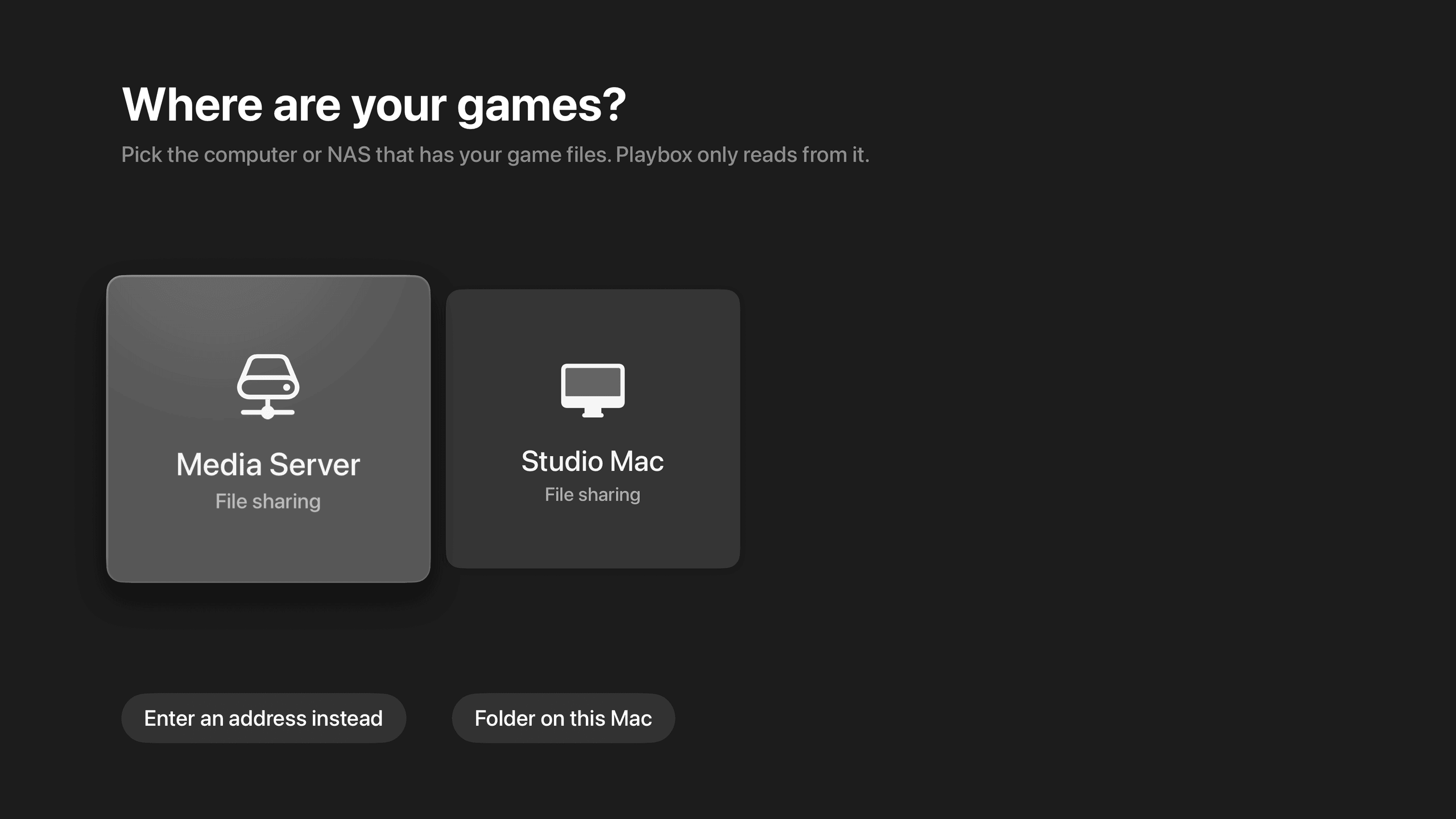
- Finds your NAS by itselfIt lists the computers and NAS boxes on your network. Pick one instead of typing an address on a TV.
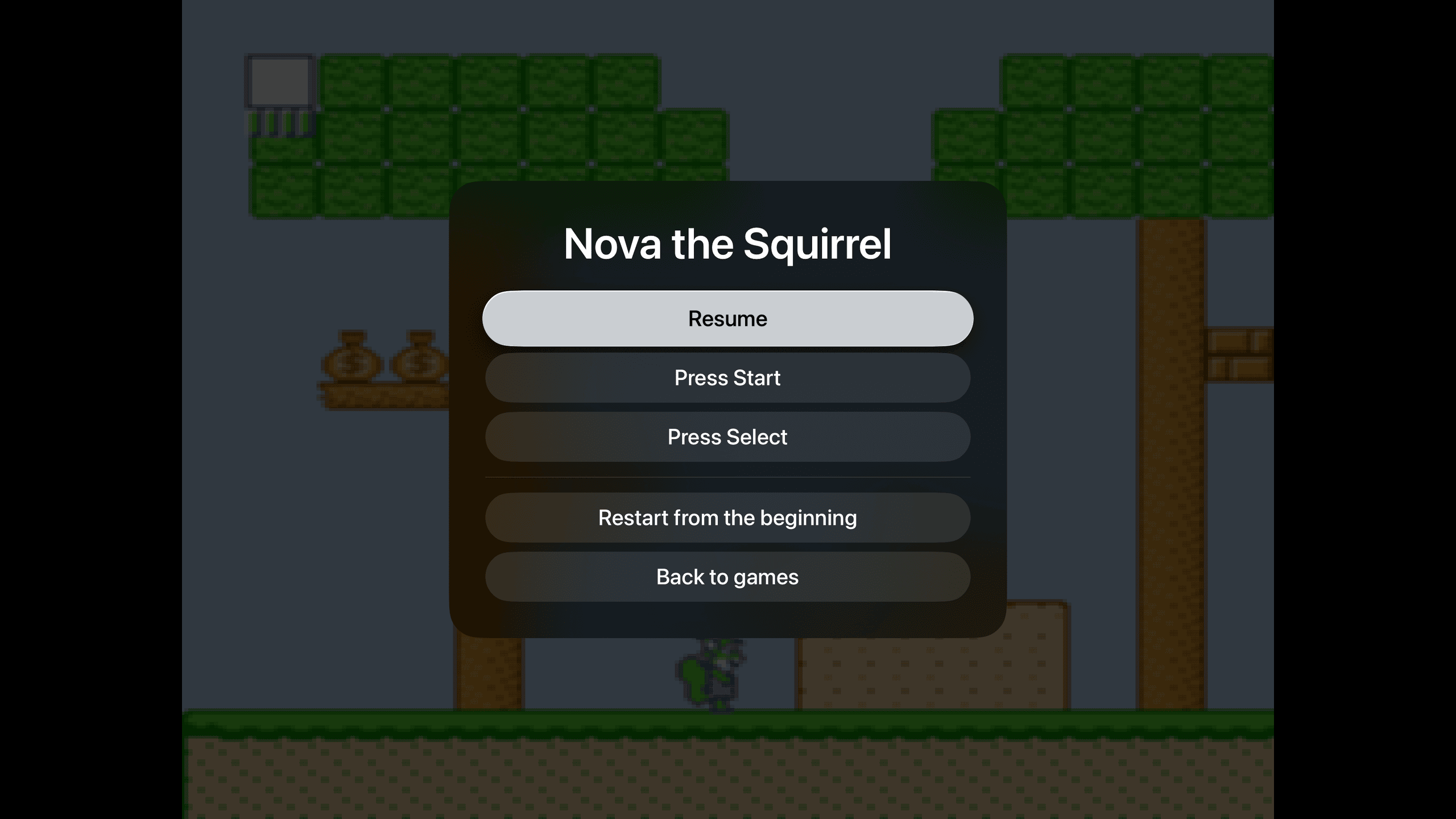
- Pick up where you left offNo save slots, no state menus. Pause, leave, come back tomorrow. The game is where you left it.
- Sharp on a 4K TVPixel art drawn crisp at the right shape, with none of the shimmer that comes from scaling it wrong.