Set the stage, then reset it on Mac
Studio wallpapers and a one-click tidy-up that hides your icons and Dock, then puts it all back when you're done.
Download on theMac App Store$9.99
One-time purchase. No subscription.

The problem
Before you record: hide the desktop icons, set a plain wallpaper, drop the resolution so the text is legible on someone else's screen, quit the things that show notifications. Afterwards, put it all back. Miss a step and it is in the footage.
What Displays does
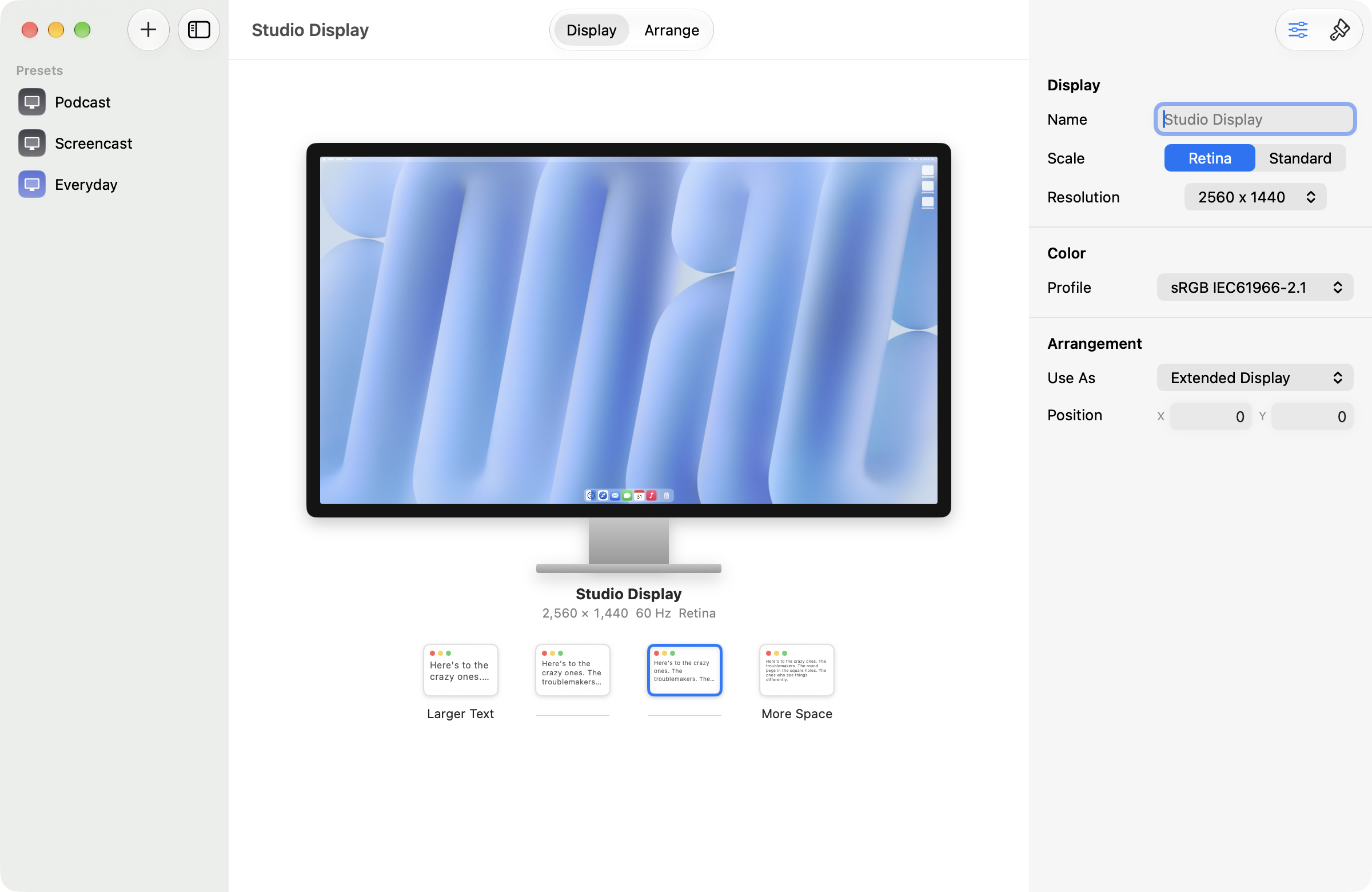
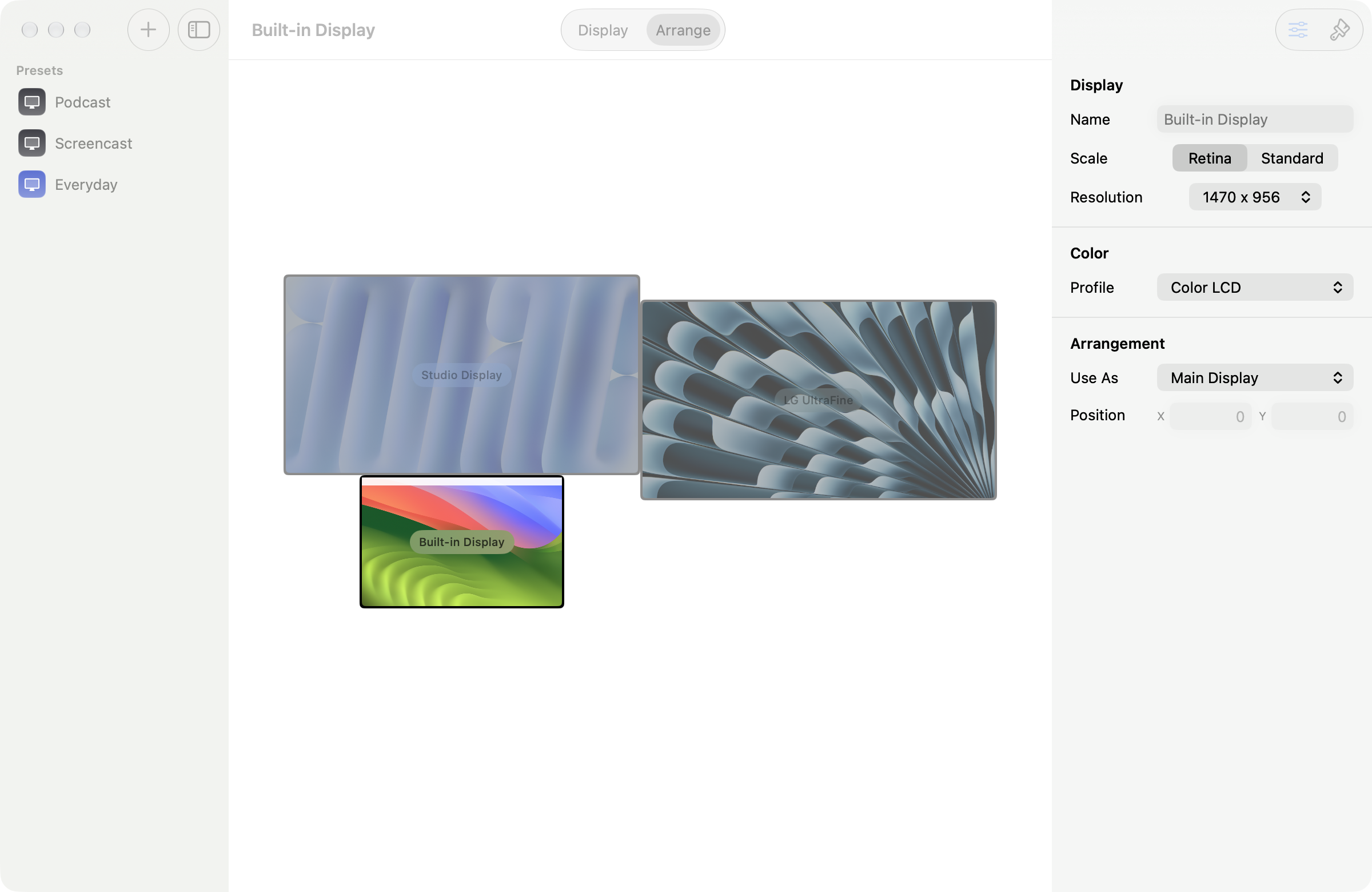
Save the whole rig (arrangement, resolutions, refresh rates, wallpapers) as a preset. "Podcast" becomes a state your machine can be in, one click away, including the second display you would have forgotten. The tidy-up is part of it: icons and the Dock go together and come back together, so putting it back is one click and not a repair job.