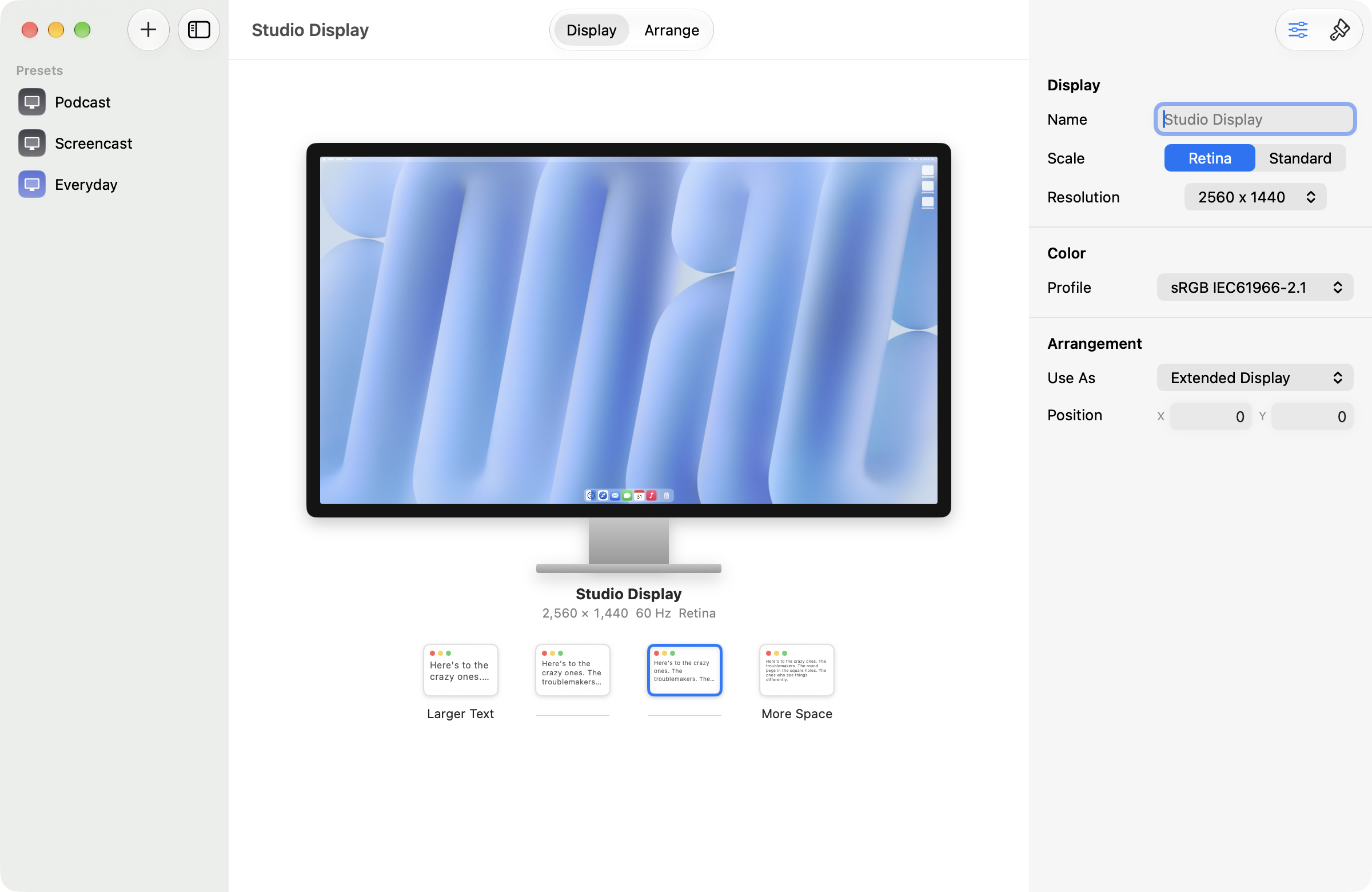
Arrange like it's Keynote on Mac
Drag a display and it snaps into place with alignment guides. Drop it on another to swap. Name each one so you know which is which.
One-time purchase. No subscription.

The problem
Everyone who has plugged in a second monitor knows the arrangement pane: identical blue rectangles, no indication of which is which, that snap somewhere near where you dropped them. You nudge one, check which screen the mouse escapes from, and nudge it back.
What Displays does
Each display on the canvas wears its own wallpaper, at its true relative size, with its name on it, so you are arranging things you recognise. Drag one and it behaves like an object in Keynote: alignment guides when an edge lines up, and it lands flush instead of a few pixels off. Drop a display on another and they swap places. Names are keyed to the hardware, so they survive reboots and replugs.