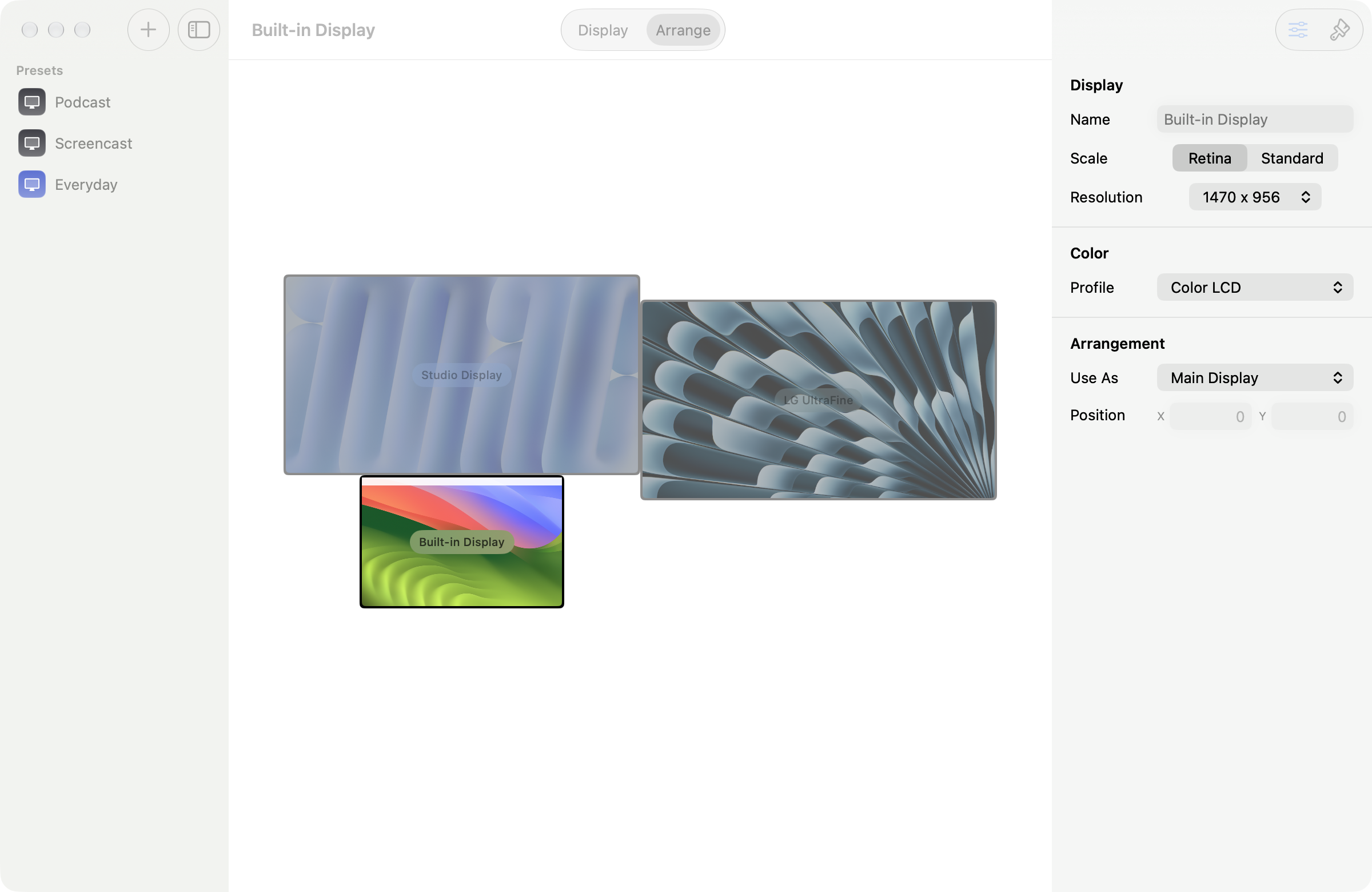
Every monitor, as itself on Mac
Your MacBook looks like a MacBook, your Studio Display like a Studio Display, with a live preview before you commit.
One-time purchase. No subscription.

The problem
macOS shows you a row of unlabelled rectangles and a list of resolutions, and asks you to guess. Which one is the Studio Display? What does "More Space" actually look like at this size? You pick, the screen goes black for a second, everything reflows, and then you find out.
What Displays does
Each monitor is drawn as the hardware it is: a MacBook with its notch, a Studio Display on its stand, under the name you gave it. Every scaled option along the bottom is a live preview of that setting, same desktop, same window, at the size you would get. Nothing is applied until you say so, and the screen never blanks to show you a preview, because the preview is a drawing rather than a mode change.