Blocker
Pause the internet for any device on your UniFi network
One-time purchase. No subscription.
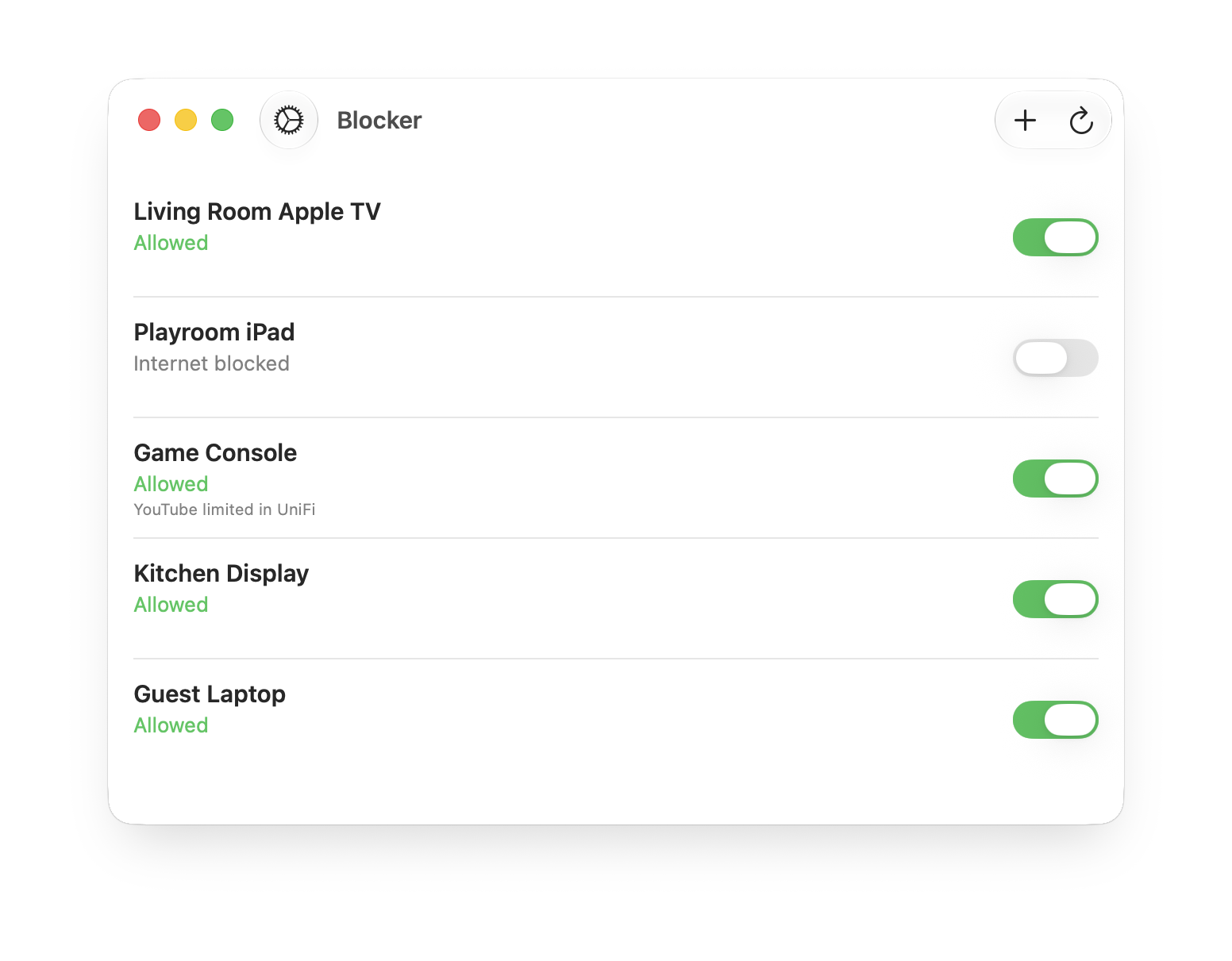
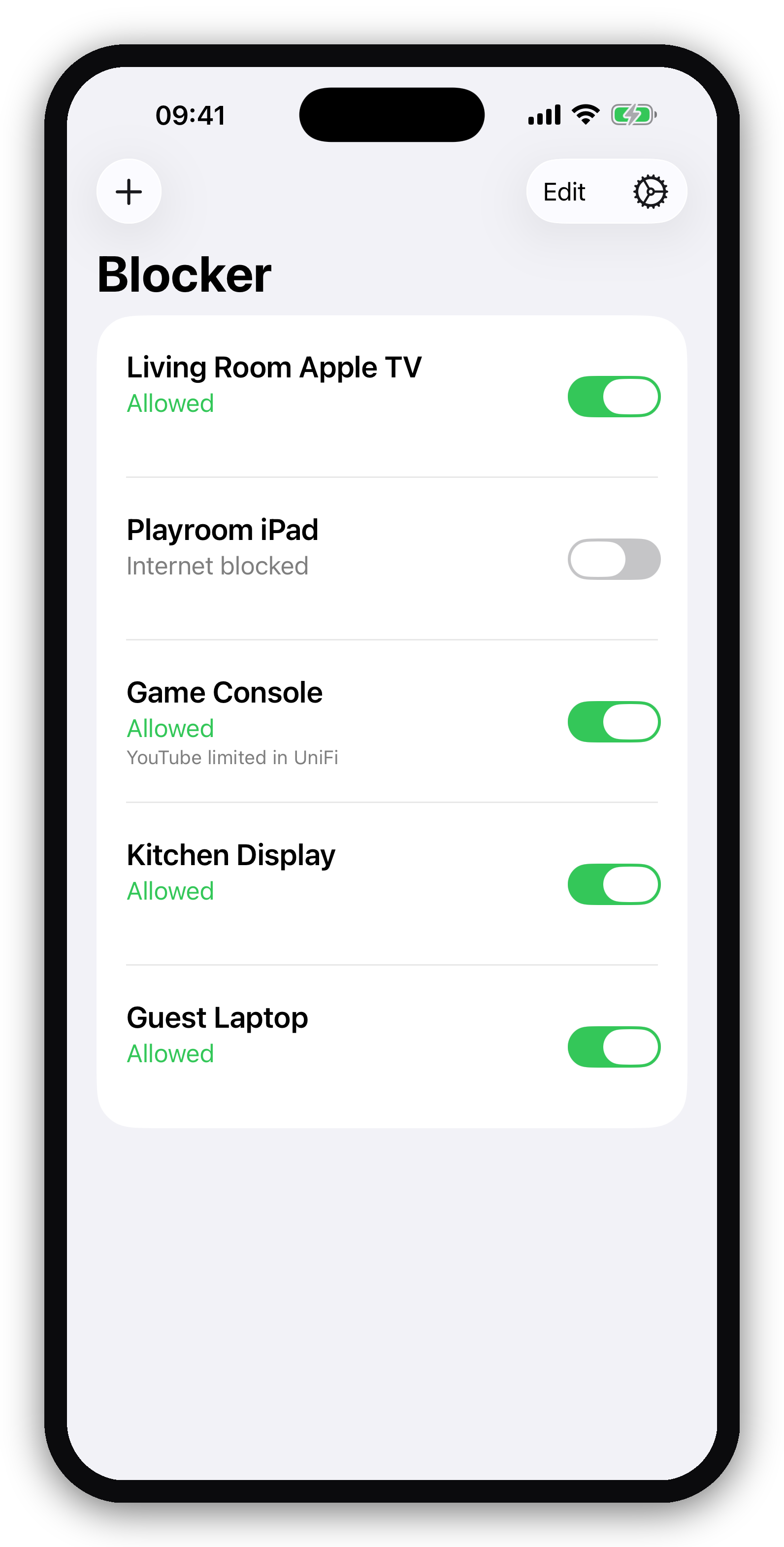

Blocker is the fastest way to pause the internet for any device on your home network. One switch per device: flip it off and they're offline, flip it on and they're back. At dinner, homework, or bedtime, block the Apple TV, the iPad, or the game console in one tap from your iPhone or Mac.
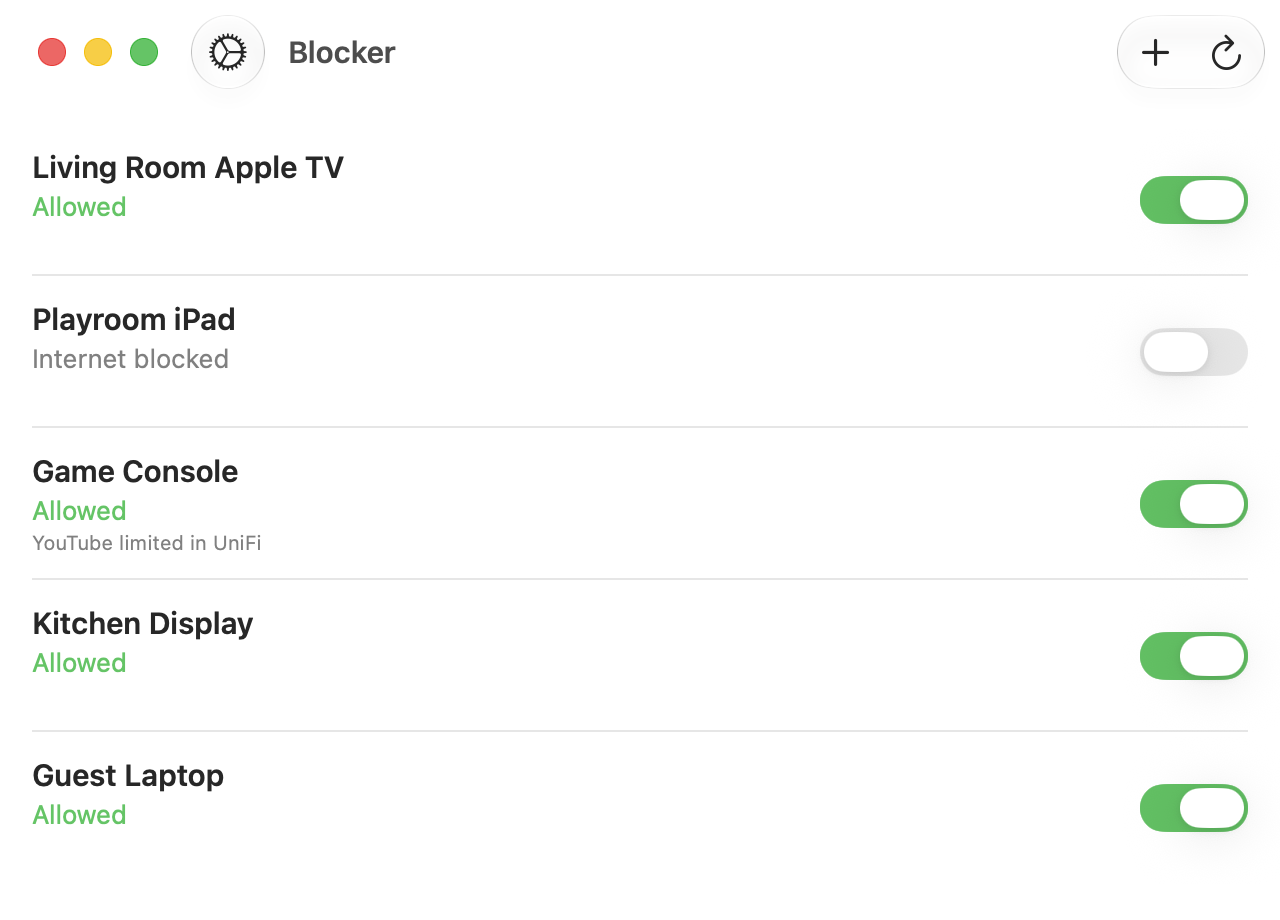
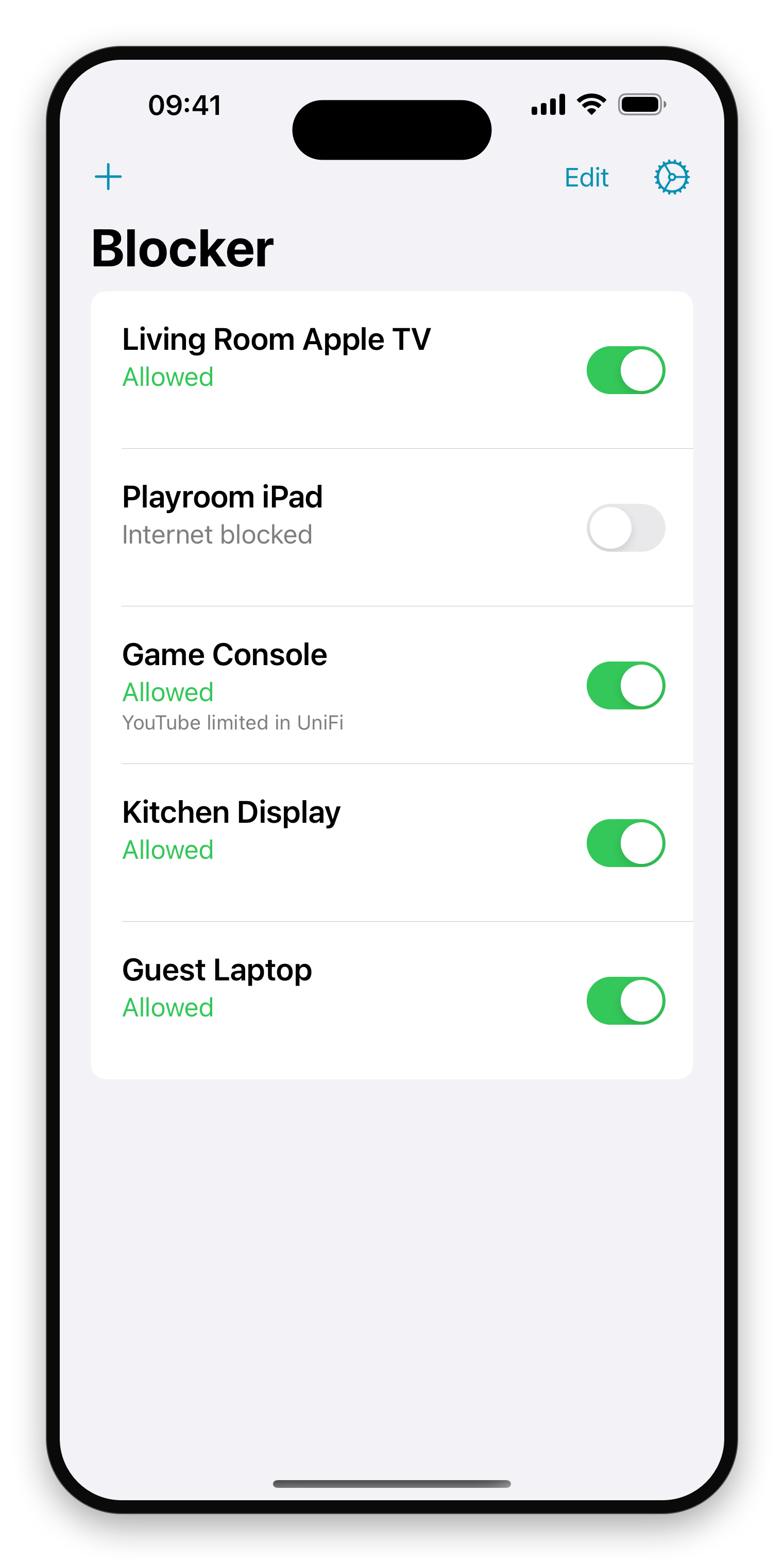
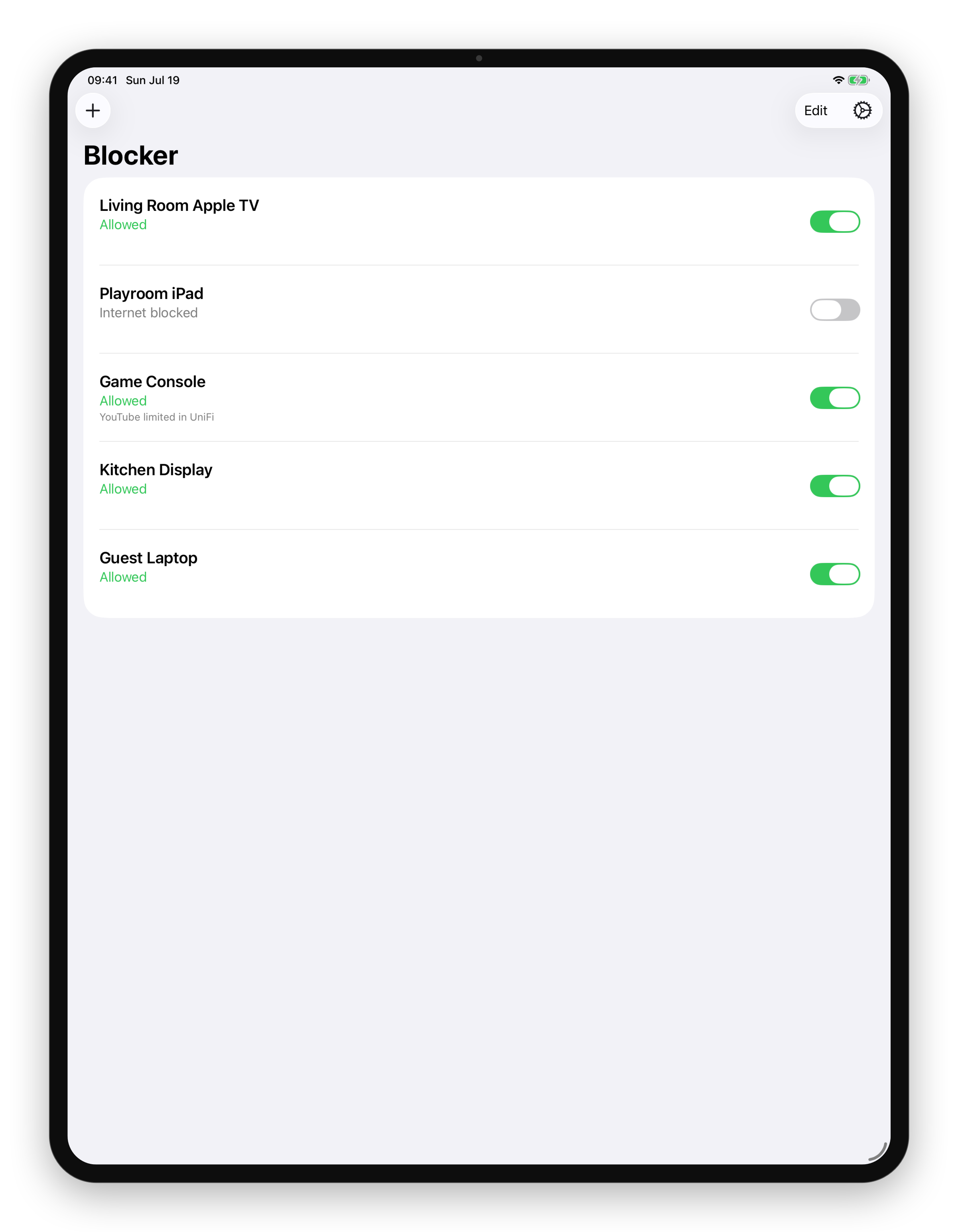
One toggle per device
Your devices, one switch each. Flip it off, they're offline.
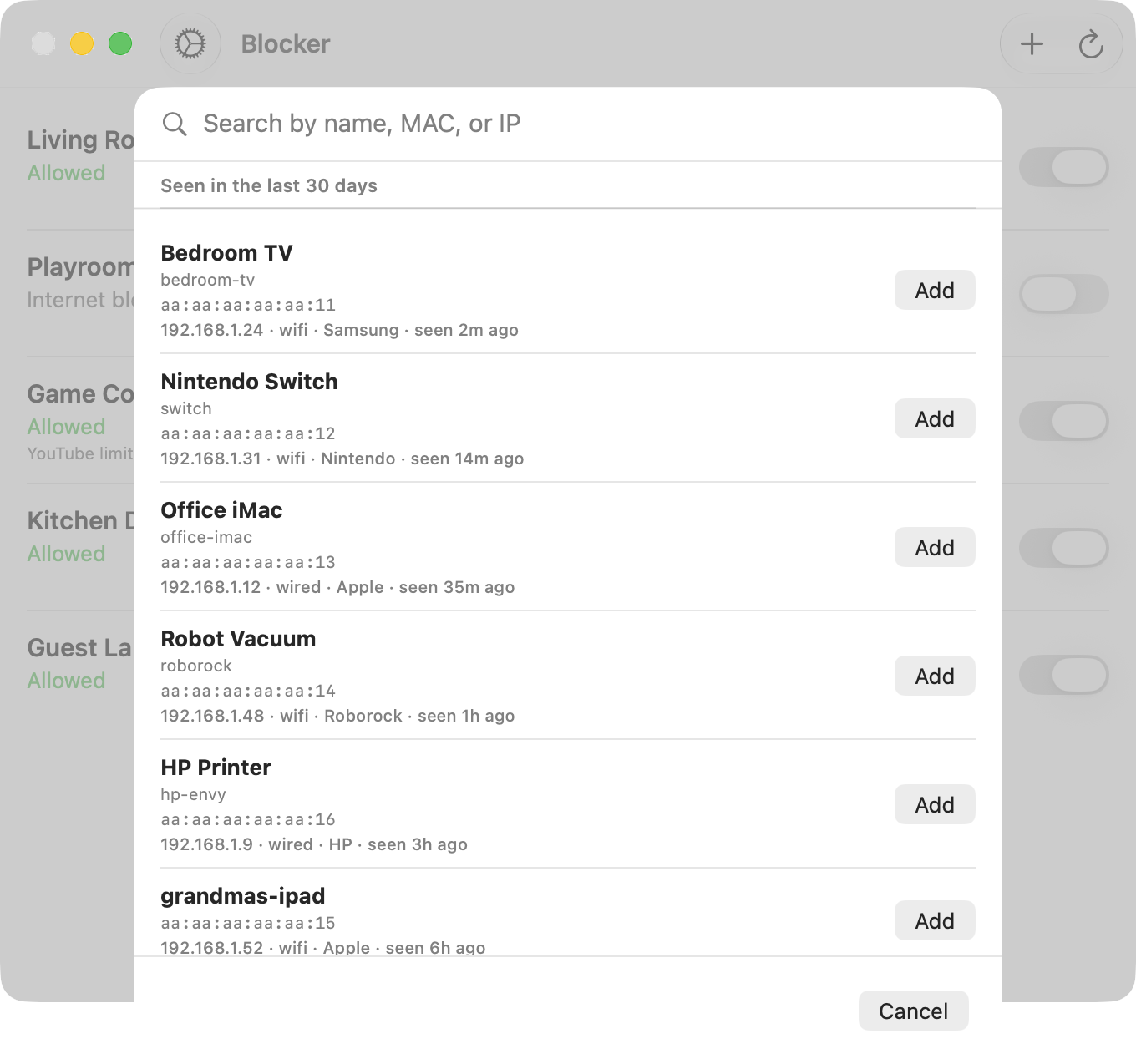
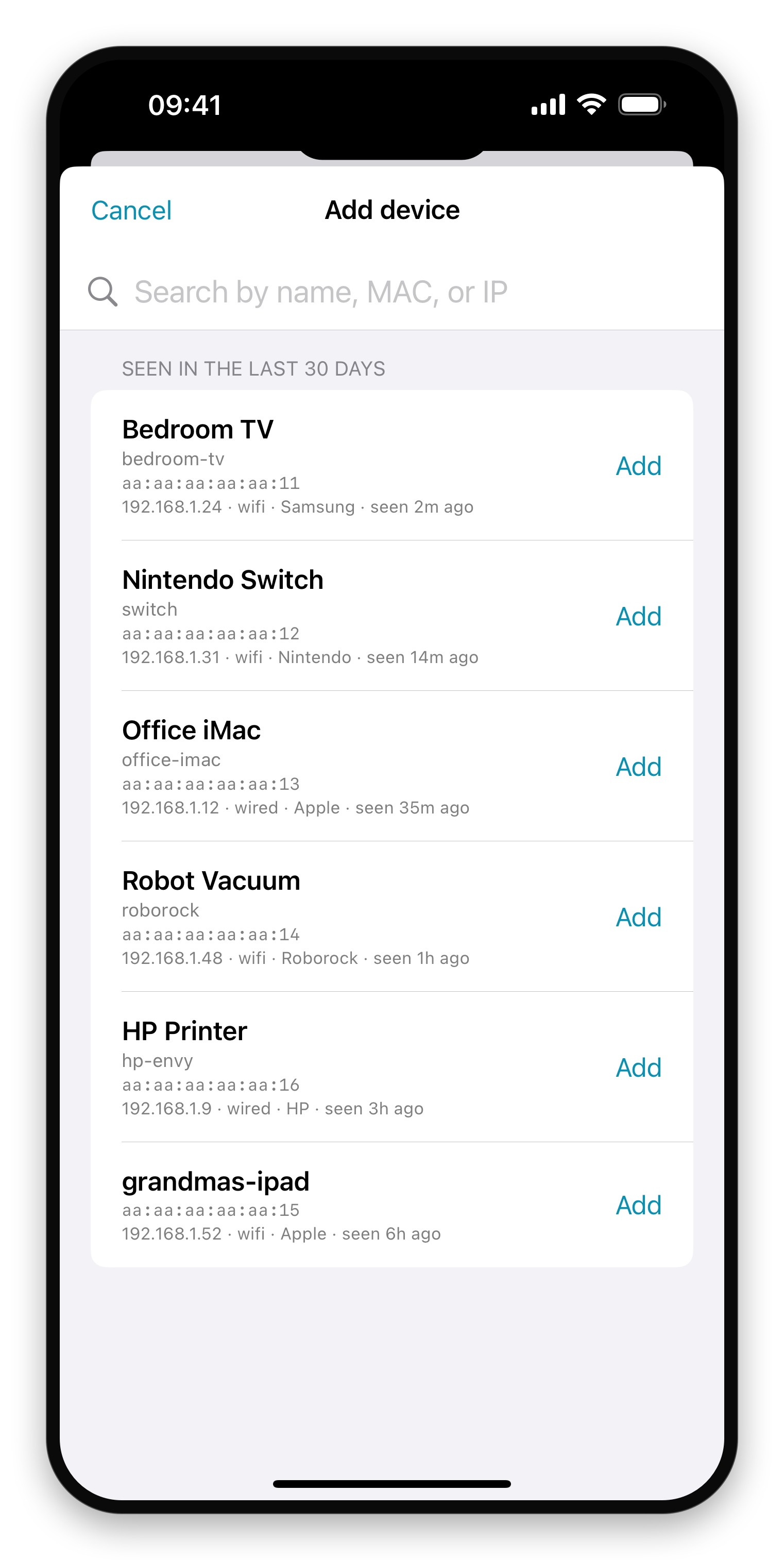
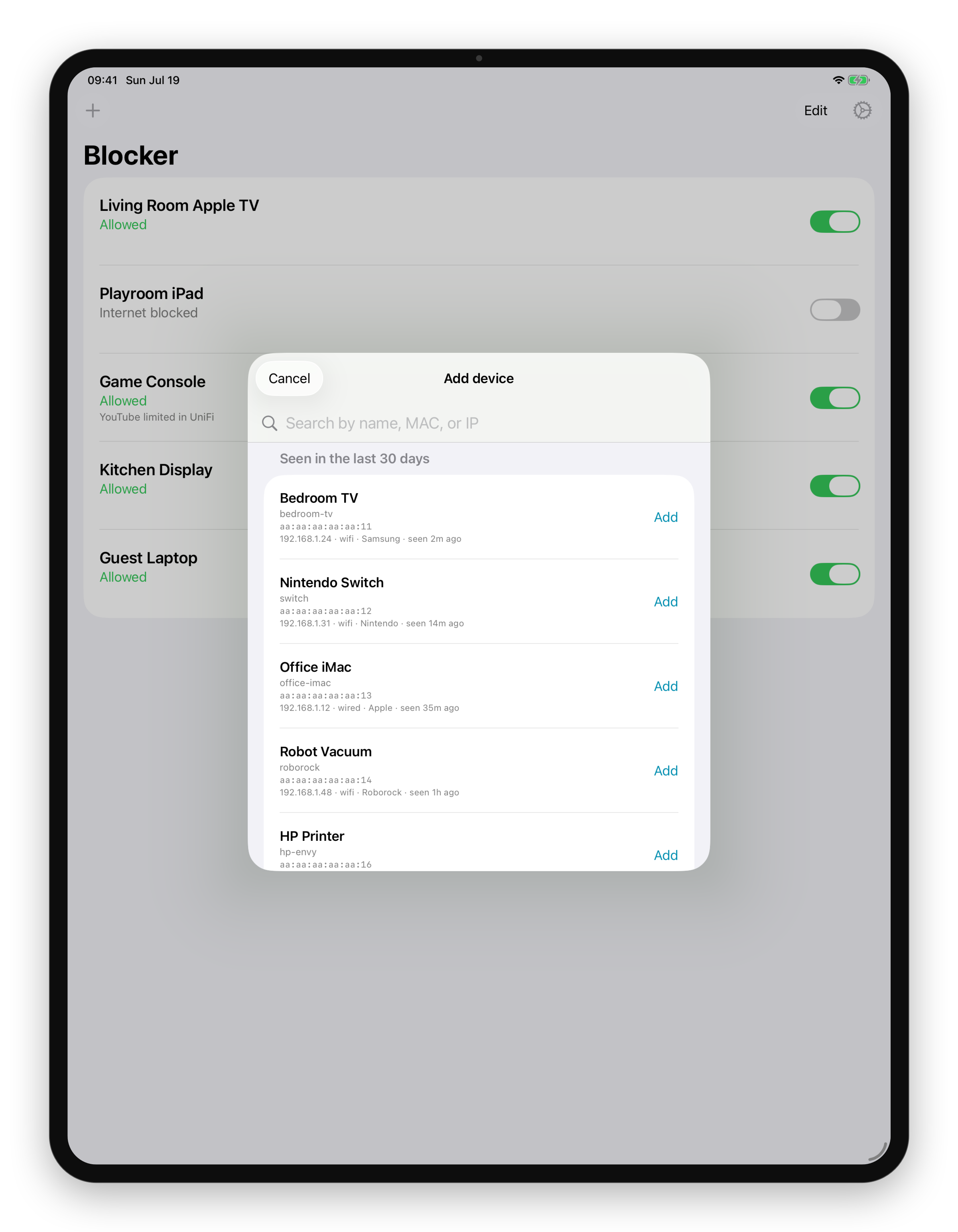
Add any device on your network
Everything your router has seen. Search by name, MAC, or IP.
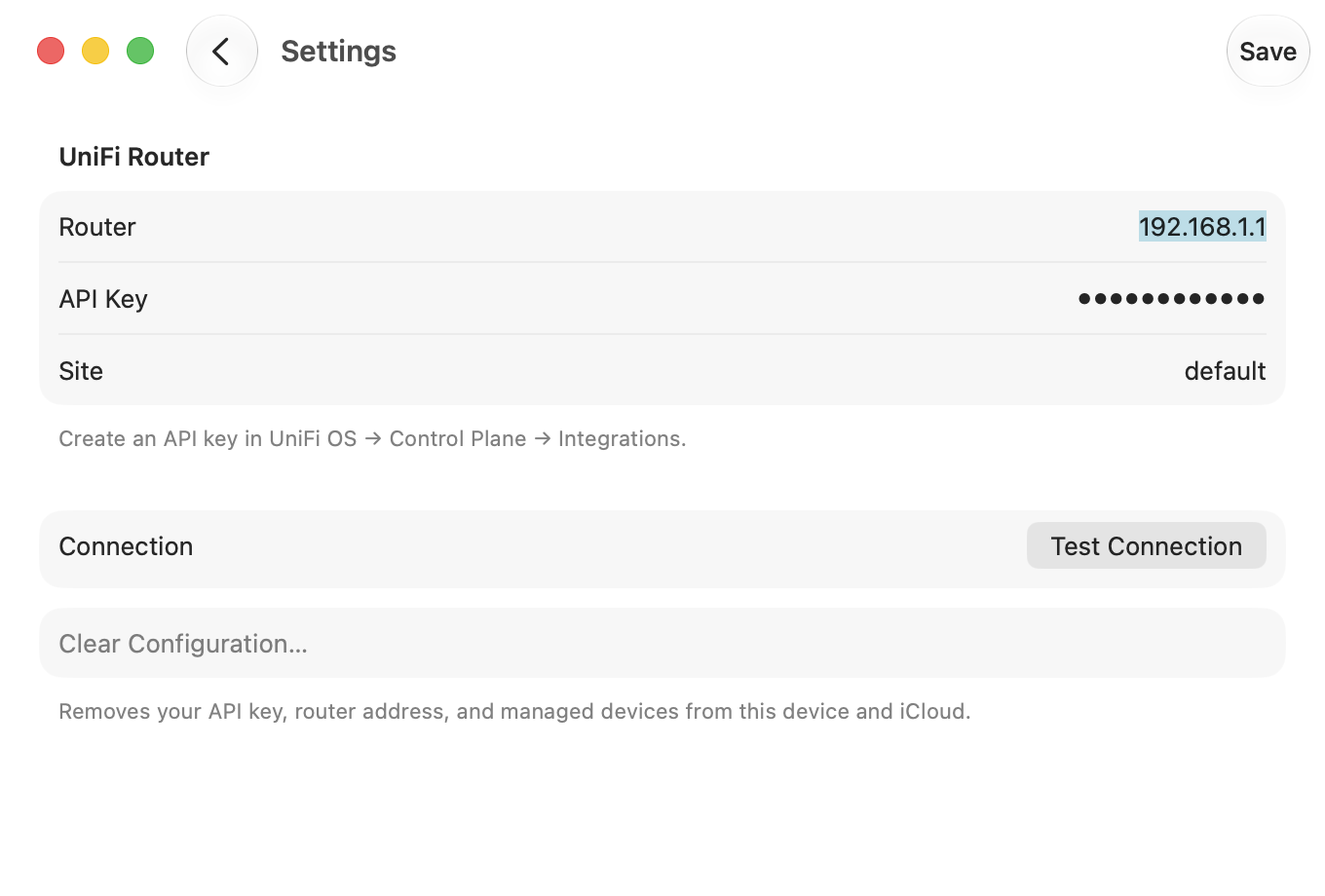
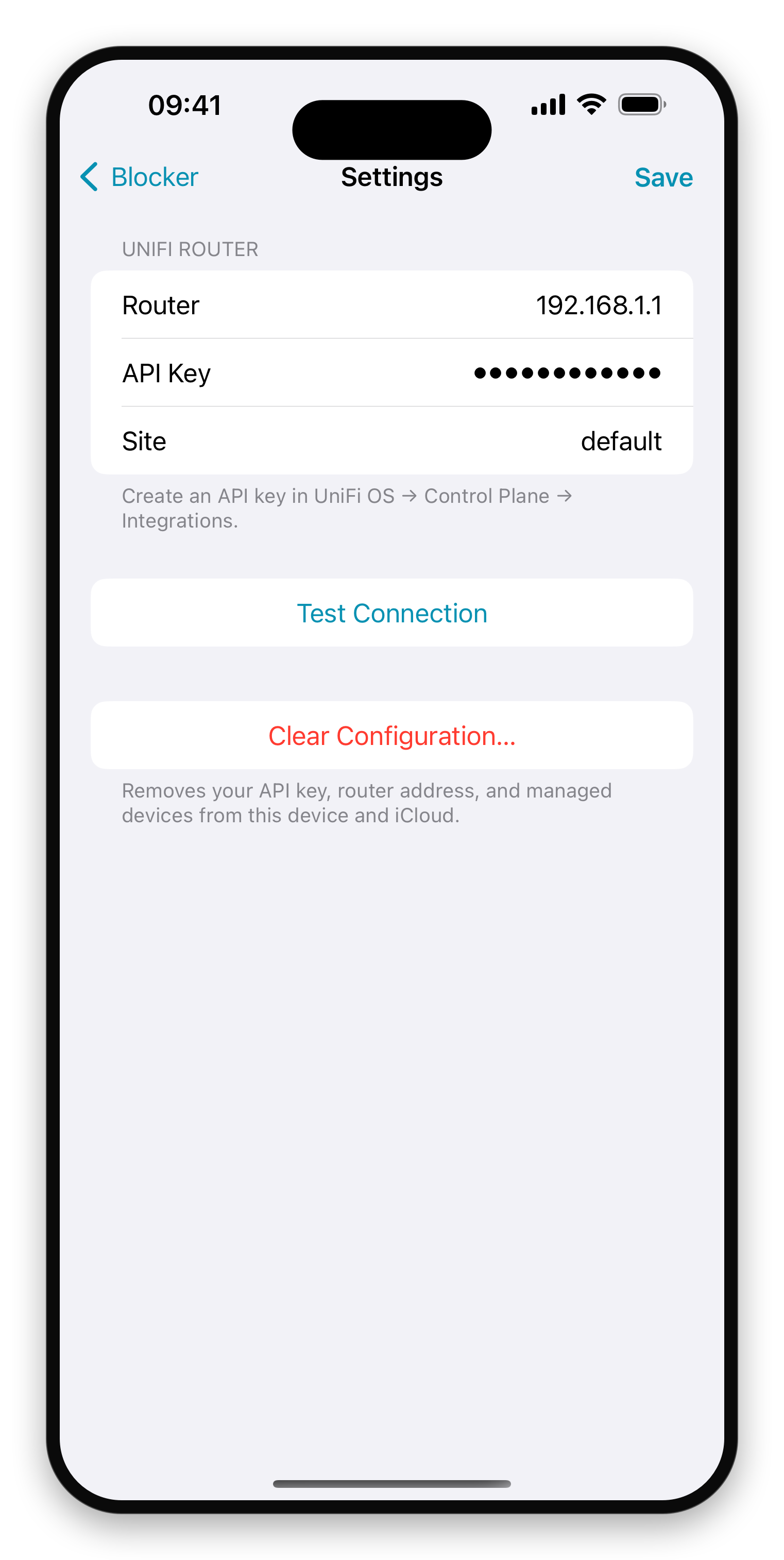
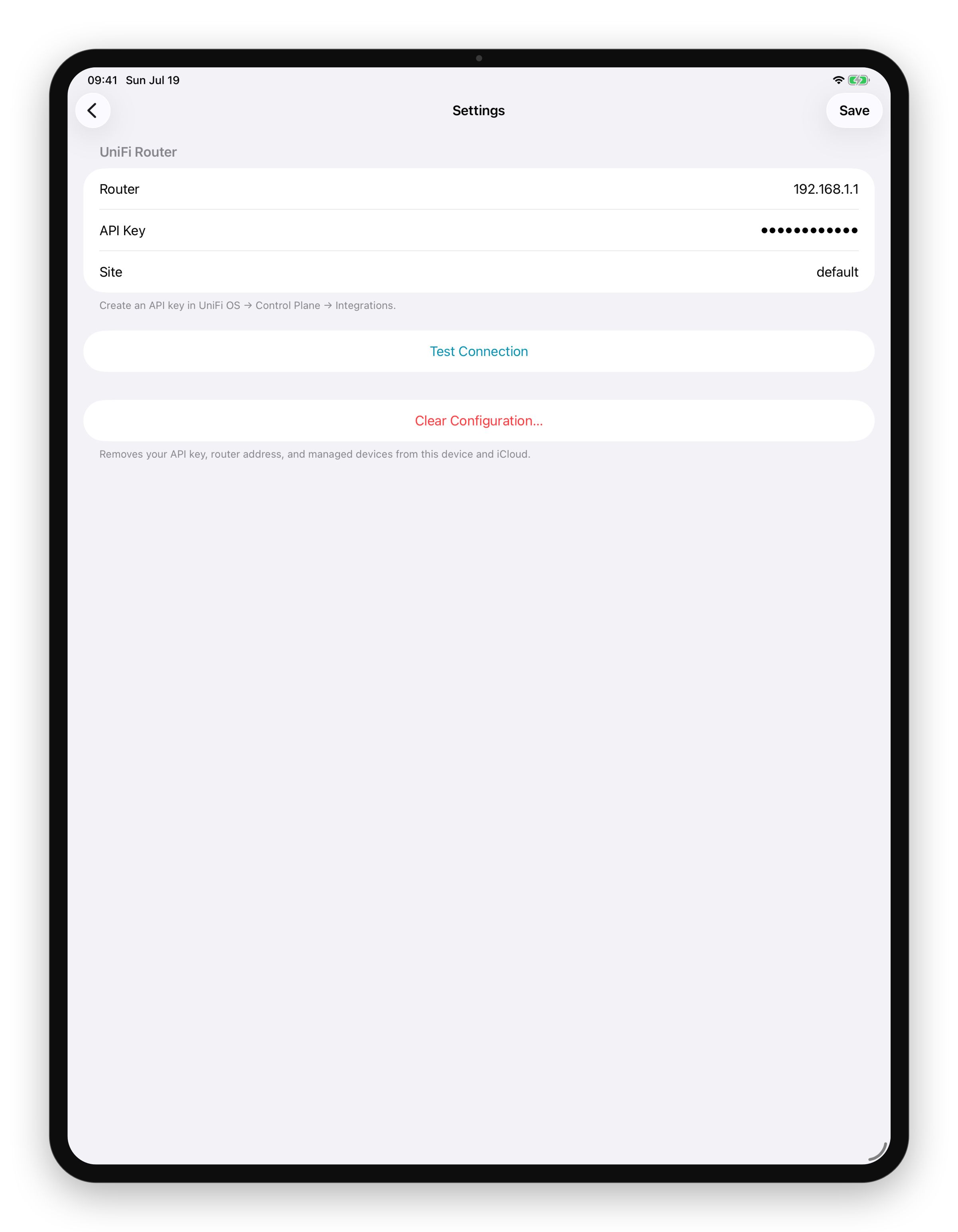
Connect to your UniFi router
A Local API Key on your network, with no account and no cloud.
Why Blocker?
The UniFi app can block clients, but it's buried four screens deep behind menus you don't want to navigate at 9 PM. Blocker is a single screen: your devices, one toggle each. That's it.
Details
- Native iPhone, iPad, and Mac app; buy once, use everywhere
- One switch per device, no digging through router settings
- Shows when a device is limited by other UniFi rules, like scheduled app blocks
- Your device list syncs between your devices via iCloud
- Your API key stays in your Keychain; Blocker never sees your traffic
- No subscriptions, no accounts, no analytics
Requirements
- iOS 17.0 or later, or macOS 14.0 or later
- A UniFi router (UDM, UCG, or similar) running UniFi Network 9 or later with the zone-based firewall
- A Local API Key from UniFi OS → Control Plane → Integrations
UniFi and Ubiquiti are trademarks of Ubiquiti Inc. Blocker is an independent app and is not affiliated with, endorsed by, or sponsored by Ubiquiti.
Buy it once. It's yours.
No subscription, no account, and we don't collect anything about you. Runs on your iPhone, iPad, and Mac. Updates are included.