Connect to your UniFi router on iPhone
A Local API Key on your network, with no account and no cloud.
One-time purchase. No subscription.

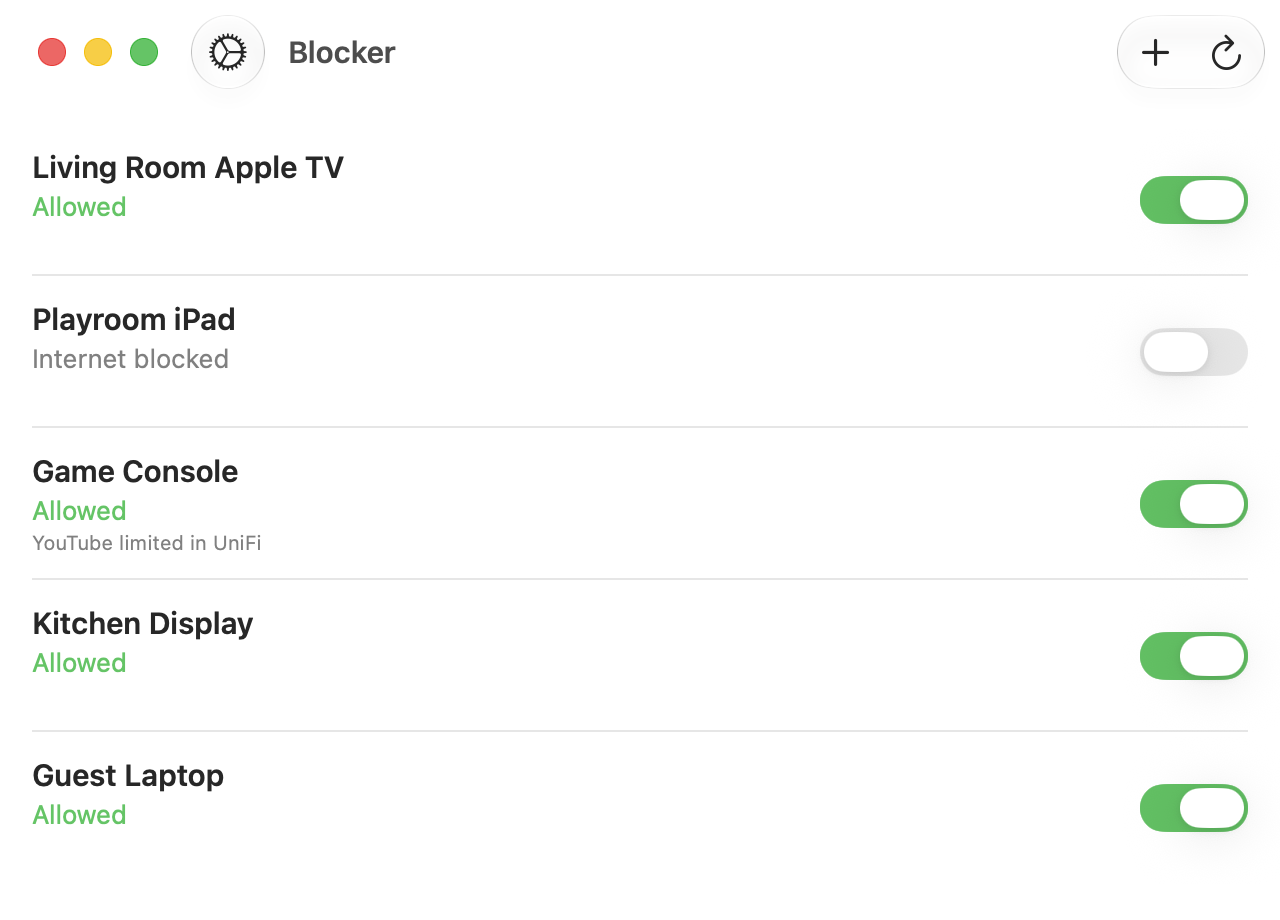
Paste a Local API Key and Blocker talks to your UniFi gateway directly, over your LAN. No account, no cloud relay, nothing leaves your network. You run the network; Blocker just flips the switches.
The problem
Changing firewall rules is a thing you should be suspicious of an app asking for. Most tools that offer it want an account, a cloud service in the middle, and your network's traffic passing through a company you have to trust.
What Blocker does
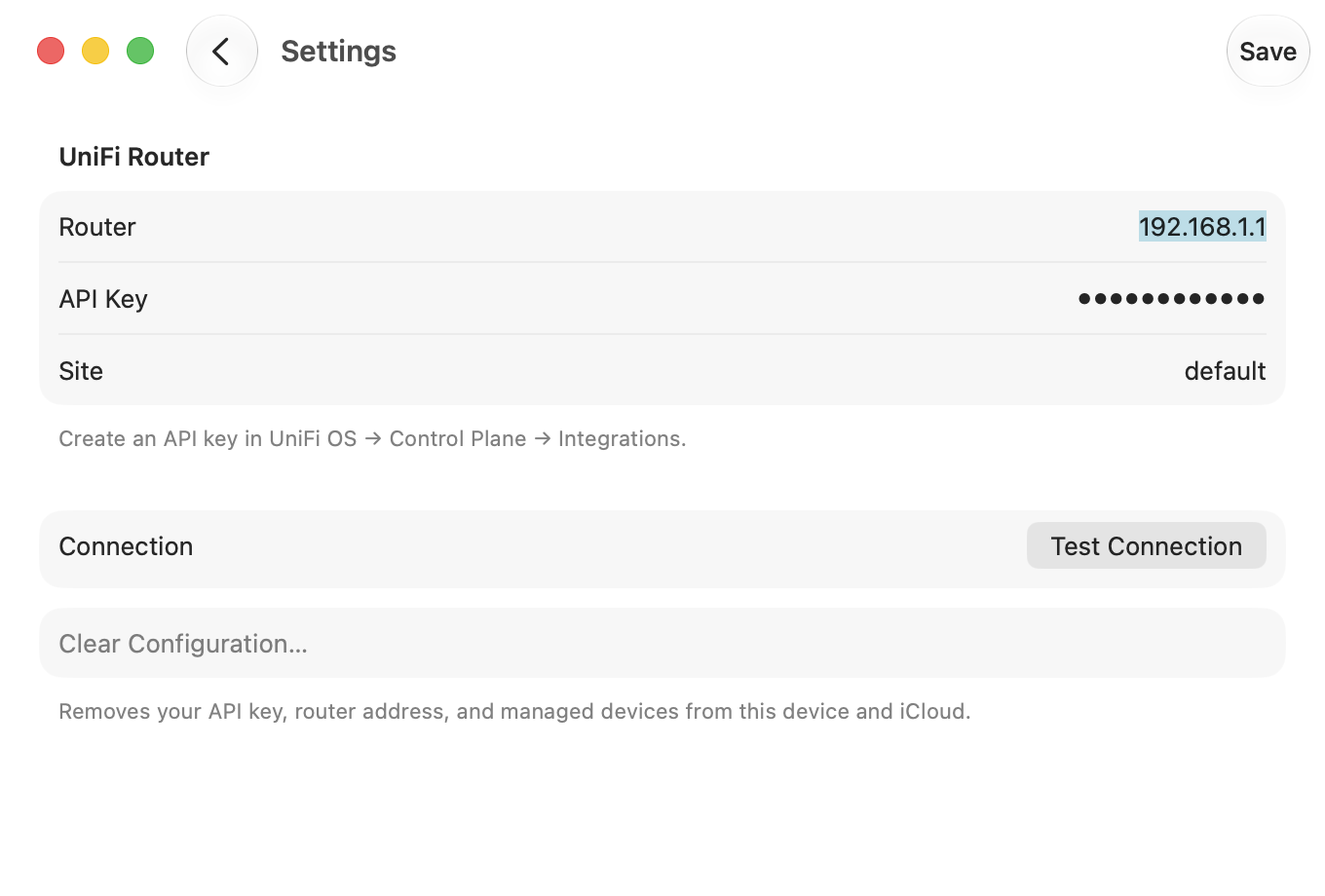
It asks for the narrowest possible version: a Local API Key you create in your own UniFi console, which works only on your own network. The app talks to the router at its LAN address. Off your network it can do nothing at all, which is the trade for not handing your home to anyone.
Create the key under Control Plane, Integrations. Paste it once. Clear Configuration removes the key, the router address and your device list from the app and from iCloud.