Bring your own bucket on iPad
Any S3-compatible storage, synced to every device.
One-time purchase. No subscription.

The problem
Every file-sharing service is a company that can change its pricing, expire your links, or disappear, taking every URL you have pasted anywhere with it.
What Uploads does
It has no storage to sell you. Files go into a bucket you already own (Amazon S3, Cloudflare R2, Tigris, Backblaze B2, DigitalOcean Spaces, or any other endpoint that speaks S3) and links come out on whatever domain that bucket serves.
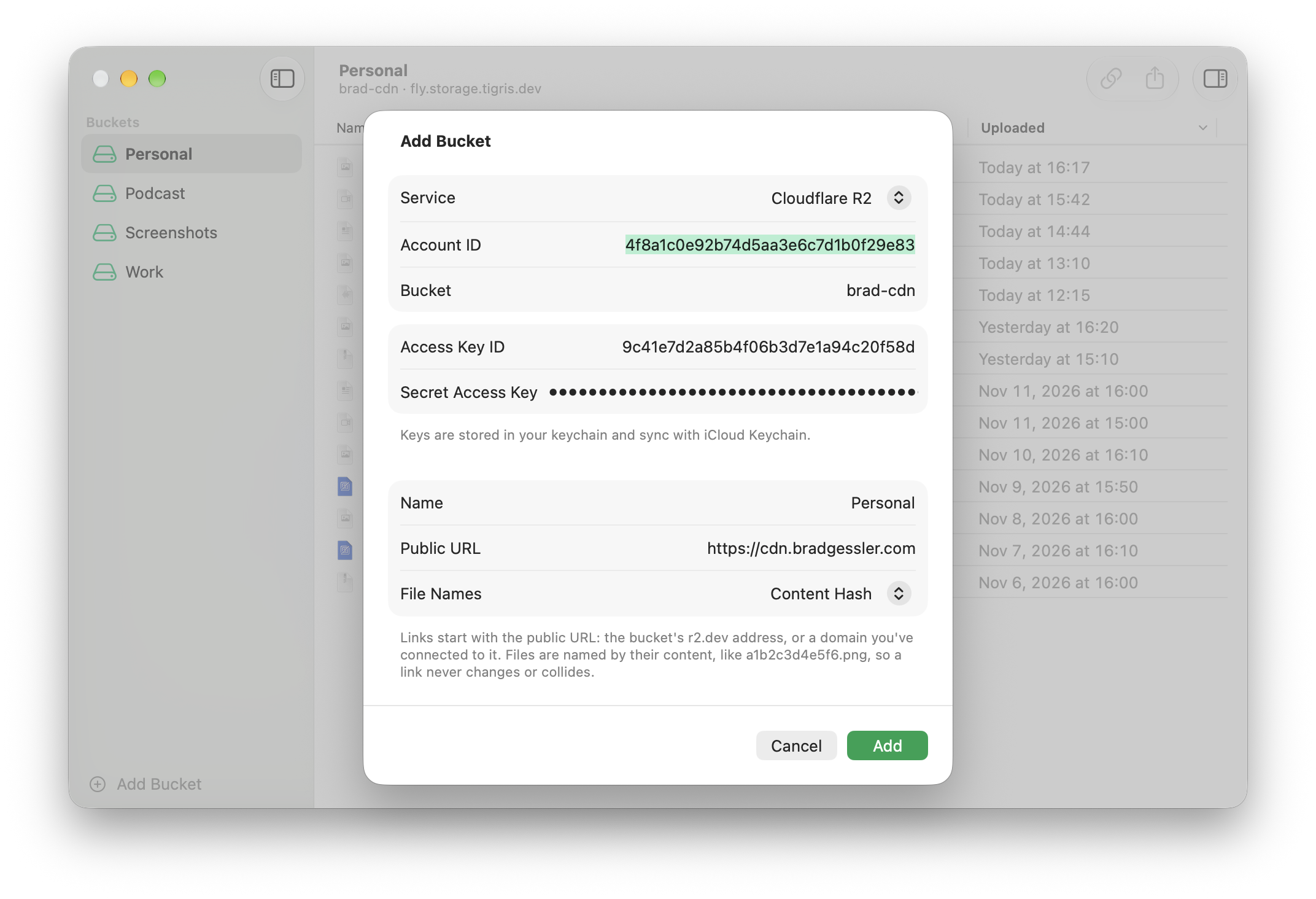
Pick the service and the form asks only for what it needs, then the bucket and your keys. Add tests the connection before it saves. Uploads talks to that endpoint directly: no account with us, and nothing about your files passes through anything we run.
You do this once. The bucket's settings and your upload history sync through your private iCloud database, and the secret key through iCloud Keychain, so the bucket is ready on your iPhone and iPad too.
What else Uploads does
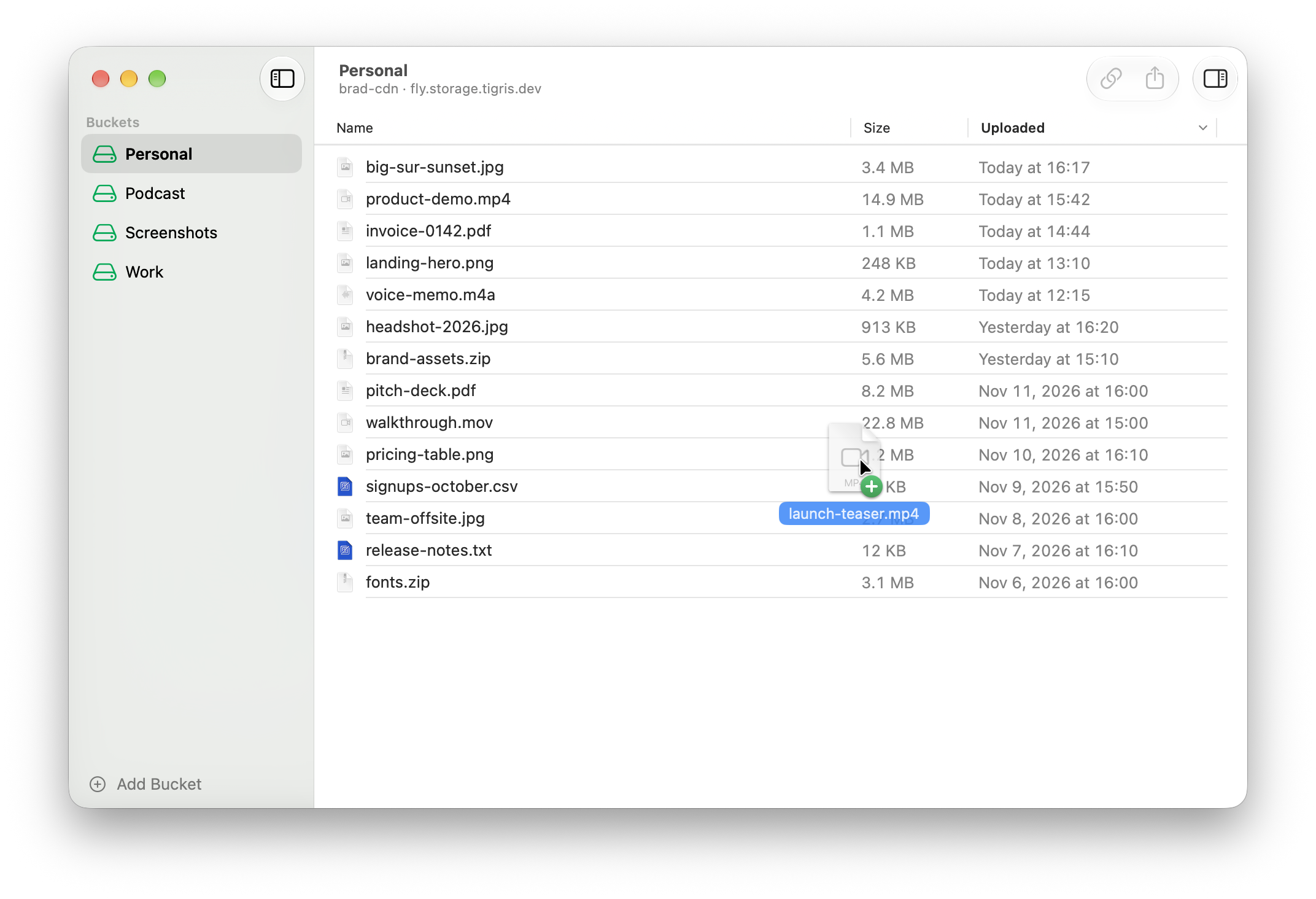
- Every upload, a link to shareSelect a file to copy, open, or share its public URL.Mac
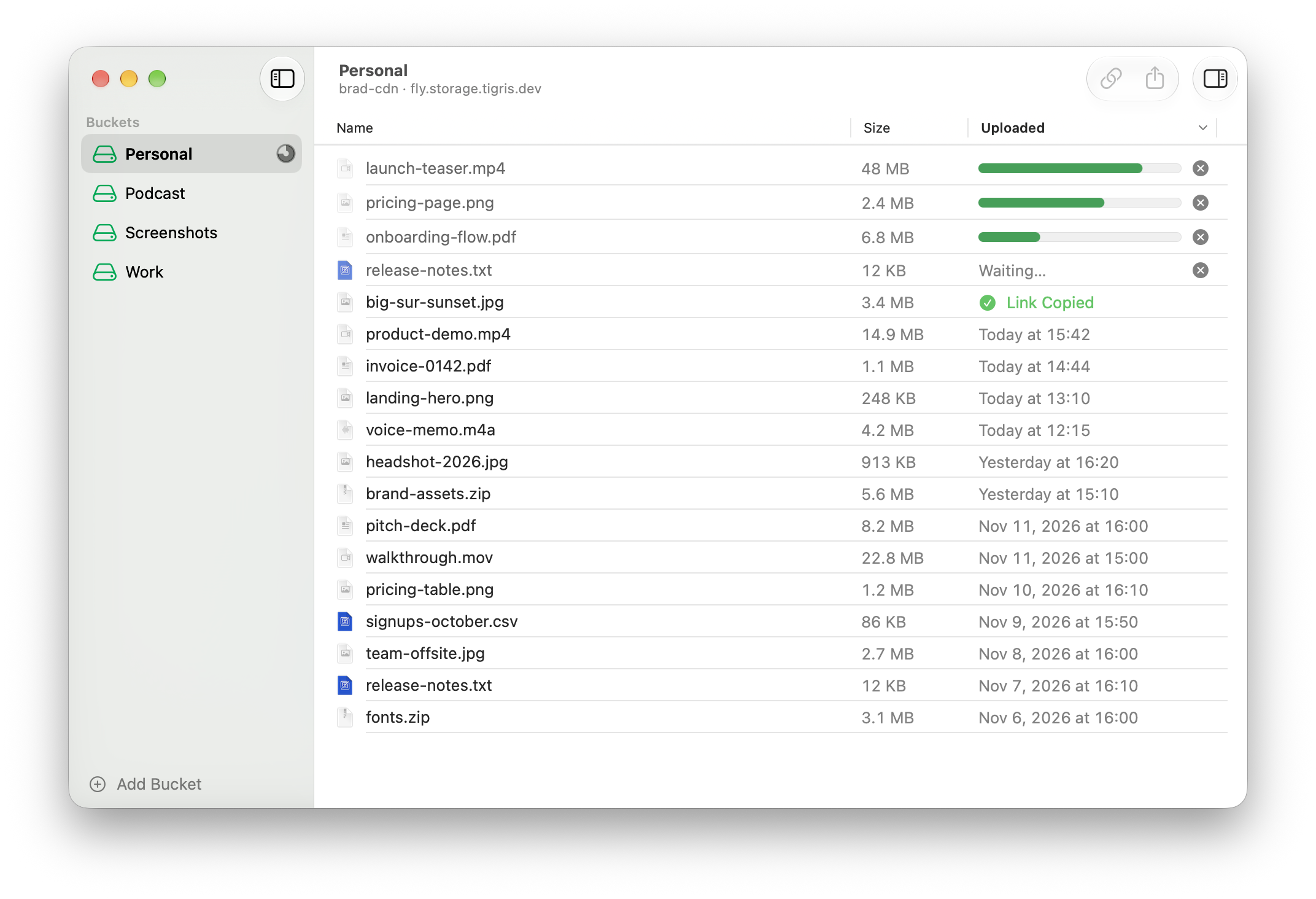
- Many files, all at onceUp to ten files go up together. Every link lands on your clipboard.Mac
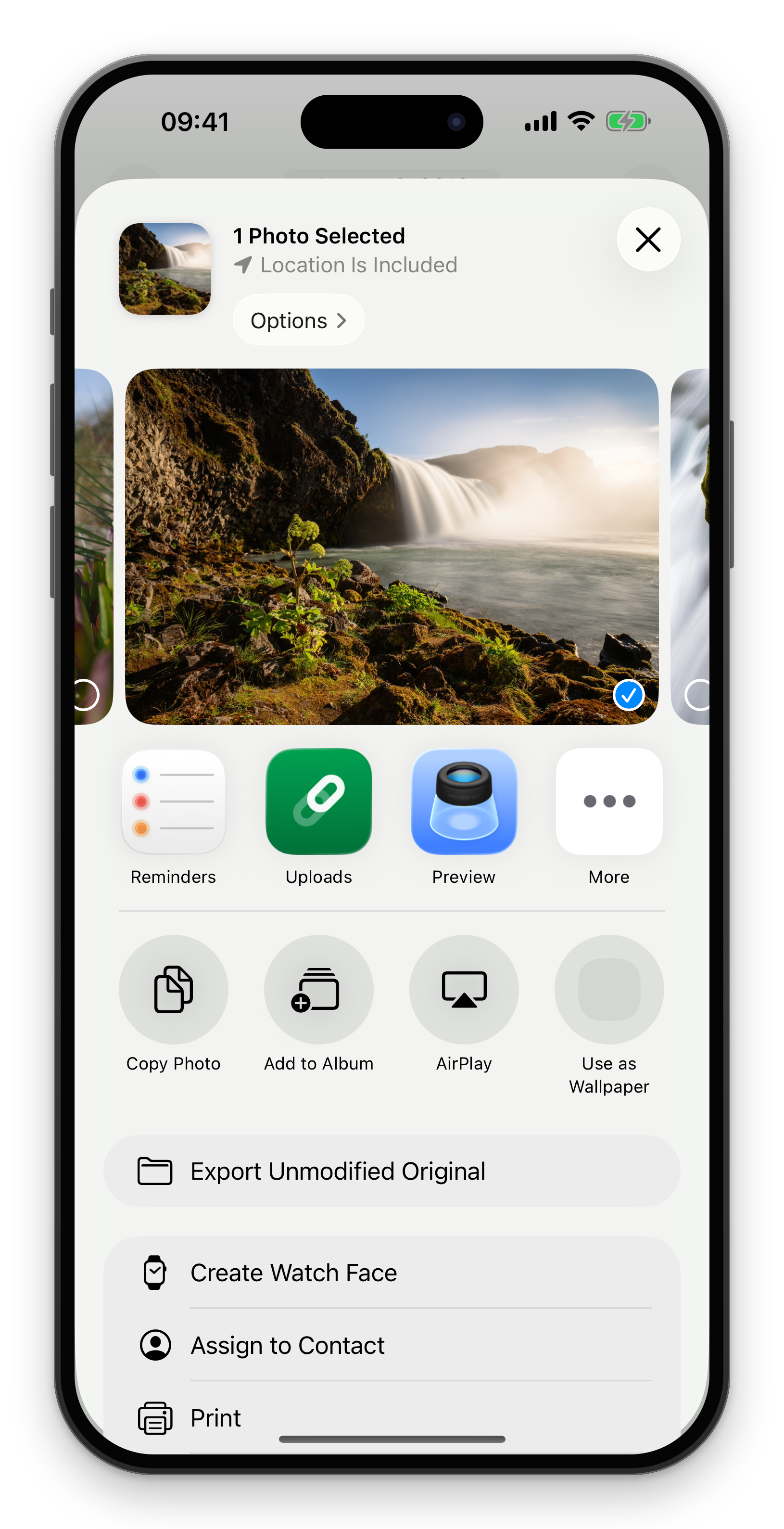
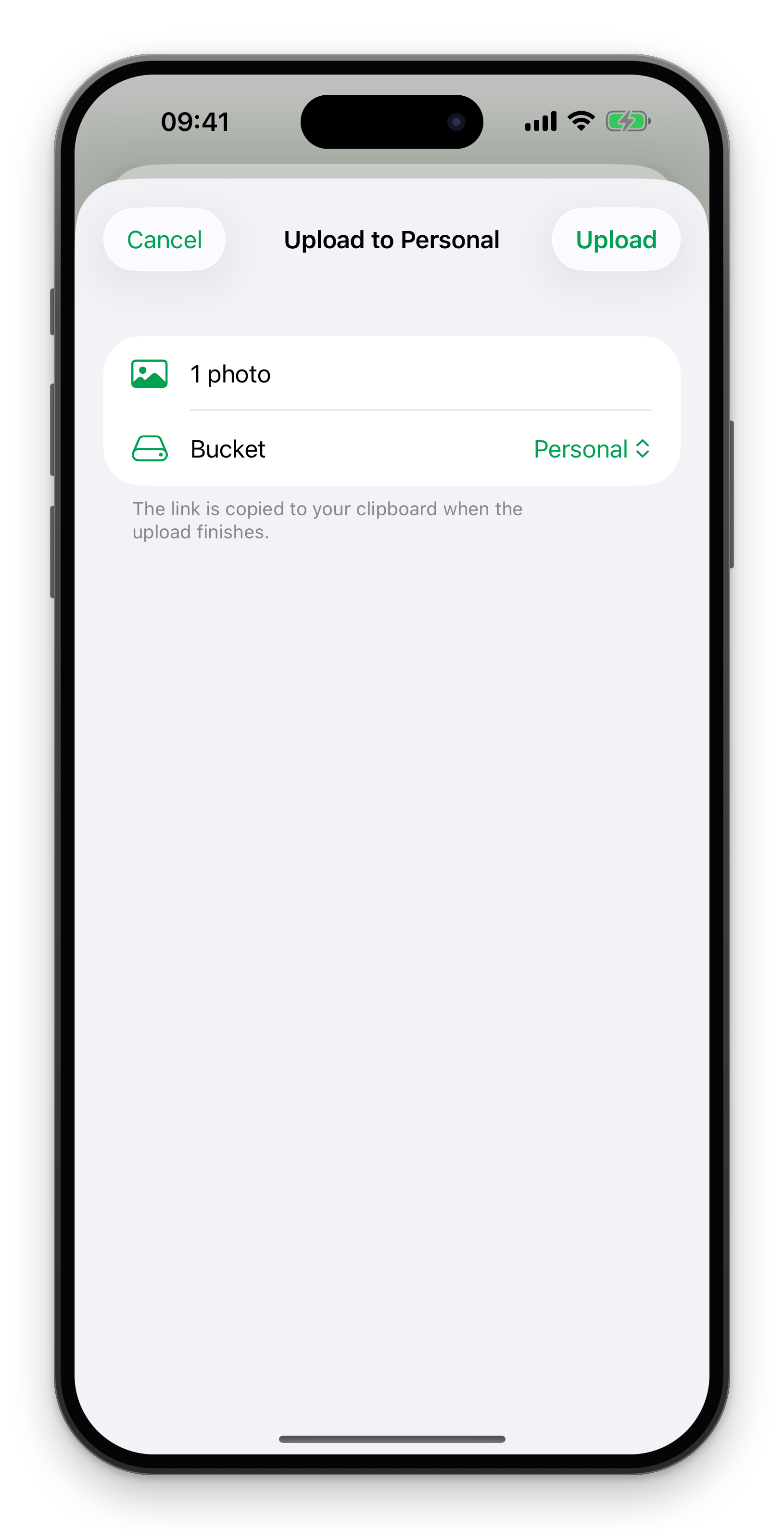
- Send it from any appIt's in the share sheet for photos, videos and files.iPhone
- Pick the bucket, tap UploadOpens on your last bucket and copies the link.iPhone
- Bring your own bucketAmazon S3, Cloudflare R2, Tigris, Backblaze B2, or any S3-compatible storage.Mac
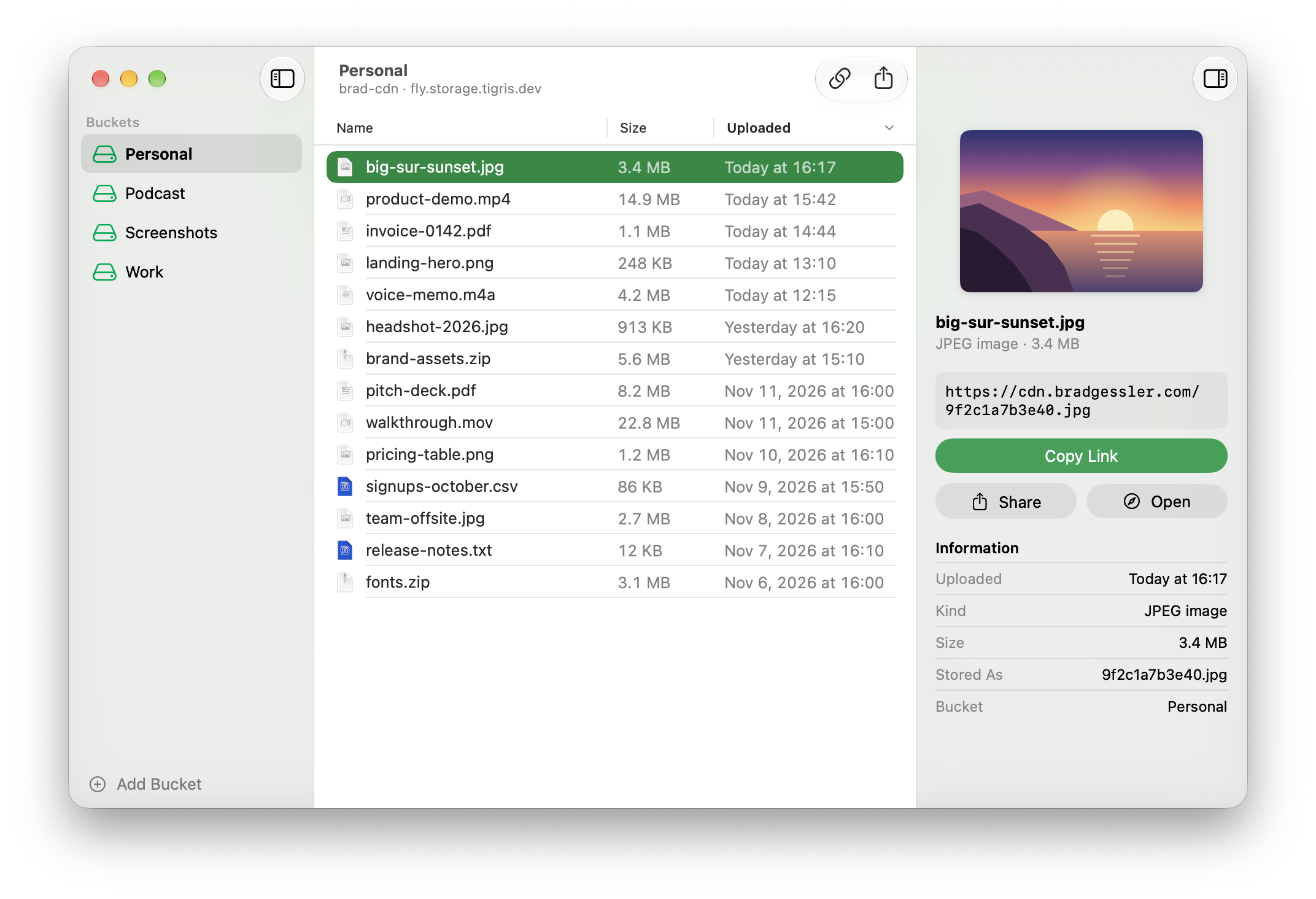
- Upload in one dragDrop files on the window and their links land on your clipboard, ready to paste.Mac