Pick the bucket, tap Upload on iPhone
Opens on your last bucket and copies the link.
Download on theApp Store$9.99
One-time purchase. No subscription.

The problem
Sharing to a storage app usually means a second round of decisions: which account, which folder, what to call it. By then you have forgotten why you were sharing it.
What Uploads does
One panel. It says where the files are going ("Upload to Personal"), how many there are, and which bucket: the one you used last, on whichever device you used it. When you have more than one bucket, the Bucket row lets you pick another.
Tap Upload. The panel shows the progress and finishes on the link, which is already on your clipboard.
What else Uploads does
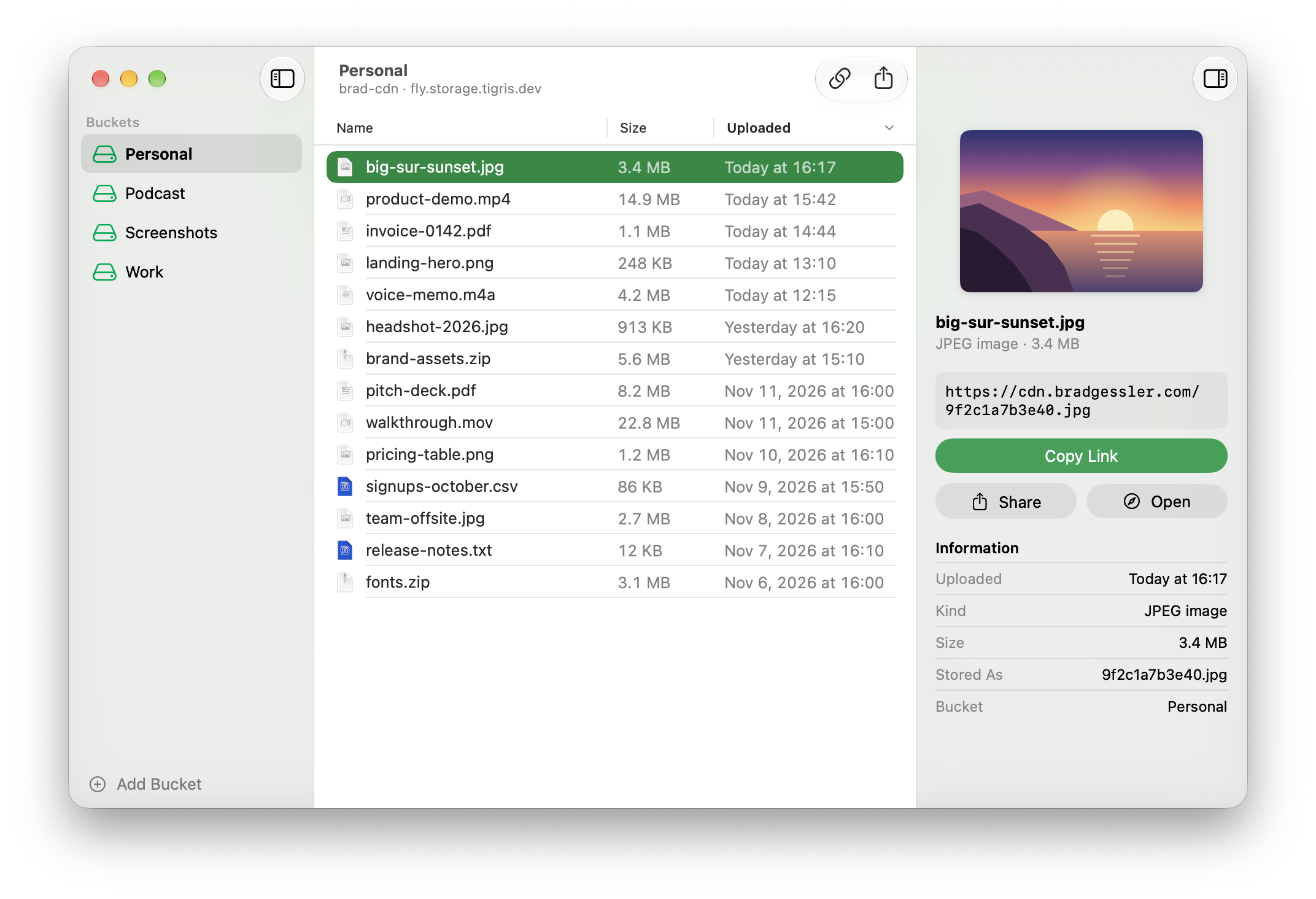
- Every upload, a link to shareSelect a file to copy, open, or share its public URL.Mac
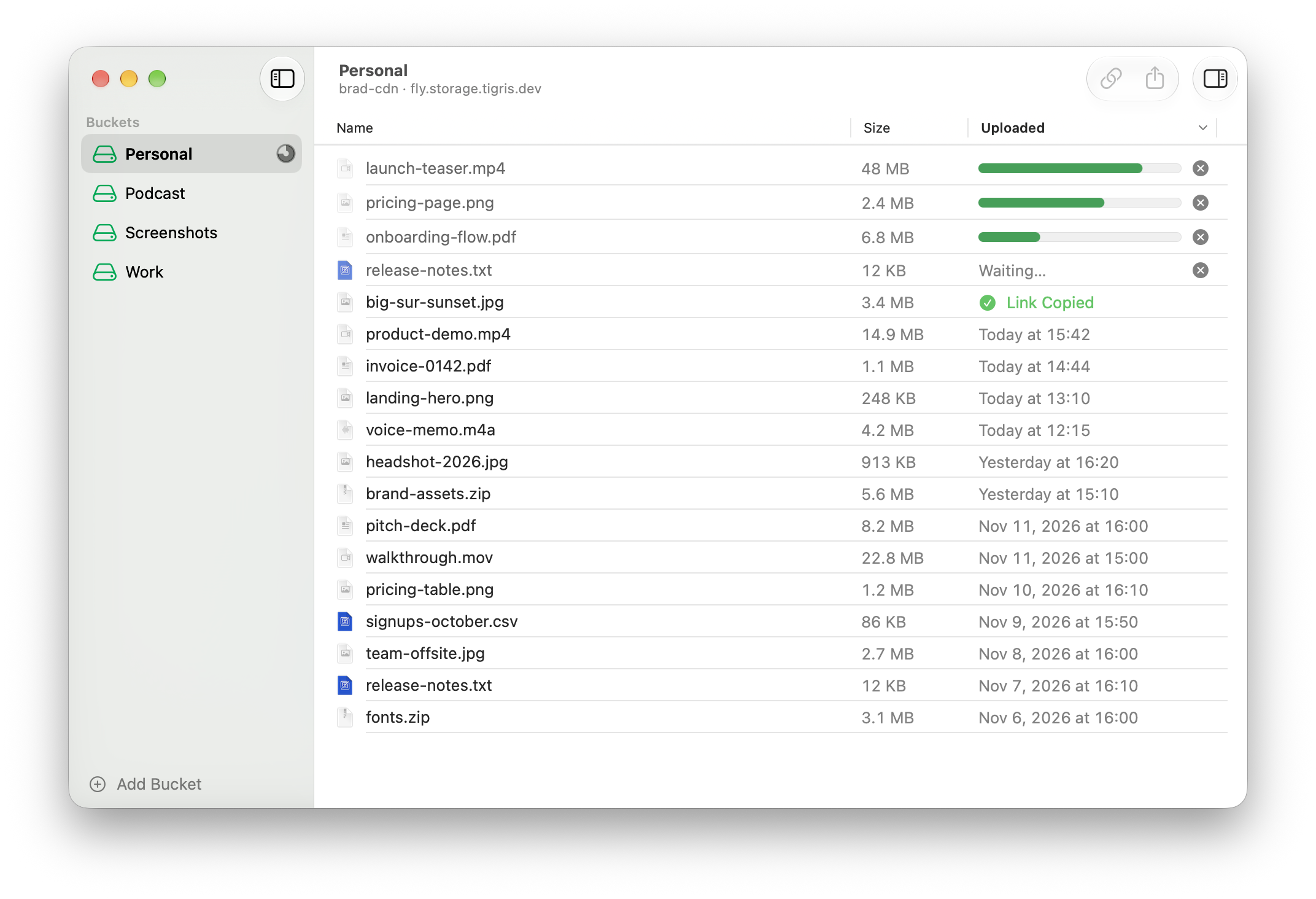
- Many files, all at onceUp to ten files go up together. Every link lands on your clipboard.Mac
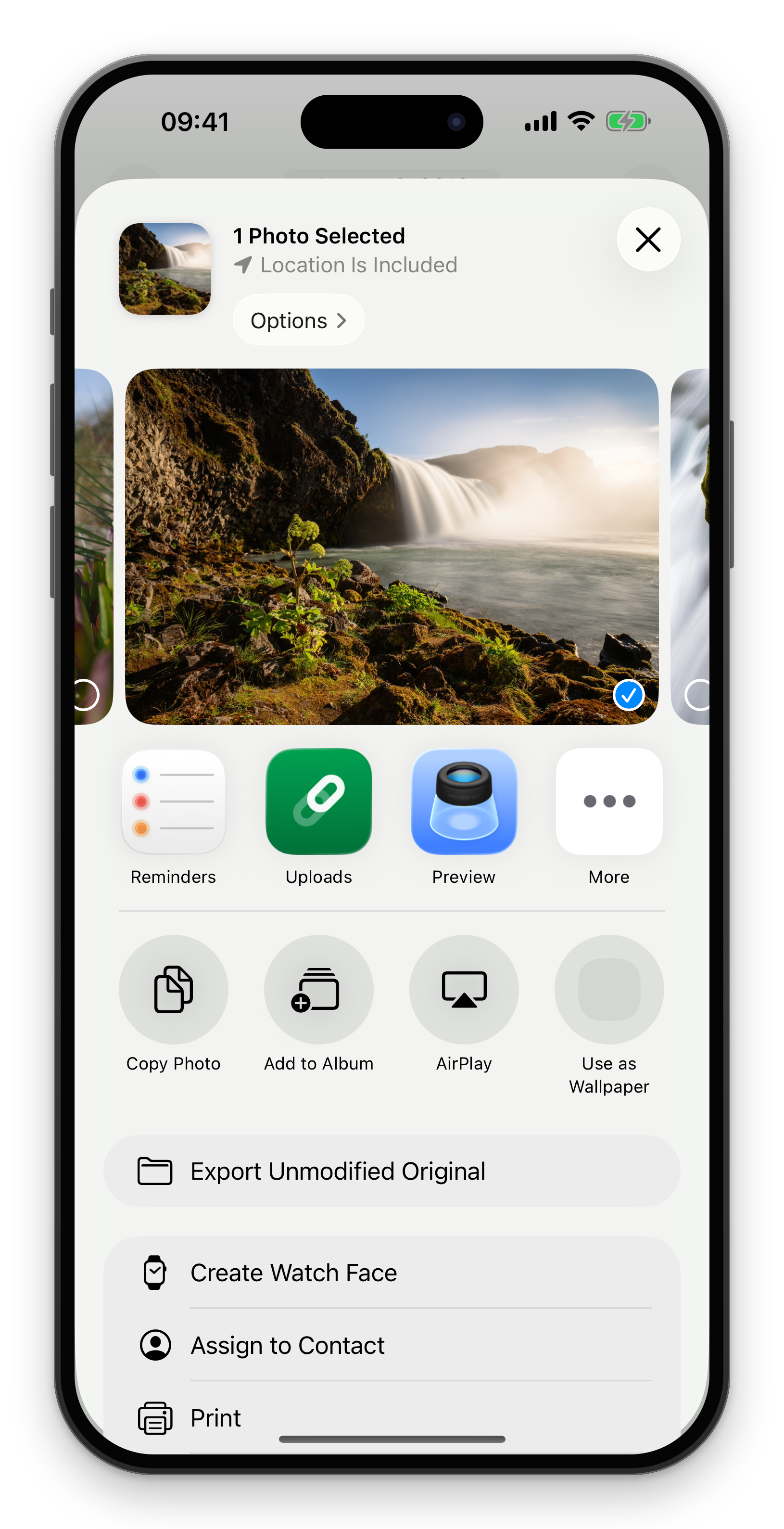
- Send it from any appIt's in the share sheet for photos, videos and files.iPhone
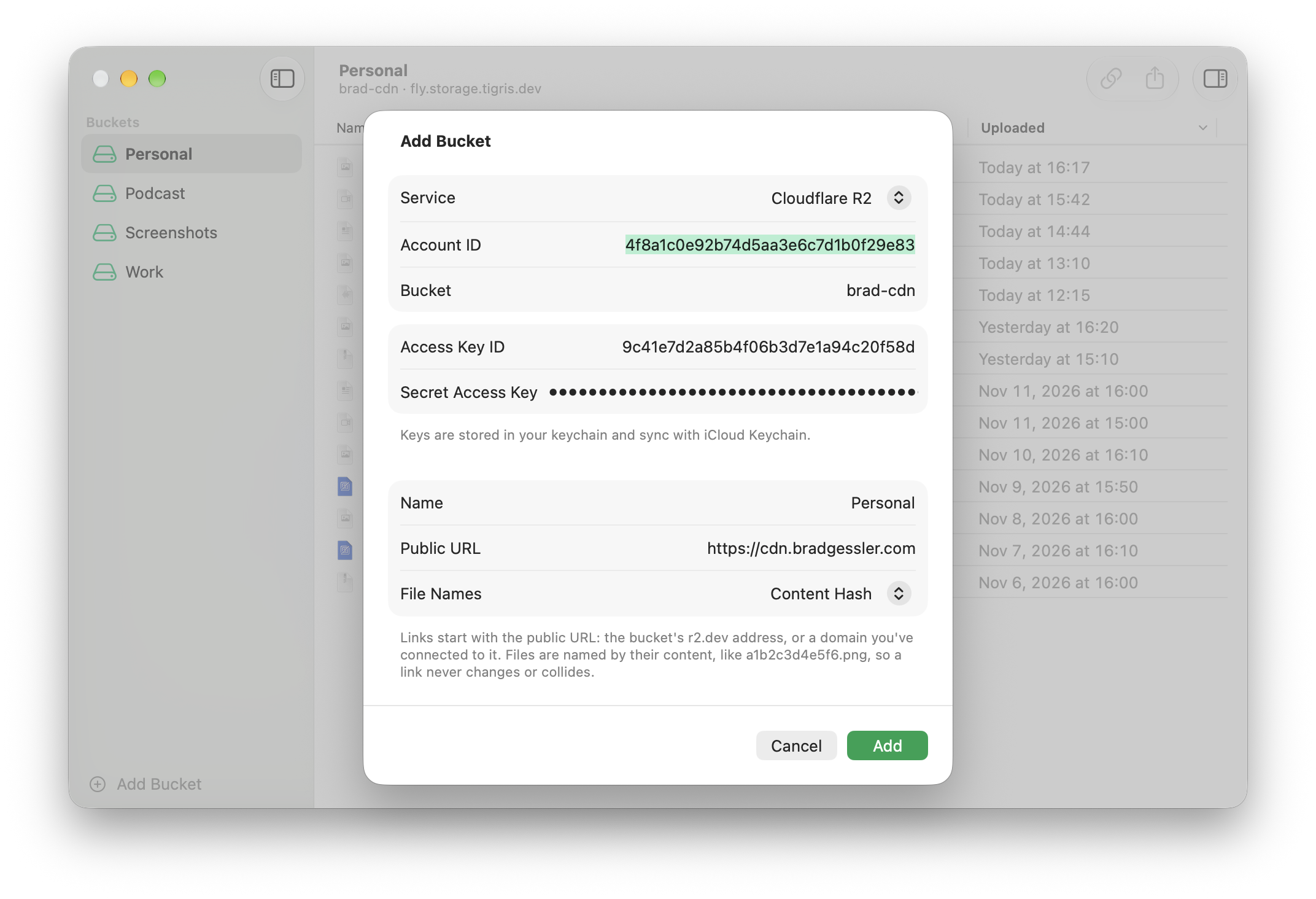
- Bring your own bucketAmazon S3, Cloudflare R2, Tigris, Backblaze B2, or any S3-compatible storage.Mac
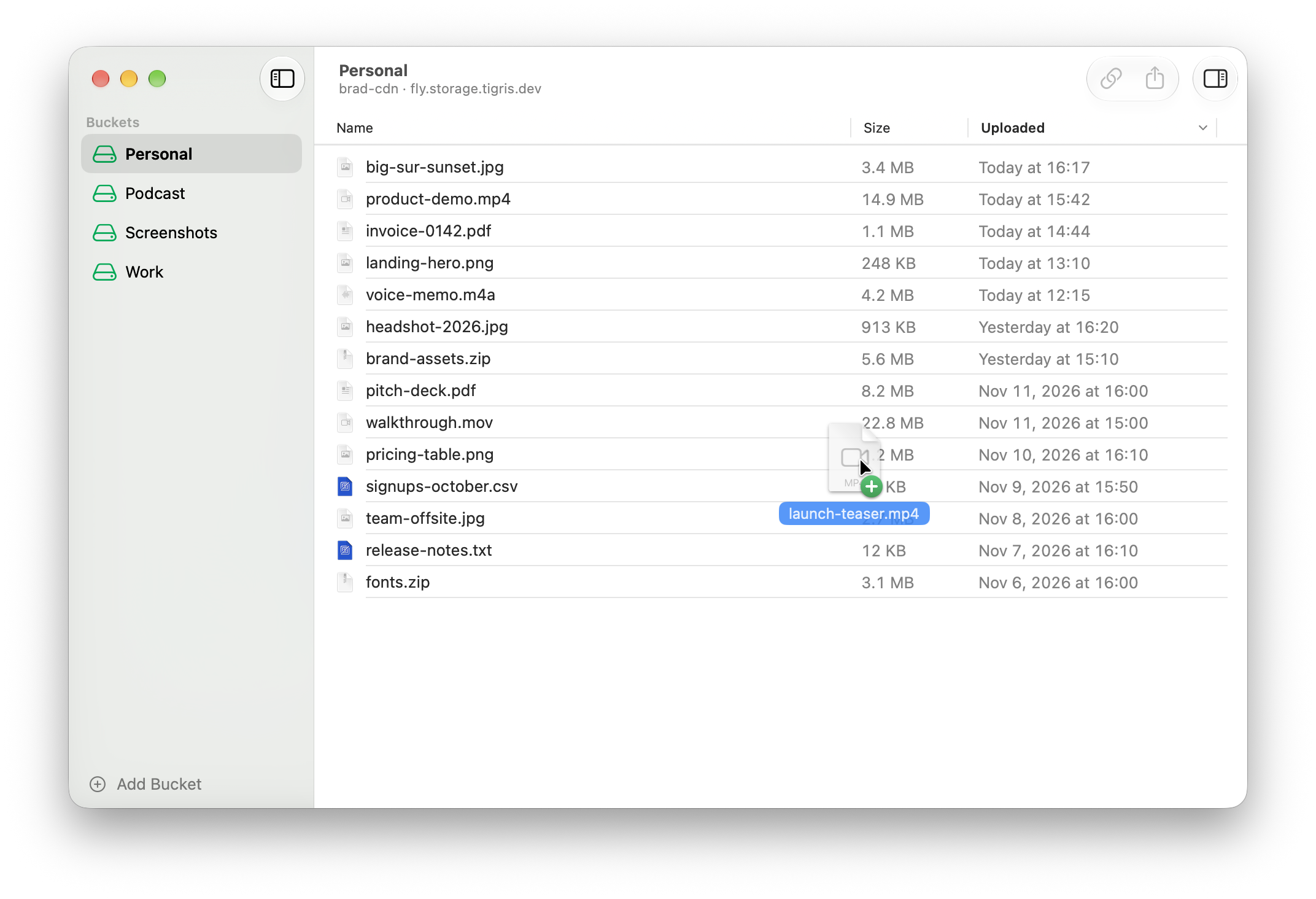
- Upload in one dragDrop files on the window and their links land on your clipboard, ready to paste.Mac