Shape your sound on Mac
Every option explained in plain English, not audio jargon.
One-time purchase. No subscription.

The problem
The mic has EQ, compression and a limiter. The app Shure ships to reach them wants to be a recording studio: a mixer, a track list, settings for a session you are not having. You want a voice that sounds the same on Monday as it did on Friday.
What Mics does
Three decisions, once. A filter for the room you are in, compression so the quiet parts keep up with the loud ones, and a limiter for when you laugh. Auto picks sane values; Manual gives you the same controls the hardware has, without a session around them.
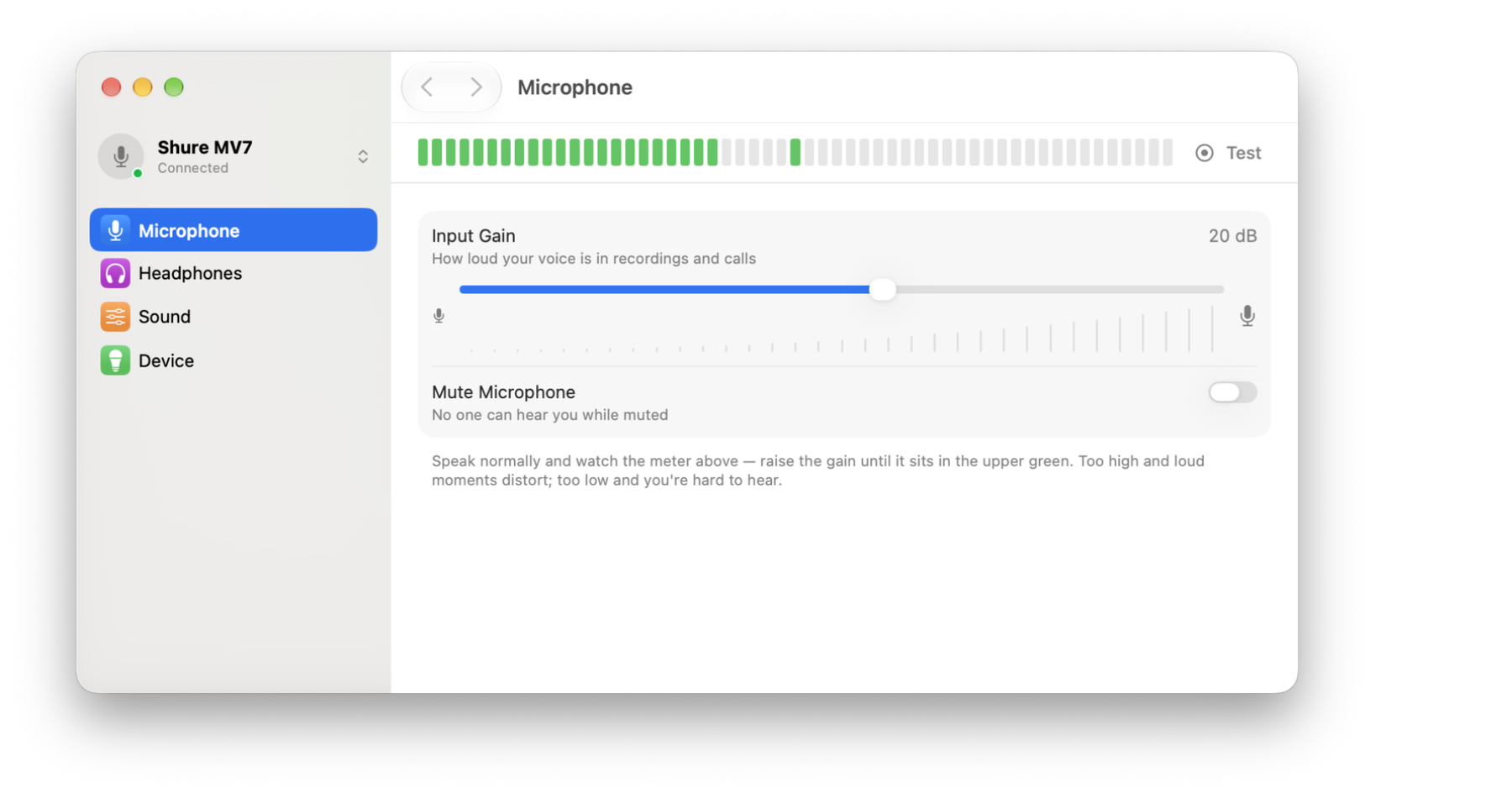
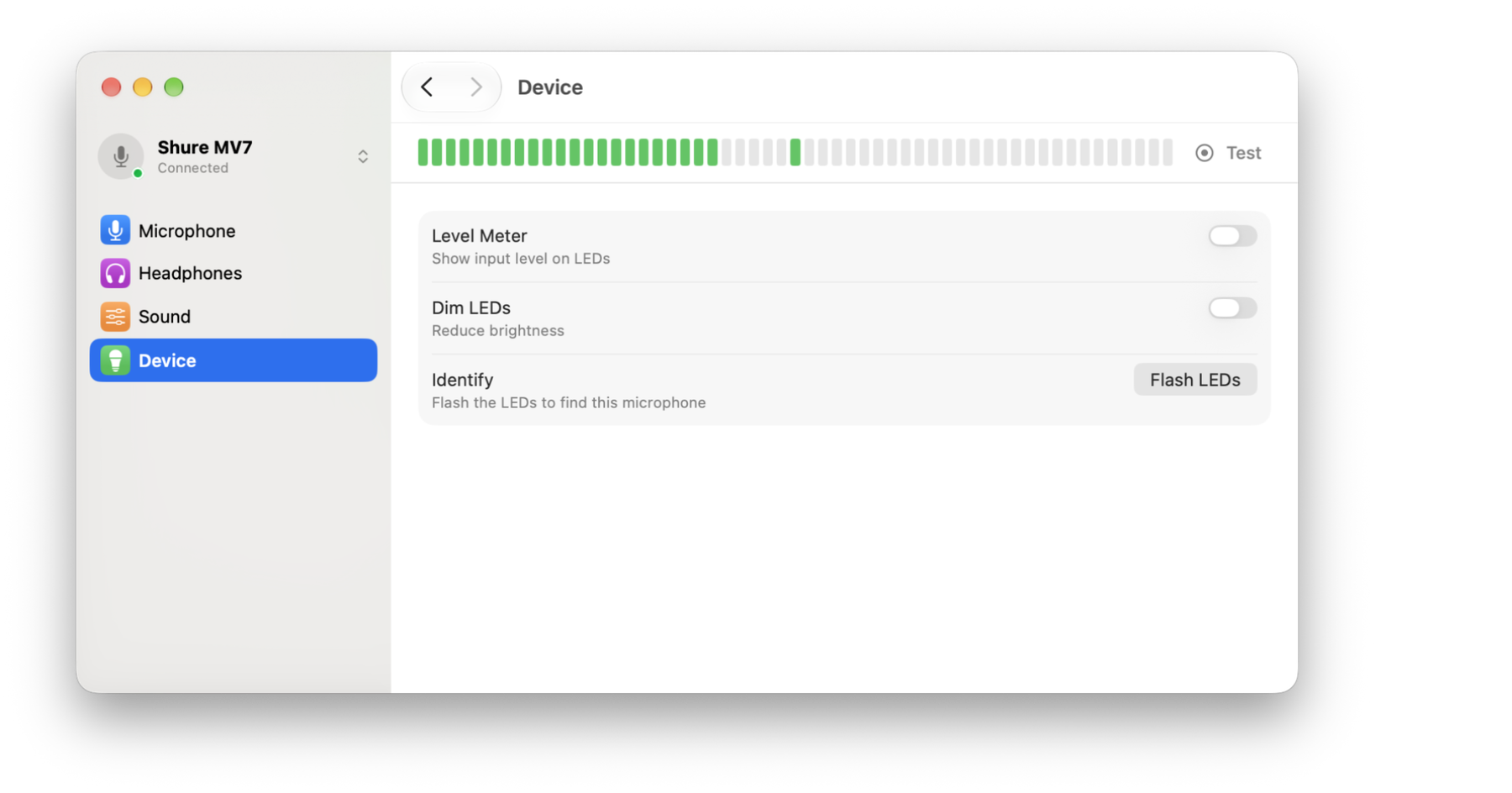
Every option is on screen with a line saying what it does to your voice. Cut Rumble takes out the hum from fans and the thump of the desk; Volume Leveling keeps you steady from a whisper to a laugh. The audio term is there too, so what you read elsewhere still lines up.
The settings live on the microphone, not in Mics. Set them, quit the app, and Zoom, Riverside and QuickTime all get the voice you dialled in.