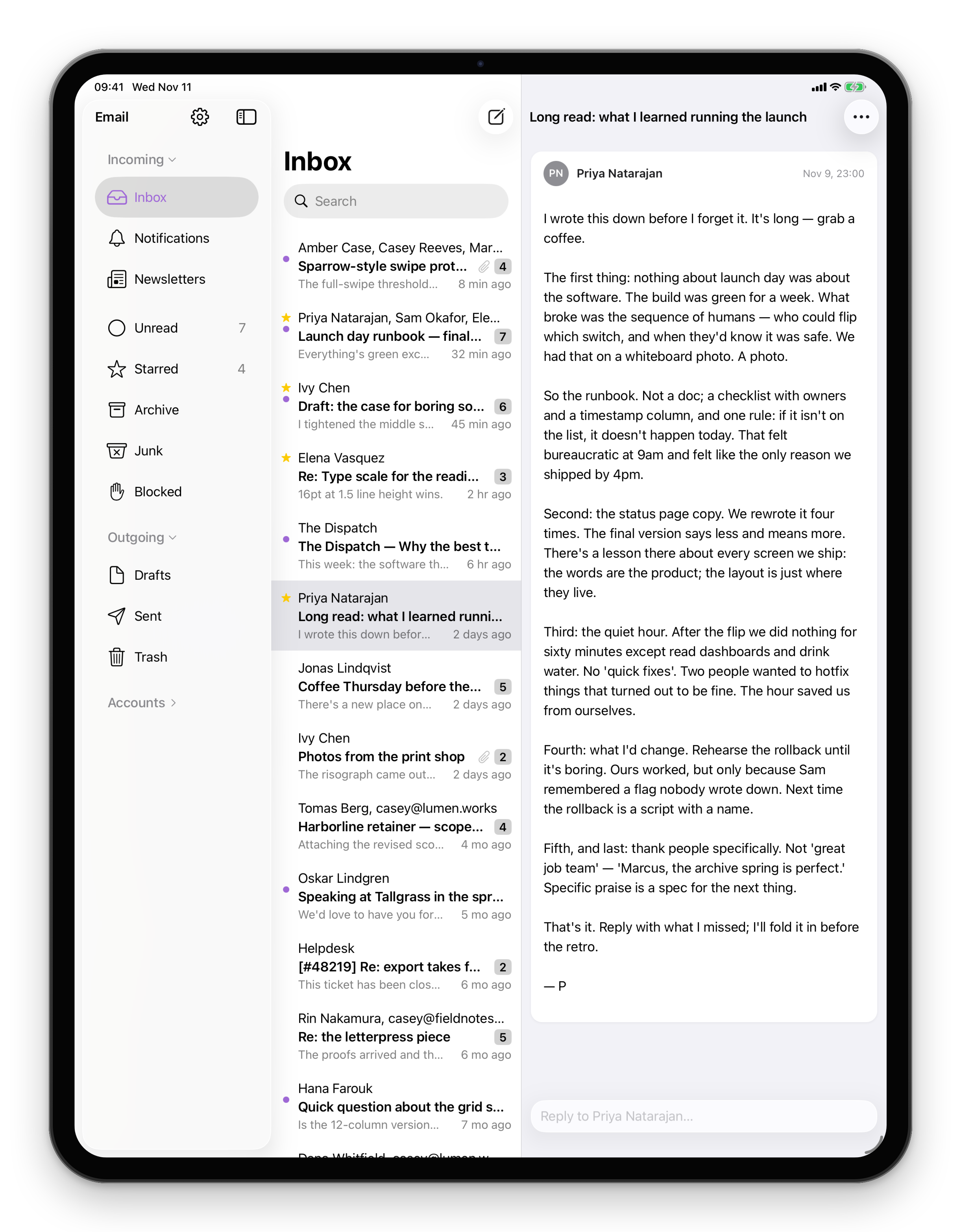
Automated mail has its own place on iPhone
Alerts, receipts and builds, one row per project.
Coming Soon on the App Store
Leave your email and we'll tell you when it's ready. One note, nothing else.

The problem
Receipts, alerts and build results arrive between the messages from people, and on a phone screen they push the mail you need to answer out of sight.
What Email does
Mail from a no-reply address, or mail that names its list, goes to Notifications instead of your Inbox. Each project or sender is one row with its newest message, so you can check them all in one glance.
What else Email does
- Search that follows youScoped to the mailbox you are in. Switch mailbox and your query stays.Mac
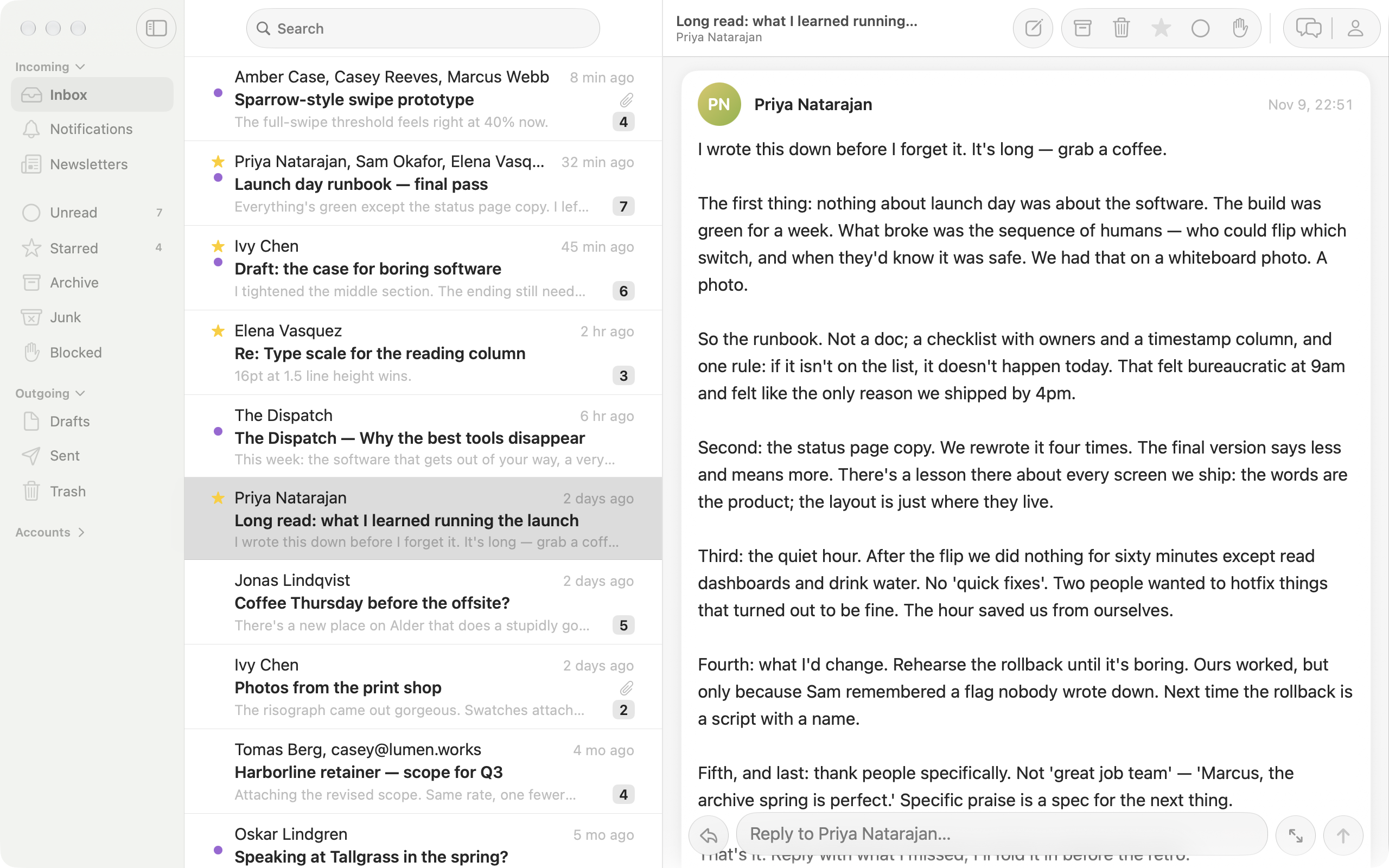
- Reply without leaving the threadAn inline reply bar on every conversation.Mac
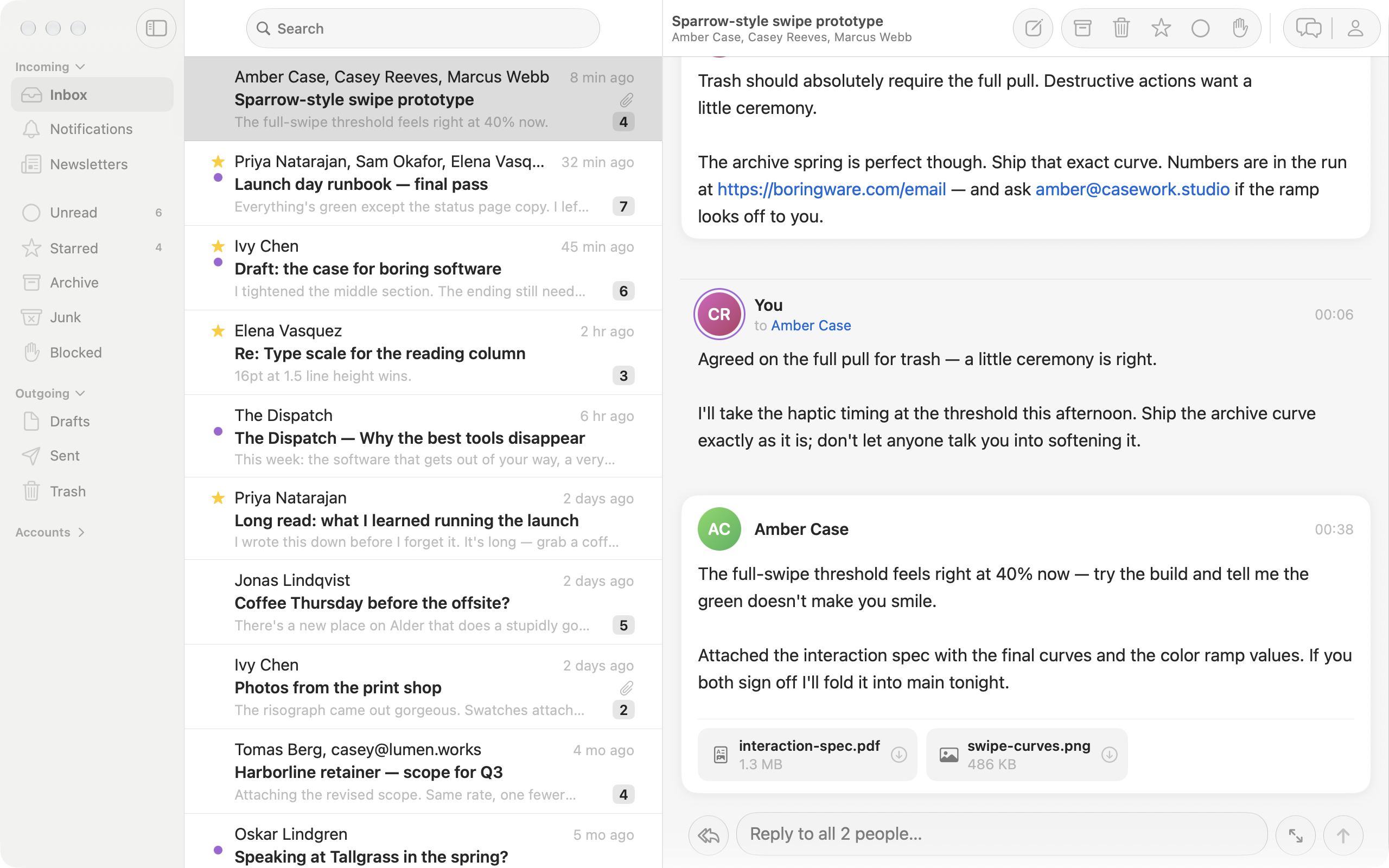
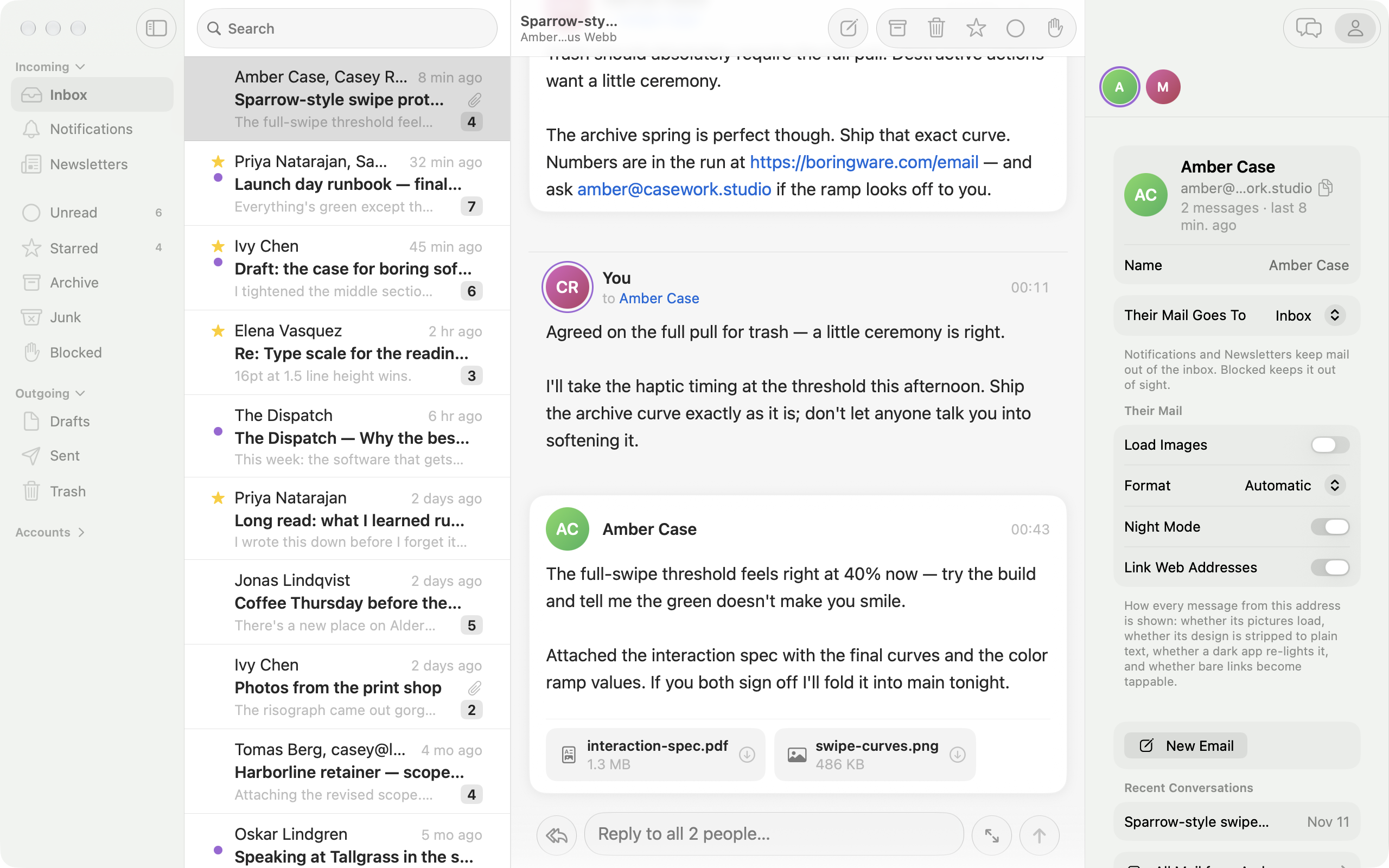
- Automated mail has its own placeAlerts, receipts and build results arrive in Notifications, one row per project.Mac
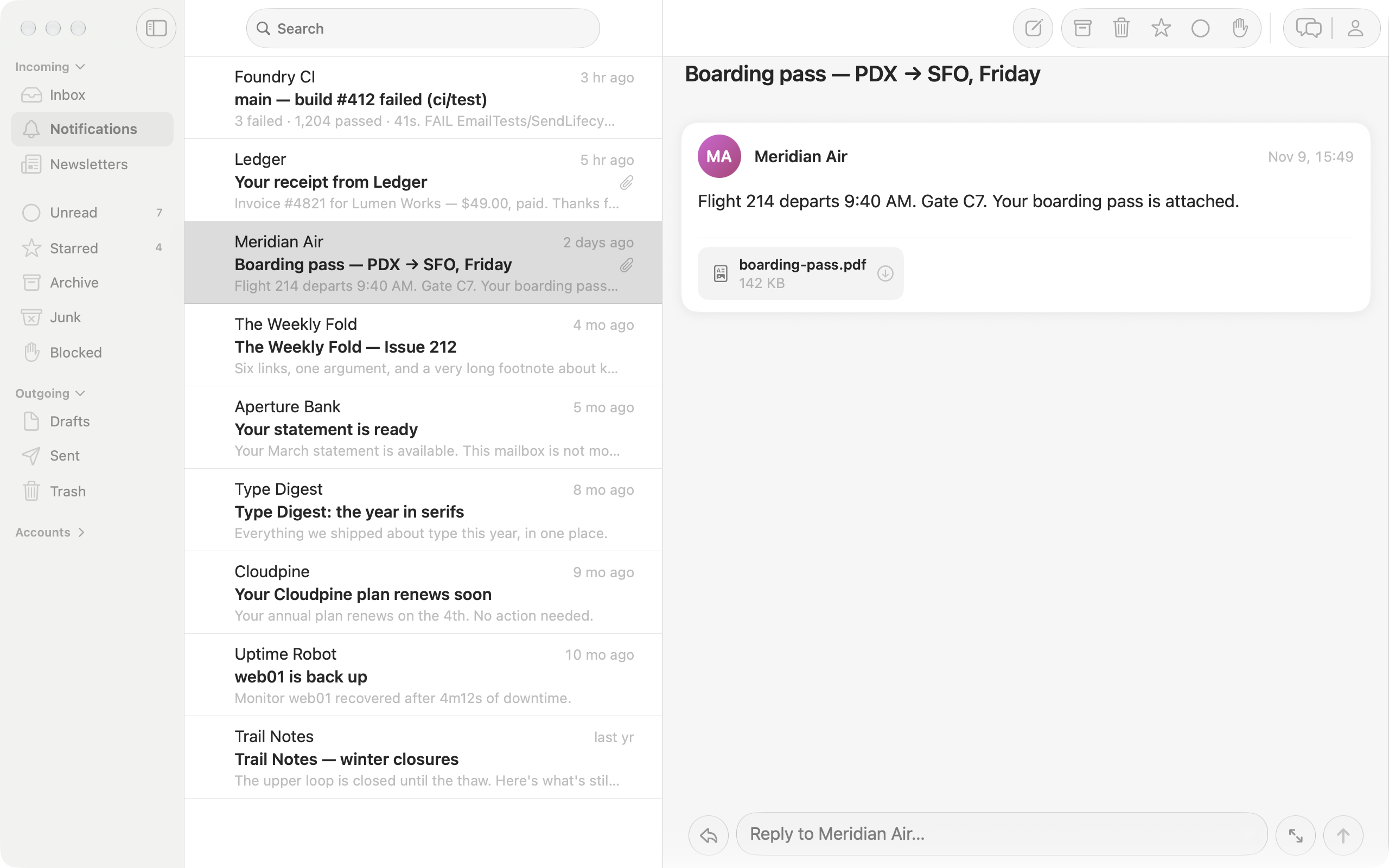
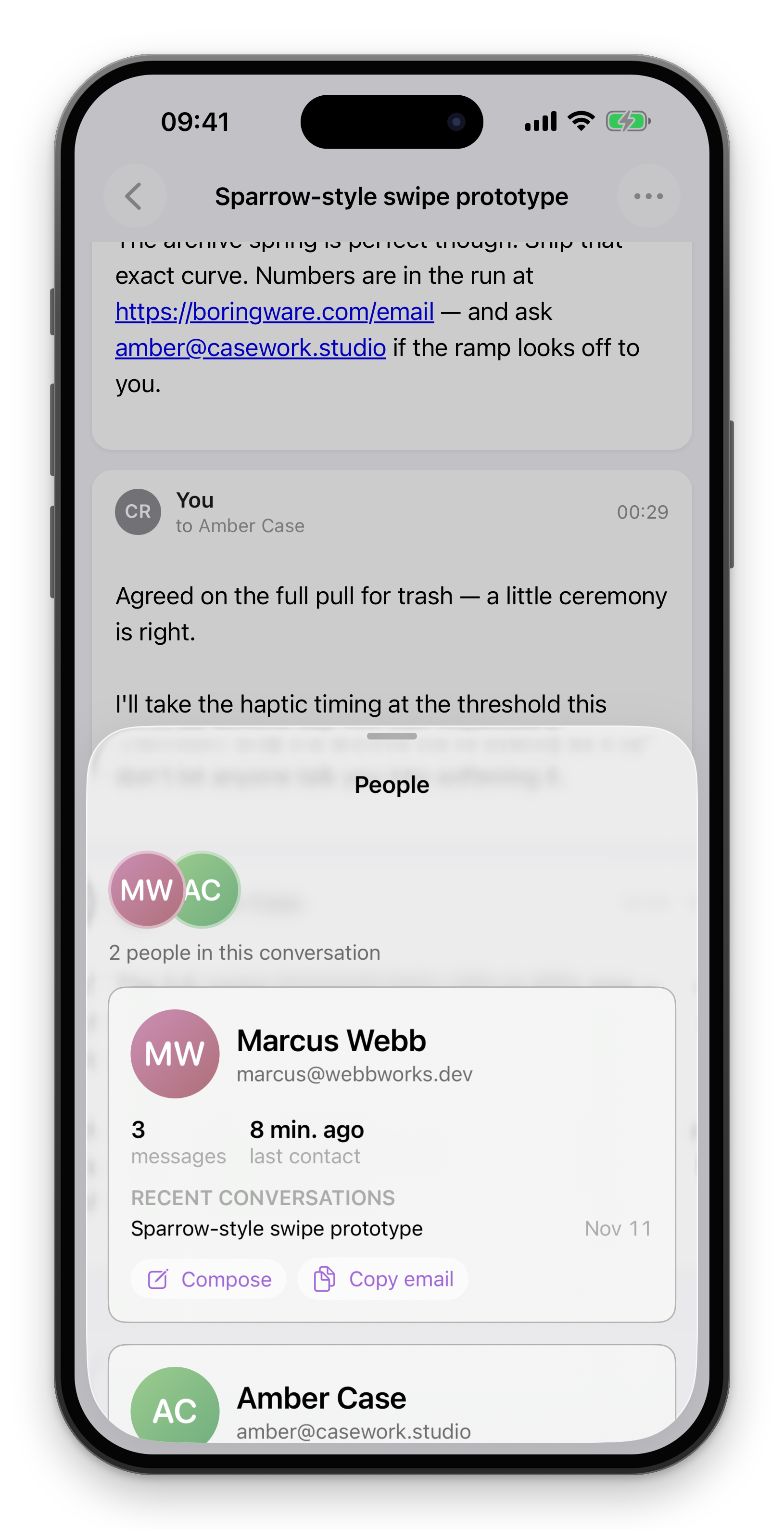
- Know who you're talking toThe people panel: past threads and contact details.Mac
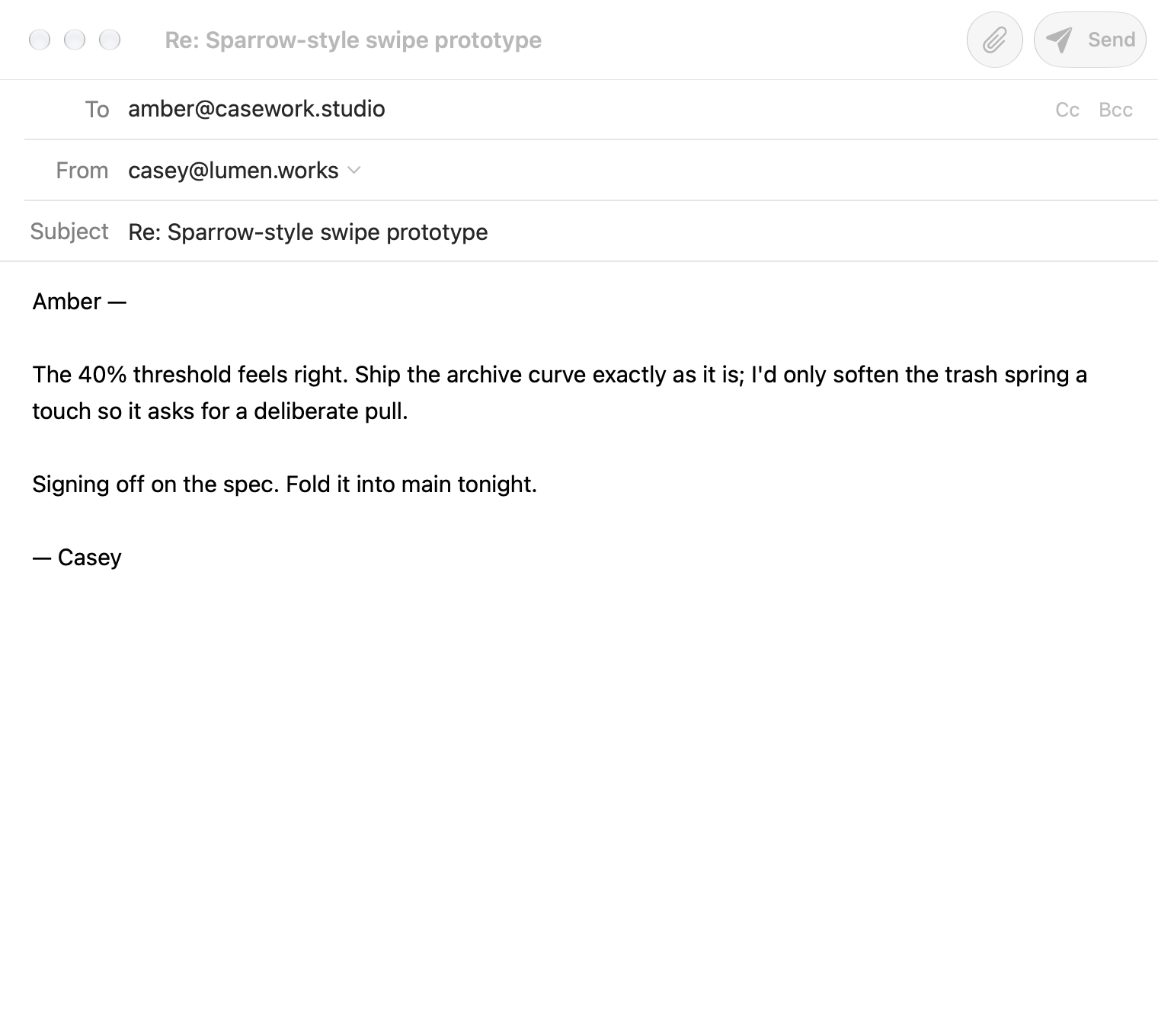
- A composer that gets out of the waySparrow-minimal: recipients, subject, and a clean sheet to write.Mac
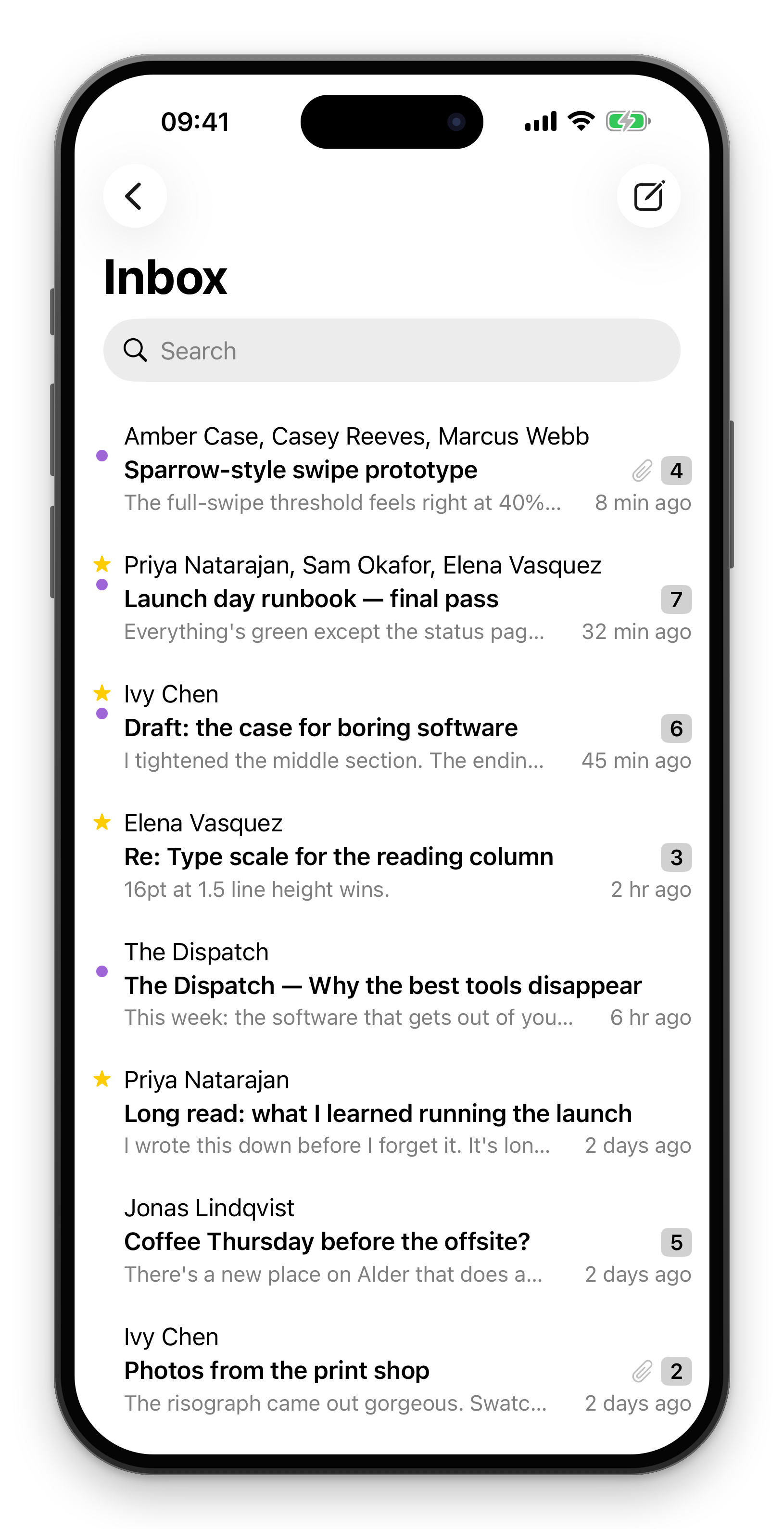
- Every account. One inboxUnified across all your Gmail accounts, instantly searchable.iPhone
- See everything from one personThe people panel: past threads and contact details.iPhone
- The whole inbox, side by sideEvery account in one list, the conversation right beside it.iPad