Share it with the family on iPhone
Send your setup to their iPhone or Mac. They're in.
One-time purchase. No subscription.

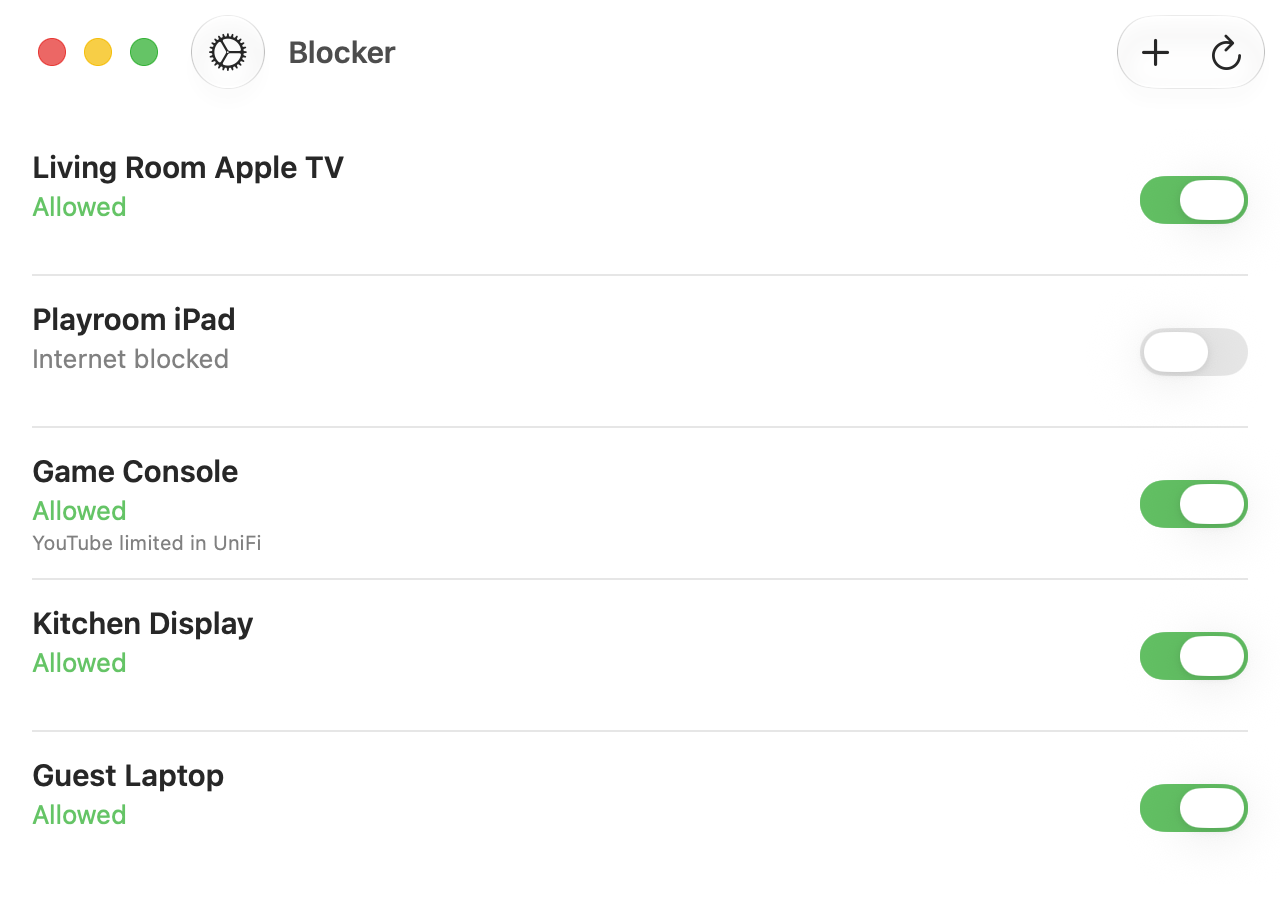
The person who runs the router sets Blocker up once. Everyone else gets it with a tap of Share, AirDrop being the best way to send it. Same router, same device list, nothing to type.
The problem
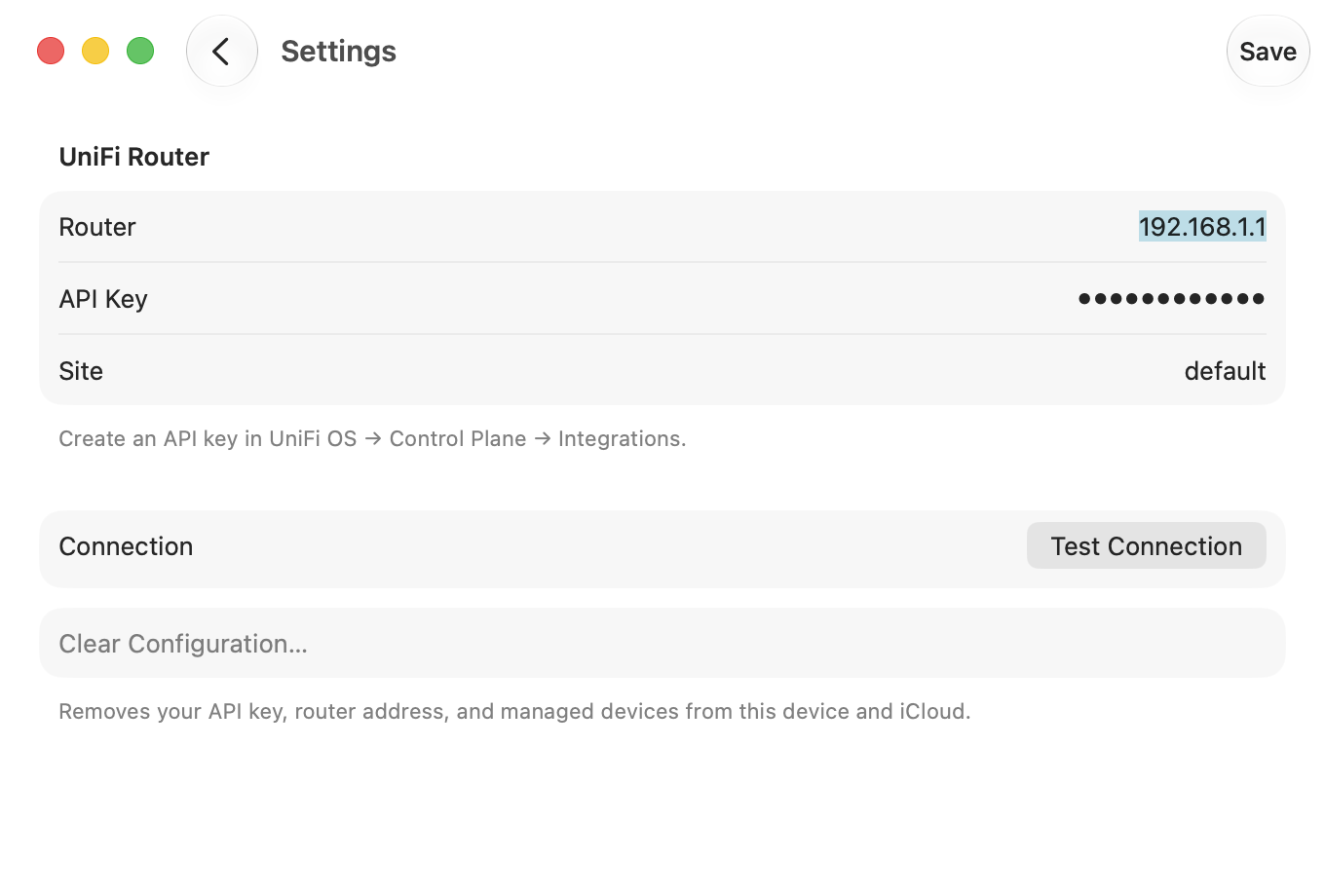
The person who set up the router is rarely the only one who needs the switch. Walking a partner through creating an API key, finding the router's address and adding every device again is a chore nobody finishes.
What Blocker does
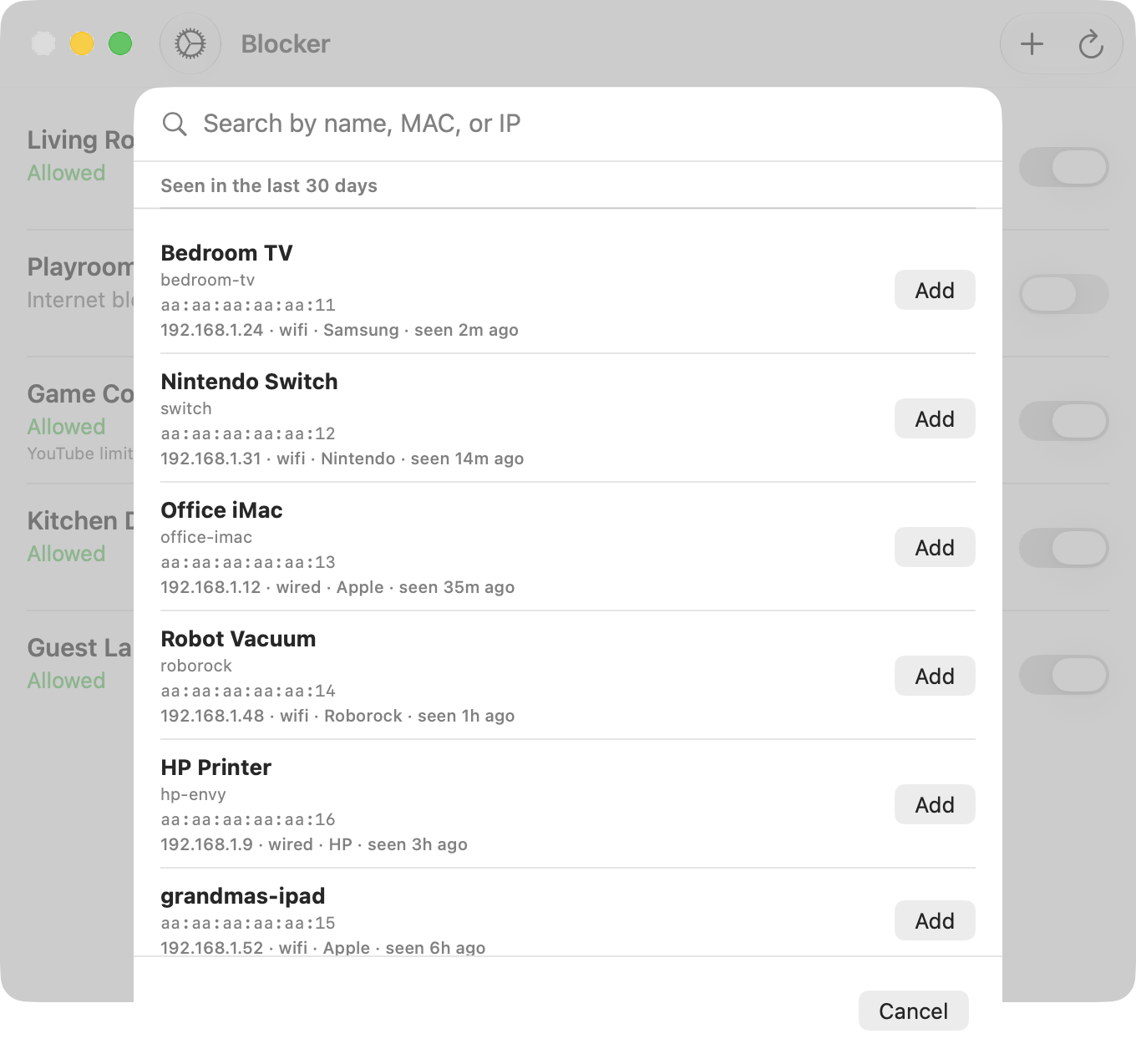
Tap Share and send your setup to their iPhone, iPad or Mac. AirDrop is the way to do it: it goes straight from your device to theirs. They open it in Blocker and choose whether to take your device list too, or only the router access.
The file carries your API key, so send it only to people you would hand the router to.